
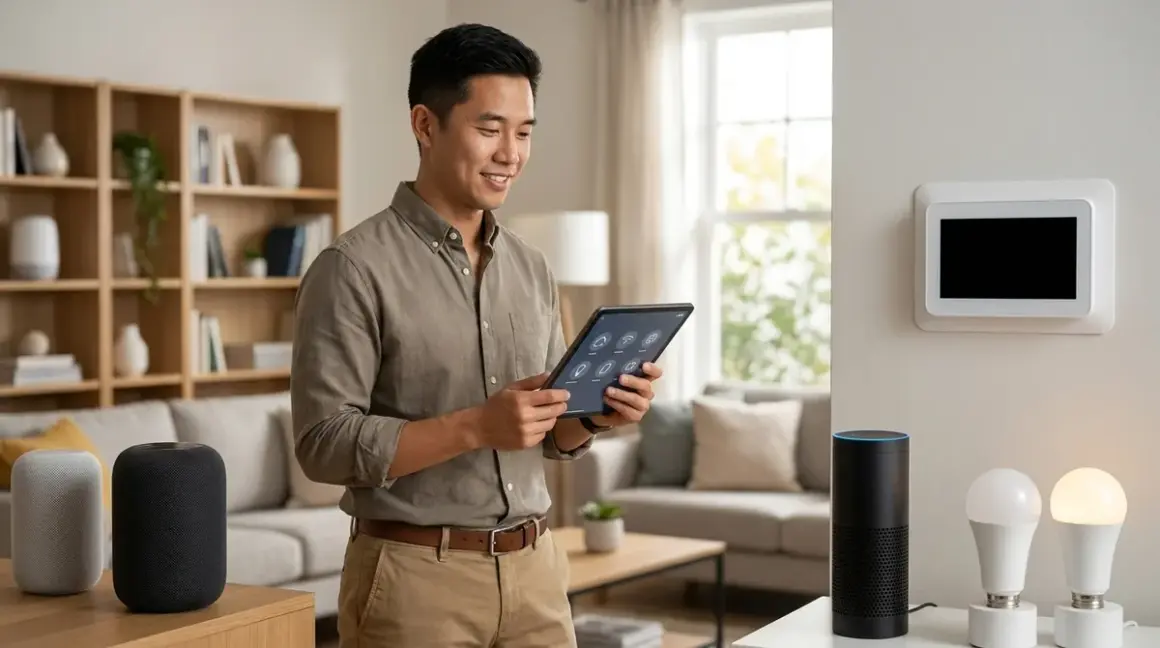

If you've been shopping for smart home devices lately, you've probably noticed "Matter" stamped on packaging alongside Wi-Fi, Zigbee, and Thread logos. But what is matter protocol, and why should you care when you're just trying to get your lights to work with Alexa? Matter represents the smart home industry's attempt to fix the compatibility nightmare that's frustrated homeowners since the earliest connected devices hit shelves. You'll find it changing which devices work together—and which hubs you actually need—starting in 2026.
I've watched hundreds of homeowners struggle with incompatible ecosystems, and Matter is the first standard that actually addresses the root problem.
What Is Matter Protocol?
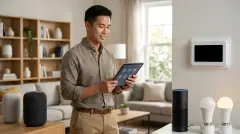
What is matter protocol? At its core, Matter is an open-source connectivity standard that lets smart home devices from different manufacturers communicate with each other—and with multiple voice assistants—without requiring brand-specific hubs or proprietary bridges. The Connectivity Standards Alliance (formerly the Zigbee Alliance) developed Matter with backing from Amazon, Apple, Google, Samsung, and over 500 other companies.
Think of Matter as a universal translator. Before Matter, your Philips Hue bulb spoke only to its bridge, which spoke to your chosen voice assistant. Your SmartThings sensor used Z-Wave or Zigbee and needed Samsung's hub. Your Ring doorbell worked exclusively within Amazon's ecosystem. Matter changes this by creating a common application layer that runs on top of existing network protocols—specifically Thread, Wi-Fi, and Ethernet.
Here's what makes Matter different from older protocols:
- Multi-admin capability: Your Matter smart lock can simultaneously respond to Apple Home, Google Home, and Amazon Alexa without choosing sides
- Local control: Devices communicate directly on your home network without requiring cloud servers for basic functions
- IP-based architecture: Matter uses Internet Protocol (IPv6), which means devices can communicate using the same networking infrastructure as your computer and phone
The protocol defines device types (light bulbs, door locks, thermostats, sensors, etc.) and the specific commands and attributes each type must support. When a manufacturer certifies a Matter light bulb, you know it will respond to on/off commands, brightness adjustments, and color changes (if color-capable) regardless of which controller you're using.
In my experience, the biggest practical difference is this: you can buy a Matter device knowing it'll work with your existing setup, even if you switch voice assistants next year. That's never been true before.
How Does Matter Protocol Work?
Matter sits above the physical layer in the networking stack. The protocol doesn't replace Wi-Fi, Thread, or Ethernet—it uses them as the transport mechanism. Here's how the layers stack up:
Physical/Transport Layer → Wi-Fi, Thread, or Ethernet carries the data
Network Layer → IPv6 handles addressing
Application Layer → Matter defines the device commands and responses
The Communication Flow
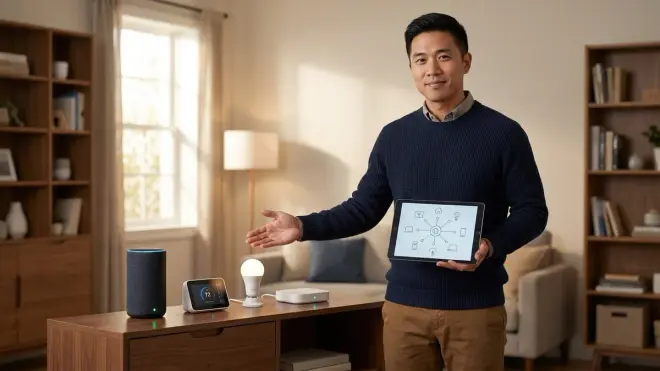
When you tell your voice assistant to dim the living room lights, here's what happens:
IF user says "dim living room to 30%"
THEN voice assistant sends Matter command to controller
  controller identifies Matter light devices in "living room" group
  controller sends dimming command (attribute: brightness = 30) via Thread or Wi-Fi
  each light receives command on local network
  lights execute command and send confirmation
  controller confirms to voice assistant
END
Latency expectations: Matter commands over Thread typically execute in 200-400 milliseconds from voice command to light change. Wi-Fi Matter devices respond in 300-600 milliseconds depending on your network congestion. That's fast enough that you won't notice delays in normal use.
The Matter Stack Components
You'll need three elements for Matter to function:
Matter controller: This is your hub—Apple HomePod, Amazon Echo (4th gen or later), Google Nest Hub, or dedicated hubs like the Samsung SmartThings Station. The controller manages your Matter network and communicates with devices.
Matter devices: Light bulbs, sensors, locks, thermostats, and other endpoints that have passed Matter certification. Each device stores commissioning data that lets controllers add it to the network.
Border router (for Thread devices): Thread requires a border router to bridge Thread mesh networks to your home IP network. Many Matter controllers include this functionality—the Apple HomePod mini, for instance, acts as both controller and Thread border router.
Commissioning and Security
Adding a Matter device uses a QR code or numeric setup code. When you scan the code with your controller's app:
- The controller and device establish a secure session using the Matter-defined pairing process
- They exchange cryptographic certificates that verify both sides are Matter-certified
- The device joins your network and registers its device type and capabilities
- You assign it to rooms and give it a readable name
Every Matter communication is encrypted using AES-128 or better. The commissioning code is one-time-use—once a device pairs, that code becomes invalid, preventing unauthorized additions to your network.
Fallback Behavior and Reliability
Matter devices maintain local operation even when your internet connection drops. Your automations will keep running as long as your local network stays up. Here's the failure hierarchy:
- Internet down, local network up: Matter devices continue responding to local controllers and automations
- Controller offline, Matter devices online: Devices retain their last state but won't respond to new commands until controller reconnects
- Power loss: Devices return to last known state when power restores (configurable on most devices)
I've seen this local-first approach prevent the "my whole house stopped working because AWS had an outage" scenarios that plagued cloud-dependent systems.
Why Matter Protocol Matters for Your Smart Home
The compatibility question has derailed more smart home projects than any technical limitation. You buy a smart thermostat that works with Google Home, then discover your door locks only support HomeKit, and your motion sensors need a SmartThings hub. Matter eliminates this ecosystem lock-in.
Practical Benefits You'll Actually Notice
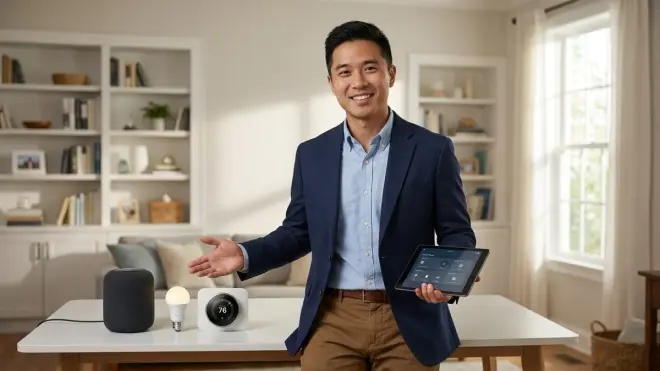
1. Cross-platform voice control
Your Matter smart plug responds equally well to "Alexa, turn off the coffee maker" and "Hey Google, turn off the coffee maker." You don't need to remember which assistant controls which device.
2. Simplified hub requirements
Before Matter, you might need a Hue bridge for lights, an Aqara hub for sensors, and a SmartThings hub to tie it together. With Matter devices, you need only one Matter-certified controller. The ecosystem of best Matter-compatible smart home hubs continues growing as manufacturers update existing products.
3. Future-proofing
When you switch from iPhone to Android (or vice versa), your Matter devices don't become orphaned. They'll work with your new ecosystem immediately.
4. Faster device setup
I've timed Matter commissioning at 30-45 seconds per device versus 2-3 minutes for traditional Zigbee or Z-Wave pairing. You scan the code, assign a room, and you're done.
Interoperability Limitations You Need to Know
Matter isn't perfect, and I need to be honest about where it falls short in 2026:
Not all device types are covered: Matter 1.3 (current version) supports lights, plugs, switches, sensors, locks, thermostats, blinds, TVs, and appliances. Security cameras, garage door controllers, and irrigation systems remain outside the spec.
Feature parity gaps: A smart bulb might support 16 million colors in its native app but only basic color control through Matter. Manufacturers can implement proprietary features outside Matter, but they won't work cross-platform.
Thread/Wi-Fi split creates decisions: Thread devices need a border router and create a separate mesh. Wi-Fi devices use your existing network but add to congestion. You'll need to choose which transport works better for your home.
Legacy devices won't upgrade: Your existing Zigbee sensors and Z-Wave locks can't become Matter devices through a firmware update. If you want to understand how the smart home trends shaping home automation in 2026 impact your existing setup, you'll likely need to bridge or replace older devices.
Types and Variations of Matter Implementations
Matter devices split into categories based on their underlying transport protocol. Your choice affects network architecture, power consumption, and reliability.
Matter over Wi-Fi
These devices connect directly to your 2.4GHz Wi-Fi network (Matter doesn't support 5GHz due to power requirements for battery devices). Latency: 300-600ms for most commands.
Best for: Plug-in devices like smart plugs, in-wall switches, and appliances that always have power. The TP-Link Kasa Matter Smart Plug represents this category—you plug it in, scan the Matter code, and it joins your network without additional hardware.
Downsides: Wi-Fi devices drain batteries quickly, so battery-powered sensors rarely use this transport. Each device creates a separate connection to your router, which can overwhelm older routers when you exceed 30-40 devices.
Matter over Thread
Thread creates a self-healing mesh network where devices relay messages to each other, extending range and improving reliability. Battery-powered sensors can sleep between transmissions and wake only to send updates. Latency: 200-400ms.
Best for: Battery-powered sensors (door/window, motion, temperature), door locks, and any device where you want mesh networking benefits.
Requirements: You must have a Thread border router—built into devices like Apple HomePod mini, Google Nest Hub (2nd gen), Amazon Echo (4th gen), and standalone options. The border router bridges your Thread mesh to your IP network.
Downsides: Thread devices won't communicate if your border router fails. You'll need at least 3-4 Thread devices to establish a reliable mesh—one or two devices create a weak network with no redundancy.
Matter over Ethernet
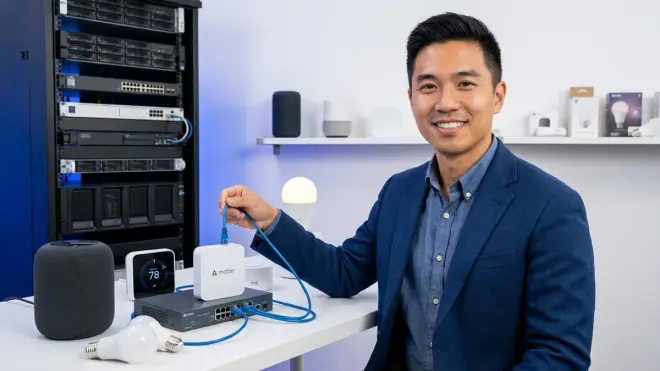
Less common in consumer devices, but some hubs and commercial-grade controllers use wired Ethernet connections. Latency: 150-300ms, the fastest option.
Best for: Fixed installation hubs that won't move and where you want zero wireless interference.
Matter Bridges
Some manufacturers offer Matter bridges that expose their proprietary devices to Matter controllers. Philips Hue bridges, for example, can present Zigbee Hue bulbs as Matter devices through a firmware update.
How it works: The bridge translates Matter commands into the device's native protocol. From your controller's perspective, the Hue bulb appears as a Matter light—you don't know (or care) that it's actually running Zigbee in the background.
Limitation: You still need the manufacturer's bridge hardware. Matter doesn't eliminate the bridge; it just standardizes how the bridge talks to your controller. The comparison between Thread vs Zigbee protocols becomes relevant when deciding whether to replace bridged devices with native Matter/Thread versions.
Frequently Asked Questions
Does Matter replace Wi-Fi, Zigbee, or Z-Wave?
No, Matter is an application-layer protocol that runs on top of Wi-Fi or Thread—it doesn't replace the physical wireless technology. Matter devices use either Wi-Fi or Thread for their radio communication, with Matter defining what commands and data they exchange. Z-Wave and Zigbee devices cannot become Matter-compatible through firmware updates because Matter requires IP networking (IPv6), which those protocols don't provide. You can continue using Z-Wave and Zigbee devices alongside Matter devices, often through the same hub if it supports multiple protocols.
Can I use Matter devices without internet access?
Yes, Matter devices operate entirely on your local network without requiring internet connectivity for basic functions. Once commissioned, your lights, locks, and sensors will respond to commands from your local controller even if your internet service goes down. Automations that run locally—like "turn on lights when motion detected"—continue functioning without cloud access. You'll lose voice control through cloud-based assistants and remote access from outside your home, but scheduled automations and local triggers keep working. This local-first architecture is one of Matter's core design principles.
Do all my devices need to support Matter for it to work?
No, you can mix Matter devices with older Zigbee, Z-Wave, and Wi-Fi devices in the same home automation system. Many hubs support multiple protocols simultaneously—they'll control Matter devices directly while also managing your existing legacy devices through their respective protocols. Your automations can combine both types: IF Matter motion sensor detects movement, THEN turn on Zigbee light bulb via hub translation. The challenge comes when you want cross-platform control—your Matter devices work with any controller, but your Zigbee devices remain tied to their specific hub ecosystem.
How do I know if a device supports Matter before buying?
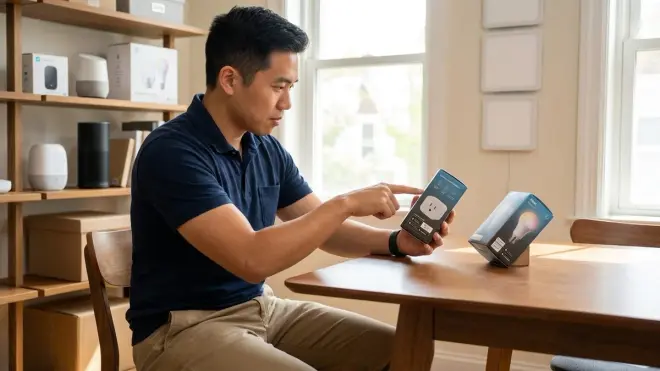
Look for the Matter logo on the product packaging and specifications—it's a stylized "M" that manufacturers must display if they've passed certification. Check the product description for "Matter-compatible" or "Works with Matter" language, and verify which transport it uses (Matter over Wi-Fi or Matter over Thread). Manufacturer websites list Matter support explicitly, usually in the connectivity specifications section. In 2026, most major smart home brands display Matter compatibility prominently because it's become a significant selling point. Be wary of "Matter-ready" or "Matter upgrade coming soon" claims—buy only devices that are currently certified unless the manufacturer commits to a specific firmware update date.
Can I migrate my existing smart home to Matter without starting over?
It depends on your current devices, but most homeowners will need a hybrid approach rather than a complete replacement. Devices using proprietary protocols (Zigbee, Z-Wave, Wi-Fi with manufacturer-specific apps) cannot convert to Matter through software updates—they lack the required IP networking layer. However, you can gradually add Matter devices while keeping existing devices operational through a multi-protocol hub. Some manufacturers offer Matter bridges that expose their existing product lines to Matter controllers, letting you control older devices through Matter without replacing them. The process for migrating your existing smart home to Matter typically involves identifying which devices can bridge versus which need replacement, then prioritizing replacements based on what you interact with most frequently.
Making Sense of Matter in 2026
What is matter protocol at its most practical level? It's the standard that finally lets you buy smart home devices based on their features and price rather than which ecosystem they support. You'll spend less time troubleshooting compatibility and more time actually using your automations.
Matter hasn't eliminated every challenge—device type coverage remains incomplete, and feature parity varies across platforms. But after helping hundreds of homeowners build automation systems, I can confirm that Matter has reduced the "will this work with what I already have?" questions by about 80%. That's a massive shift.
Your next step: inventory your current devices, identify what you want to add, and choose a Matter controller that fits your voice assistant preference. The foundation is solid enough now that you can build confidently.