
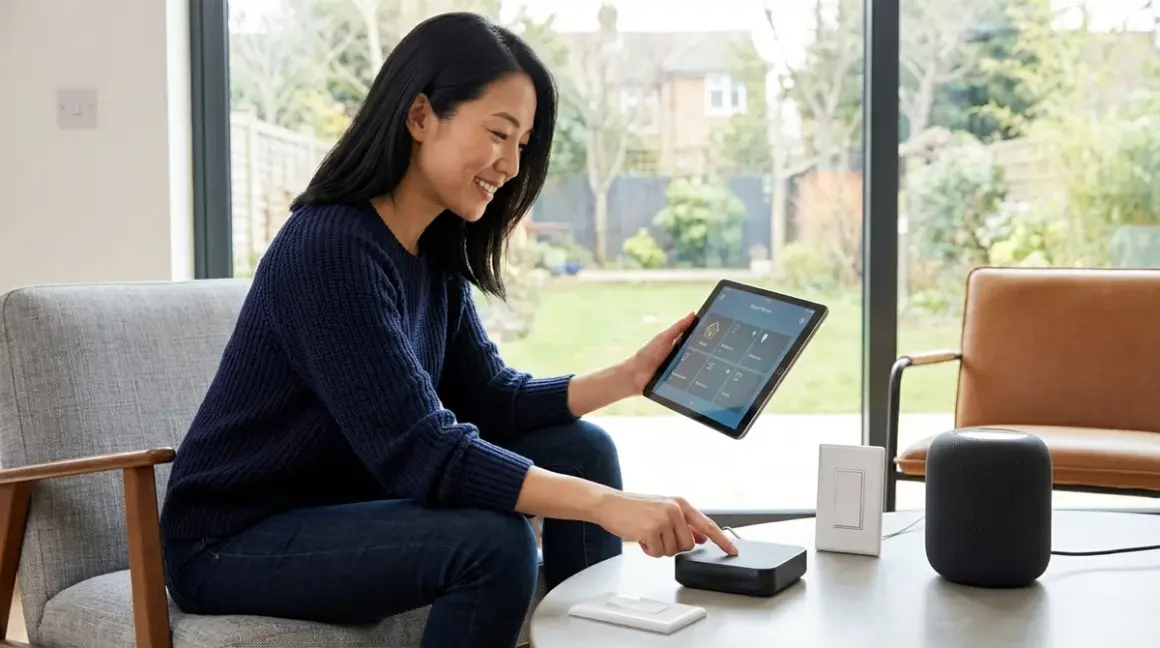

Matter 1.4 represents the first protocol update that allows existing smart home networks to expand without abandoning the rhythms already woven into daily life. You'll learn how to upgrade to Matter 1.4 while preserving the automations that already feel like second nature—the lights that dim when evening settles, the thermostat that anticipates your return, the sensors that respond before you consciously notice a shift. This migration demands careful sequencing, protocol awareness, and a mapping of dependencies before any device is touched. Expect to invest 4-6 hours over a weekend, with intermediate technical comfort required—you'll interact with hub settings, backup files, and conditional logic.
The transformation happens invisibly, as it should. When properly executed, the morning routine that greets you with soft light and ambient warmth continues uninterrupted, now operating across ecosystems that previously refused to communicate.
What You'll Need
Before beginning the migration process, gather these prerequisites to ensure continuity:
- Current smart home inventory spreadsheet (device names, protocols, hub assignments, and automation dependencies)
- Matter 1.4-compatible border router or hub (Apple HomePod mini with 18.3+ firmware, Google Nest Hub 2nd gen with latest update, Amazon Echo 4th gen or newer, or dedicated Thread border router like Eve Thread Border Router)
- Updated controller apps (Apple Home 18.0+, Google Home 3.14+, Amazon Alexa 2.2.631+, or Home Assistant 2026.2+)
- Complete automation backup (exported as JSON, YAML, or native platform backup format)
- Device firmware update capability (manufacturer apps installed for each brand in your network)
- Network diagram (mapping which devices communicate with which hubs, including Zigbee coordinators, Z-Wave controllers, and Wi-Fi access points)
- Tablet or phone for Matter commissioning (iOS 17+ or Android 13+)
- Notepad or digital checklist (for tracking migration status and rollback points)
Step 1: Audit Existing Automations and Document Dependencies
Map every automation currently active in your network, noting which devices trigger which responses. The logic likely flows something like:
IF motion_sensor_hallway.state == "detected" AND time >= 22:00 AND time <= 06:00
THEN bedroom_lights.brightness = 5% AND bedroom_lights.color_temp = 2200K
ELSE IF motion_sensor_hallway.state == "detected"
THEN bedroom_lights.brightness = 80%
Document these relationships in a spreadsheet with columns for trigger device (with protocol), controller, action device (with protocol), conditions, and latency expectations. Most Zigbee motion sensors respond within 50-150ms; Z-Wave sensors within 100-300ms depending on hop count; Wi-Fi sensors range from 200ms-2s depending on network congestion.
This inventory reveals hidden dependencies. That bedroom lighting scene might actually rely on a Zigbee contact sensor on the front door (hub: Philips Hue Bridge), a Z-Wave motion sensor in the hallway (hub: SmartThings), and Wi-Fi smart bulbs (hub: cloud service). When you upgrade to Matter 1.4, these cross-protocol chains must be reconstructed carefully to avoid breaking the flow that currently makes the space respond like it's reading your intentions. Understanding Matter 1.4 compatibility requirements before you begin prevents discovering incompatibilities mid-migration.
Export automation rules from each platform—Apple Home allows shortcut exports, Google Home requires manual documentation, Amazon Alexa offers routine exports, and Home Assistant stores automations as YAML files in /config/automations.yaml. Save these files with timestamps. You're creating restoration points for the rhythms that define how the home currently feels.
Step 2: Verify Device Matter 1.4 Support and Firmware Readiness
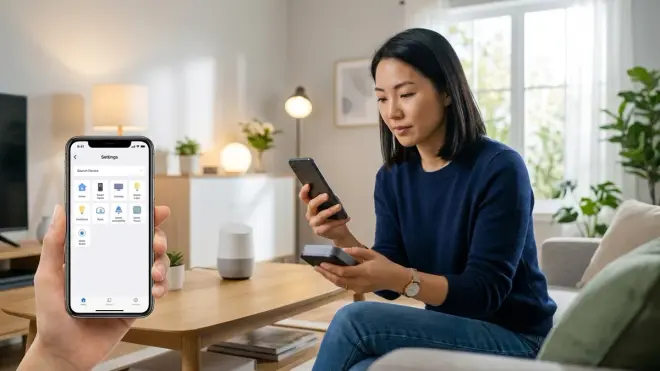
Not every device marketed as "Matter compatible" supports Matter 1.4 specifically. The 1.4 specification introduced enhanced multi-admin functionality, improved energy reporting, and refined device type definitions that older Matter 1.0 or 1.2 implementations lack.
Check the Connectivity Standards Alliance certification database for your exact device models. Search by manufacturer and model number—marketing names aren't sufficient. A device might be listed as "Matter certified" but only support Matter 1.0, meaning it won't expose the energy monitoring attributes or respond to the improved scene control that make 1.4 valuable for invisible integration.
Download firmware updates before starting the migration. Most Matter-compatible devices require manufacturer app updates first: Eve devices update through the Eve app, Nanoleaf through its dedicated app, Philips Hue through the Hue app even when migrating Matter-compatible bulbs. This process often takes 5-10 minutes per device, and some require physical proximity during the update.
Thread-based devices need active Thread border routers to update. If you're migrating from Zigbee to Matter over Thread, you'll need to establish your Thread network before attempting device updates. Wi-Fi-based Matter devices update more readily but introduce cloud dependencies that compromise the local responsiveness that makes automation feel instantaneous rather than laggy.
For devices that lack Matter 1.4 support entirely—common with older Zigbee switches, Z-Wave sensors, or proprietary Wi-Fi bulbs—you'll maintain their existing protocol path and bridge them into Matter automations through your primary controller. This creates a hybrid network where Matter serves as the coordination layer while legacy protocols handle device communication. Latency increases slightly (add 50-200ms for bridge translation), but the alternative is replacing functional devices purely for protocol compliance, which contradicts the invisible intelligence philosophy.
Step 3: Establish Your Matter 1.4 Network Infrastructure
Your Matter controller becomes the central coordination point. Choose based on ecosystem preference and existing investment—Apple Home for iOS-centric households, Google Home for Android users, Home Assistant for maximum local control and customization, or Amazon Alexa for voice-first interaction patterns.
Multi-admin capability in Matter 1.4 allows a single device to be controlled by multiple ecosystems simultaneously. A Matter 1.4 smart lock can respond to Apple Home automations and Google Assistant voice commands and Home Assistant complex logic without choosing primary allegiance. This eliminates the ecosystem lock-in that previously forced design compromises.
Set up your Thread border router first if using Thread-based Matter devices. The Apple HomePod mini acts as a Thread border router automatically when Matter is enabled; Google Nest Hub 2nd gen and newer Echo devices perform the same function. For maximum reliability in larger homes, deploy multiple border routers to strengthen the Thread mesh—each adds redundancy and extends range. Thread networks self-heal more elegantly than Zigbee meshes, with typical sub-50ms failover when a router drops offline.
Commission your primary Matter hub by opening the Matter-compatible controller app and selecting "Add Device" → "Matter Device." The app will prompt you to scan the Matter QR code (printed on the device, packaging, or displayed in the manufacturer app). This commissioning process typically completes in 30-90 seconds and establishes the device on your local Thread network or Wi-Fi, depending on device capabilities.
If maintaining Zigbee or Z-Wave devices, keep those coordinators active. Your Philips Hue Bridge continues controlling Zigbee bulbs; your Z-Wave hub continues managing Z-Wave sensors. The Matter controller communicates with these bridges through cloud or local API connections, depending on platform—Home Assistant offers local communication with most bridges, while cloud-dependent controllers introduce 200-800ms additional latency for cross-protocol automations. Understanding Matter 1.4 hub requirements clarifies which bridges remain necessary versus which devices can migrate directly to Matter communication.
Step 4: Migrate Devices in Reverse Dependency Order
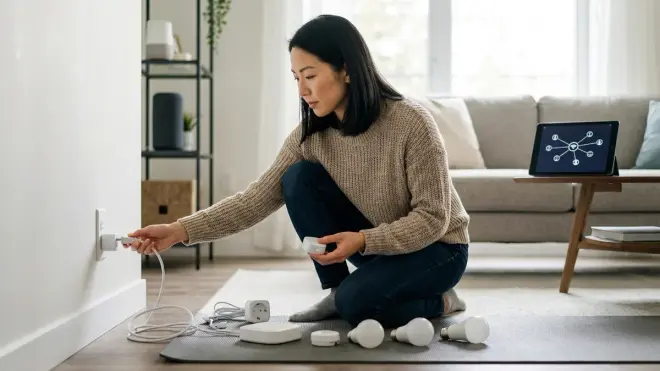
Begin with devices that react rather than devices that trigger. Lights, switches, and outlets migrate first; sensors, buttons, and contact sensors migrate last. This sequencing prevents breaking automations mid-migration—if you remove the motion sensor that triggers your hallway lights while the lights are still bound to the old coordinator, that automation dies immediately.
Reset and re-commission one room at a time. For Matter-compatible devices previously operating on Zigbee, Z-Wave, or proprietary protocols:
- Remove the device from its current hub (use the manufacturer app or old coordinator's interface)
- Factory reset the device (process varies by manufacturer—usually long-press on a button for 10-15 seconds)
- Commission the device to Matter using your primary controller's "Add Matter Device" flow
- Verify basic control before proceeding (turn on/off, adjust brightness, confirm response latency)
- Update the device name to match your previous naming convention exactly—this simplifies automation reconstruction
For devices that can't migrate to Matter directly, leave them on their existing protocol and bridge them through your Matter controller. A Zigbee motion sensor on the Hue Bridge can still trigger Matter-native smart plugs through an automation that spans protocols:
IF hue_bridge.motion_sensor_hallway.state == "detected"
THEN matter_device.hallway_outlet.power_state = "on"
The Hue Bridge detects motion via its Zigbee mesh (50-150ms latency), reports state to the Matter controller (add 100-300ms for cloud-bridged platforms, 20-80ms for local bridges), which then commands the Matter outlet over Thread or Wi-Fi (30-100ms). Total automation latency: 180-550ms depending on architecture. Perceptibly instant if kept under 300ms; starting to feel sluggish above 500ms.
Track which devices have been migrated using your checklist. When an entire room has successfully migrated and basic controls work, move to the next zone. Bedrooms and private spaces first—if something breaks, it affects fewer daily routines. Shared spaces and critical paths (entry lighting, security sensors, climate control) migrate last, when you've refined the process.
Step 5: Reconstruct Automations with Matter-Native Logic
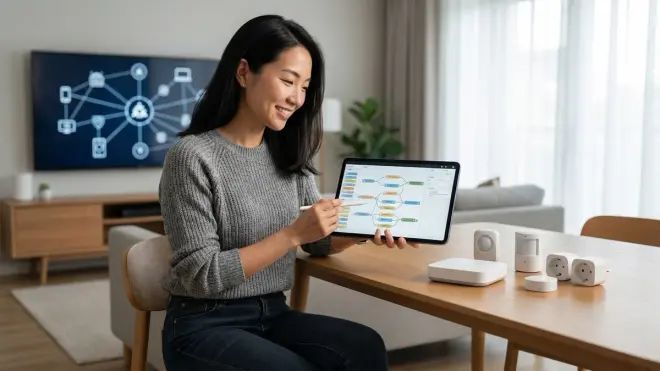
Now rebuild the automations you documented in Step 1, using your primary Matter controller's native automation engine. The logic remains identical; only the device addresses change.
In Apple Home, recreate shortcuts using the migrated devices. The hallway motion automation becomes:
Trigger: When Hallway Motion Sensor (Matter) detects motion
Conditions: If time is between 10:00 PM and 6:00 AM
Actions: Set Bedroom Lights (Matter) to 5% brightness and 2200K color temperature
Else: Set Bedroom Lights (Matter) to 80% brightness
Apple Home automations execute locally when all devices support Matter over Thread, achieving 50-150ms total latency. If any device remains on Wi-Fi or requires cloud routing, add 200-500ms.
In Google Home, routines follow similar structure. In Home Assistant, YAML automations offer maximum flexibility:
automation:
  - alias: "Hallway Night Lighting"
    trigger:
      - platform: state
        entity_id: binary_sensor.hallway_motion_matter
        to: 'on'
    condition:
      - condition: time
        after: '22:00:00'
        before: '06:00:00'
    action:
      - service: light.turn_on
        target:
          entity_id: light.bedroom_lights_matter
        data:
          brightness_pct: 5
          color_temp: 2200
Home Assistant's local execution typically delivers 30-100ms latency for Matter-native automations, making it the fastest option for complex conditional logic. The detail available in how to create energy-saving automations with Home Assistant demonstrates the depth possible with YAML-based automation design.
Test each automation individually before enabling the next. Trigger the motion sensor manually and verify the lights respond with correct brightness and timing. If latency feels sluggish, check whether devices are communicating via Thread (fast), Wi-Fi (moderate), or cloud bridges (slow). Adjust expectations accordingly—some cross-protocol chains will never achieve the sub-100ms responsiveness of fully Thread-native or Zigbee-native automations.
Fallback behaviors become critical when reconstructing automations. Define what happens when network connectivity drops or a device becomes unavailable:
IF hallway_motion_sensor.state == "unavailable"
THEN hallway_lights.default_state = "on" at 30% brightness
This prevents the hallway from remaining pitch black if the motion sensor loses connection. Matter devices typically expose more granular unavailability states than legacy protocols, allowing smarter fallback logic.
Step 6: Address Interoperability Limitations and Protocol Conflicts
Matter 1.4 doesn't eliminate all ecosystem friction. Certain device types remain unsupported (security cameras currently lack a Matter 1.4 device type definition, though 2027 updates will address this), and some manufacturers implement Matter support incompletely.
Known interoperability issues as of 2026:
- Apple Home restricts advanced sensor types. Leak sensors, smoke detectors, and CO monitors work through HomeKit but don't expose all Matter 1.4 attributes, limiting what external controllers can access.
- Google Home delays firmware updates. Devices commissioned through Google Home sometimes receive firmware updates 2-4 weeks later than devices commissioned through manufacturer apps first.
- Amazon Alexa requires cloud routing for complex scenes. Multi-device scenes involving 4+ Matter devices route through AWS rather than executing locally, introducing 300-800ms latency even when all devices support Thread.
- Home Assistant requires manual entity mapping. Matter devices auto-discover, but custom attributes (battery percentage, energy monitoring, color loop modes) often need manual configuration in
configuration.yaml.
If you're maintaining Zigbee or Z-Wave devices alongside Matter, avoid overlapping channels. Zigbee channels 15-20 minimize interference with Wi-Fi channels 1, 6, and 11. Thread automatically selects least-congested channels but may conflict with Zigbee if you're running both protocols simultaneously. Most Thread networks settle on channels 15, 20, or 25.
Z-Wave operates on different frequency bands (908.4 MHz in North America, 868.4 MHz in Europe) and doesn't interfere with 2.4 GHz protocols, making it the most compatible legacy protocol to maintain alongside Matter.
For devices that absolutely refuse to migrate cleanly, consider dedicated protocol bridges like the Home Assistant SkyConnect USB Gateway, which provides simultaneous Zigbee and Thread coordination from a single dongle. This allows legacy Zigbee devices to remain functional while new devices join via Thread-based Matter, all controlled through unified automation logic.
Step 7: Test Reliability, Measure Latency, and Optimize Mesh Health
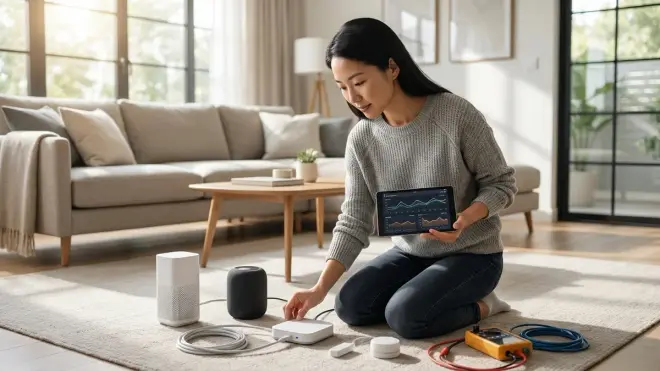
Spend 3-5 days observing the migrated network under normal living patterns before declaring success. The automation that works perfectly at 3 PM might fail at 6 PM when the home fills with competing wireless traffic.
Use manufacturer apps and controller diagnostics to monitor:
- Signal strength for Thread devices (should exceed -70 dBm; below -80 dBm indicates poor mesh coverage)
- Hop count for Zigbee devices (3 hops maximum recommended; 5+ hops introduce unreliable latency)
- Response latency for critical automations (under 300ms feels instant; 300-500ms is acceptable; over 500ms feels broken)
- Automation success rate (aim for 98%+ reliability; below 95% indicates mesh issues or device unavailability)
If certain automations feel sluggish, check whether they're spanning multiple protocols. A pure Matter-over-Thread automation should execute in 50-150ms. If you're seeing 800ms+, trace the path:
- Does the trigger device communicate via cloud or local? (Cloud adds 200-600ms)
- Is the controller routing commands through an external bridge? (Bridge translation adds 50-300ms)
- Are action devices on Wi-Fi versus Thread? (Wi-Fi adds 100-400ms depending on network load)
Optimize by replacing high-latency segments where the delay disrupts the experience. That motion-triggered entry light needs to feel instantaneous—500ms lag between opening the door and light illumination makes the technology feel clumsy rather than invisible. The bedroom reading light responding to a button press can tolerate 400ms because the action is deliberate rather than ambient.
Add Thread border routers to rooms where signal strength drops below -75 dBm. Each additional border router strengthens the mesh and provides redundancy. If one router fails, Thread devices automatically reroute through remaining routers within 50-200ms. Comparing mesh network reliability across protocols clarifies when adding infrastructure improves responsiveness versus when the issue lies elsewhere.
Step 8: Establish Backup and Rollback Procedures for Matter Configurations
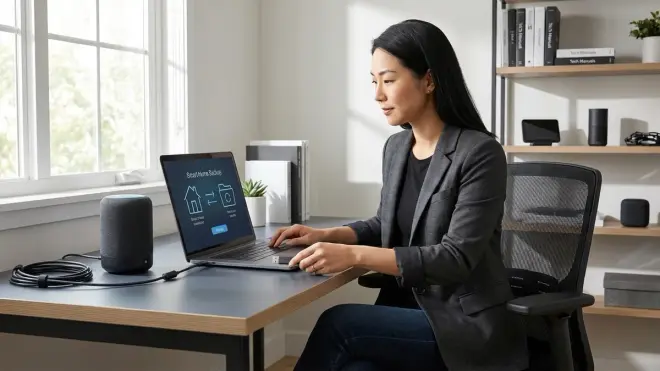
Matter 1.4 configurations export less cleanly than platform-specific backups. Apple Home doesn't offer manual backup exports—it relies on iCloud sync, which means restoring to a previous automation state requires restoring an entire iCloud backup. Google Home stores routines server-side with no local export option. Amazon Alexa allows routine exports as JSON files, but device commissioning data remains cloud-resident.
Home Assistant offers the most robust backup: Settings → System → Backups creates a full snapshot including automations, device configurations, and add-on data. Store these backups off-device (network attached storage, cloud storage, or external drive) with timestamps: homeassistant_backup_2026-03-15_pre-matter-migration.tar.
Create a rollback plan before proceeding beyond Step 6. If automations break catastrophically, you need a path back to functional lighting and climate control:
- Recommission critical devices to their original hubs (keep old coordinators powered for the first week post-migration)
- Restore automation backups from your original controller
- Revert firmware updates if devices became unstable (not always possible—some manufacturers block downgrades)
Most migrations succeed without rollback, but the first night discovering your security sensors no longer trigger flood lights creates urgency that clouds judgment. Having a documented restore path allows methodical troubleshooting rather than panic reconfiguration.
Once the network operates reliably for 7-10 days, decommission old coordinators and archive backup files. The home should feel identical to how it felt before migration—same lighting transitions, same climate adjustments, same responsive presence detection—but now operating on unified Matter infrastructure that allows future devices from any manufacturer to integrate without proprietary bridge requirements.
Pro Tips & Common Mistakes
Migrate during low-stakes periods. Friday evening before a weekend gives you 48 hours to troubleshoot without the pressure of needing functional automations before Monday morning routines. Avoid migrating before guests arrive or during extreme weather when climate automation failures have real consequences.
Keep one legacy controller active as a backup. If you're migrating from SmartThings to Home Assistant with Matter, leave the SmartThings hub powered and paired for one week post-migration. If critical automations fail, you can quickly recommission essential devices back to SmartThings while diagnosing the Matter configuration.
Don't migrate security devices first. Door locks, contact sensors on entry points, and motion sensors linked to security routines should migrate last, after you've refined the process on less critical devices. The cost of a failed lighting automation is inconvenience; the cost of a failed security sensor is vulnerability.
Avoid assuming cloud-based controllers execute locally. Marketing materials often claim "local control" but actually mean "local control of individual devices"—automations spanning multiple devices may still route through manufacturer cloud services. Test response times to confirm actual behavior rather than trusting documentation.
The most common mistake: assuming Matter eliminates all hub requirements. Many Matter-compatible devices still require manufacturer bridges for firmware updates, advanced configuration, or feature access. The Philips Hue Bridge remains necessary for Hue bulbs even after Matter commissioning if you want entertainment sync, adaptive lighting algorithms, or Hue Labs features. Matter provides interoperability; it doesn't replace specialized functionality. Understanding when devices need concealed smart home hubs versus when Matter enables true bridge-free operation prevents disappointment mid-migration.
Frequently Asked Questions
Does upgrading to Matter 1.4 require replacing all existing smart home devices?
No, Matter 1.4 upgrades typically require firmware updates for compatible devices rather than hardware replacement. Devices marketed as "Matter compatible" since 2023 usually support Matter 1.4 through firmware updates available via manufacturer apps. Older Zigbee, Z-Wave, and Wi-Fi devices without Matter support continue functioning through their existing hubs, which your Matter controller bridges into unified automations—you maintain multiple protocols simultaneously rather than replacing everything at once.
Will my existing automations stop working during Matter 1.4 migration?
Automations break temporarily for devices actively being migrated, but proper sequencing minimizes disruption. By migrating action devices (lights, outlets) before trigger devices (sensors, buttons) and completing one room at a time rather than the entire home simultaneously, most automations remain functional throughout the process. Critical automations should be rebuilt and tested immediately after their devices migrate rather than waiting until the entire network completes migration.
How long does Matter 1.4 migration typically take for a 40-device smart home?
Expect 4-6 hours of active configuration time spread across a weekend, plus 3-5 days of observation and optimization. The physical process of resetting, commissioning, and renaming 40 devices takes approximately 3-4 hours (averaging 5-6 minutes per device). Reconstructing automations adds another 1-2 hours depending on complexity. Post-migration monitoring to verify reliability and optimize latency continues for several days as you observe behavior under varying network loads and usage patterns.
Can Matter 1.4 devices communicate with Zigbee and Z-Wave devices in the same automation?
Yes, through hub-bridged automations where your Matter controller receives state information from Zigbee/Z-Wave hubs and sends commands across protocols. A Zigbee motion sensor on the Philips Hue Bridge can trigger a Matter smart plug, with the Matter controller handling protocol translation—expect 180-550ms total automation latency depending on whether bridges communicate locally or via cloud. Fully local architectures using Home Assistant with Zigbee and Thread coordinators achieve faster cross-protocol response than cloud-dependent platforms.
Summary
Migration to Matter 1.4 succeeds when approached as careful translation rather than wholesale replacement. The process—audit dependencies, verify device support, establish infrastructure, migrate in sequenced stages, reconstruct automations, address interoperability gaps, test thoroughly, and establish backup procedures—preserves the rhythms already embedded in daily life while expanding future compatibility.
When properly executed, how to upgrade to Matter 1.4 becomes invisible to inhabitants. The morning light still greets you at the angle that makes coffee feel meditative rather than rushed. The evening thermostat still anticipates your preference for coolness while reading. The entry sensors still illuminate pathways before conscious thought. Technology recedes further into architecture, leaving only responsiveness—spaces that feel considered, attentive, alive to presence without announcing their intelligence. The protocols changed; the experience remained seamless, as it should.
