
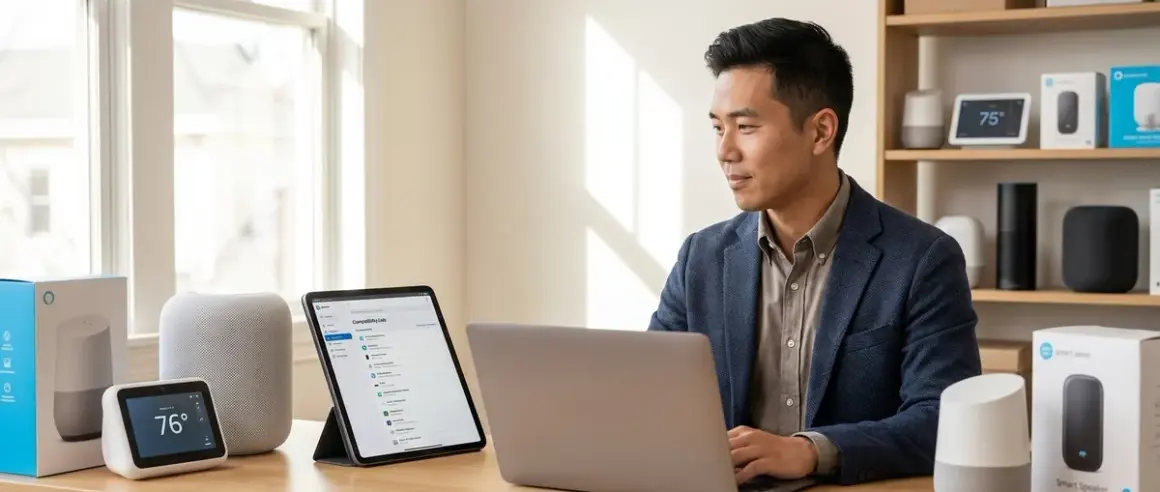

When you're building a smart home around Matter 1.4, the last thing you want is to unbox a device only to discover it won't talk to your existing hub. A proper Matter 1.4 compatibility check before purchase saves you hours of troubleshooting and prevents drawer full of incompatible hardware. This checklist walks you through the specific verification steps I use on every installation—protocol support, firmware requirements, ecosystem interoperability, and automation limitations—so you can confirm compatibility before you buy.
You'll find this guide most useful if you're expanding an existing smart home, mixing devices from multiple manufacturers, or trying to understand why a "Matter-certified" device won't work with your current setup. The Matter 1.4 standard has improved cross-platform support significantly since the early 1.0 days, but compatibility gaps still exist, and they're rarely obvious until you're knee-deep in a failed pairing sequence.

What Protocol Support Does Your Hub Actually Provide?
Before you can run a thorough Matter 1.4 compatibility check, you need to understand what your hub can actually support. Not all Matter hubs are created equal, and the differences matter more than marketing materials suggest.
Check for Matter 1.4 firmware availability, not just "Matter support": Many hubs launched with Matter 1.0 support and have received updates to 1.2 or 1.3, but not all manufacturers have rolled out 1.4 firmware. In my experience, homeowners assume "Matter-compatible" means "latest version," but a hub certified for Matter 1.1 won't support the expanded device types introduced in 1.4, including robot vacuums, energy management devices, and enhanced sensors. Check your hub's firmware version in its settings or on the manufacturer's support page—if it shows anything below 1.4.x, you'll need a firmware update or a different controller.
Verify Thread Border Router capability for Thread-based Matter devices: Matter devices can run over Wi-Fi, Thread, or Ethernet. If you're buying Thread-enabled Matter devices (which I recommend for battery-powered sensors and locks due to superior power efficiency), your hub must function as a Thread Border Router. Not all Matter hubs include this capability. For example, many older smart displays support Matter over Wi-Fi but lack the Thread radio entirely. You can confirm this in the hub's specifications under "Thread Border Router" or by checking the Connectivity Standards Alliance's certified product database. Without a Thread Border Router, Thread devices simply won't pair.
Confirm IPv6 support on your home network: Matter relies on IPv6 for local communication between devices and controllers. Most modern routers support IPv6, but if yours is older than 2020 or you've disabled IPv6 manually (some users do this for perceived security reasons), Matter devices won't communicate properly. Log into your router's admin panel and verify that IPv6 is enabled under WAN or LAN settings. If your ISP doesn't provide IPv6, enable IPv6 over IPv4 tunneling (6to4 or similar)—your router's manual will list this under advanced networking options.
Identify which Matter controller app you're using: This sounds obvious, but it's crucial for a complete Matter 1.4 compatibility check. Your hub might be the physical hardware (like an Apple HomePod mini or Amazon Echo 4th Gen), but the controller app—Apple Home, Google Home, Amazon Alexa, Samsung SmartThings, or Home Assistant—determines which device types and automation features you can access. Matter 1.4 introduced support for energy management devices and advanced sensors, but if your controller app hasn't updated its Matter implementation to 1.4, you won't see those device types even if your hub firmware supports them. Check the controller app's release notes or supported device list on the manufacturer's website.
Look for multi-admin support limitations: Matter's multi-admin feature allows a single device to be controlled by multiple ecosystems simultaneously (e.g., control a light from both Google Home and Apple Home). While this works well in theory, I've seen homeowners struggle when one ecosystem supports a device feature that another doesn't. For instance, a Matter 1.4 energy monitoring smart plug might report energy data in Google Home but only show as an on/off switch in Apple Home if Apple hasn't implemented that device category yet. Verify that all your ecosystems support the specific device type, not just Matter in general.
Check for Wi-Fi 6 requirements on Wi-Fi Matter devices: Some newer Matter devices—especially high-bandwidth ones like security cameras—require Wi-Fi 6 (802.11ax) for optimal performance. If your router only supports Wi-Fi 5 (802.11ac), these devices will either fail to pair or experience significant latency and reliability issues. This isn't strictly a Matter compatibility issue, but it's a common installation failure point. You can find your router's Wi-Fi standard in its specifications or by checking the model number on the manufacturer's website.
Does the Device Support the Specific Matter 1.4 Features You Need?
Not all Matter 1.4 devices implement every feature in the specification. A device can be "Matter 1.4 certified" while only supporting a subset of capabilities, which creates frustrating compatibility gaps.
Verify the device's Matter device type classification: Matter categorizes devices into specific types (e.g., dimmable light, color temperature light, thermostat, contact sensor, energy management device). A device certified for one type won't necessarily support features from another. For example, I've seen smart plugs marketed as "Matter 1.4 compatible" that only support on/off control (simple power outlet type) without energy monitoring, even though Matter 1.4 includes an electrical sensor device type. Check the manufacturer's spec sheet for the exact Matter device type—this determines which features and automation triggers will be available. For energy monitoring specifically, you might want to review our guide on best smart plugs for energy monitoring to see which ones fully implement the electrical sensor type.
Check firmware update frequency and manufacturer support history: Matter is a rapidly evolving standard, and manufacturers issue firmware updates to add features, fix bugs, and improve compatibility. Before purchasing, check the manufacturer's support page to see how frequently they've released updates for their Matter devices. If a device launched six months ago with no updates, you're gambling that it will work perfectly out of the box. I prioritize manufacturers with monthly or quarterly update schedules—it signals they're actively maintaining compatibility as ecosystems evolve.
Confirm local control capability and cloud dependency: One of Matter's promises is local control without mandatory cloud services. However, some manufacturers still require cloud accounts for initial setup, firmware updates, or advanced features. If you're building a subscription-free security system or want automations to work during internet outages, verify that the device supports fully local operation after setup. Check reviews or the manufacturer's documentation for phrases like "local API," "offline mode," or "works without internet." If the documentation is vague, assume cloud dependency.
Look for specific automation trigger support: Matter defines standard clusters (groups of commands and attributes) for each device type, but not all devices expose all clusters. For example, a Matter motion sensor should support motion detection, but it might not expose illuminance (light level) or temperature if the manufacturer didn't include those sensors. This matters when you're creating automations. If you want to trigger lights based on both motion and low light levels, you need a sensor that exposes both clusters. The manufacturer's spec sheet should list supported clusters or attributes—if it doesn't, contact their support before buying.
Verify transition time and scene support for lights: If you're using Matter smart lights in automations, check whether they support smooth transitions (gradual dimming over seconds) and scene recall. Some budget Matter lights only support instant on/off/dim commands, which creates jarring lighting changes. For a proper Matter 1.4 compatibility check on lighting, look for "transition time" or "fade duration" in the specifications. This determines whether you can create automations like:
IF motion detected at night
THEN set bedroom light to 10% brightness over 3 seconds
Without transition support, the light will jump to 10% instantly, which is disruptive if you're using it as a nightlight.
How Do Your Existing Automations and Protocols Interact With Matter?
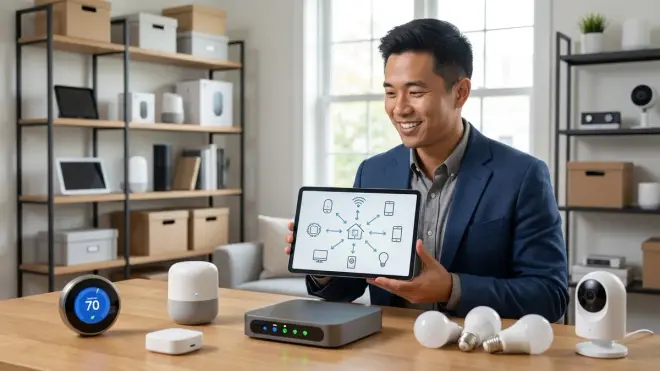
If you're adding Matter devices to an existing smart home, you need to verify how they'll interact with your current Zigbee, Z-Wave, or Wi-Fi devices. Matter doesn't replace these protocols—it coexists, which creates compatibility considerations.
Map out which devices will communicate directly vs through a hub: Matter devices communicate using IP networking, which means they talk to each other and to controllers over your Wi-Fi or Thread network. But if you have existing Zigbee or Z-Wave devices, they'll continue communicating through their respective hubs (Zigbee coordinator or Z-Wave controller). Cross-protocol automations—like triggering a Matter light from a Zigbee motion sensor—must route through a central controller that supports both protocols. I've seen installations fail because homeowners assumed their Zigbee hub would automatically control Matter devices. It won't. You need a platform like Home Assistant, SmartThings, or Hubitat that can bridge Matter and Zigbee. Our article on smart home protocol compatibility breaks down which hubs support multi-protocol bridging.
Test automation latency across protocol boundaries: When you create an automation that crosses protocols (e.g., Zigbee sensor triggers Matter light), expect additional latency compared to single-protocol automations. In my testing, purely local Matter automations (Thread motion sensor → Matter light) typically execute in 100-300ms. Zigbee-to-Matter automations through a hub add 200-500ms due to protocol translation. This is still fast enough for most applications, but if you're replacing a direct Zigbee binding (which executes in 50-100ms), you'll notice a slight delay. For comparison, our Zigbee vs Z-Wave motion sensor latency comparison shows similar cross-protocol delays with Z-Wave. Plan your automations accordingly—use single-protocol paths for time-critical triggers like security sensors.
Identify fallback behaviors when the controller fails: Matter devices support local communication, but automation logic typically lives in the controller app. If your controller crashes, loses power, or loses network connectivity, most automations will stop working. The exception is Thread devices with built-in bindings (direct device-to-device control), but this isn't widely implemented yet in 1.4. During your Matter 1.4 compatibility check, ask: what happens if my hub reboots? For critical automations like security lights, consider adding redundant triggers or maintaining a separate automation platform. Our guide on smart device fallback behavior covers this in detail.
Check for Matter bridge requirements on older devices: If you want to integrate existing Zigbee or Z-Wave devices into a Matter ecosystem, you'll need a Matter bridge—a device or software that translates between protocols. Some multi-protocol hubs (like SmartThings Station or Home Assistant Yellow) include built-in Matter bridges, allowing you to expose Zigbee devices as Matter endpoints. Verify that your hub supports this before assuming all your devices will work together. The bridge implementation also determines which device features transfer over—I've seen Zigbee sensors exposed through Matter bridges lose advanced features like battery level reporting or temperature sensing.
Confirm device grouping and scene compatibility: Matter 1.4 supports scenes (preset configurations applied to multiple devices), but scene implementation varies by controller. Some ecosystems sync scenes across Matter and non-Matter devices seamlessly, while others maintain separate scene engines. If you're using groups of lights (e.g., "all downstairs lights"), verify that your controller can create mixed groups containing both Matter and Zigbee/Z-Wave devices. SmartThings handles this well; Google Home is more limited. Test this with a couple of devices before committing to a full installation.
What Are the Ecosystem Lock-In and Migration Risks?
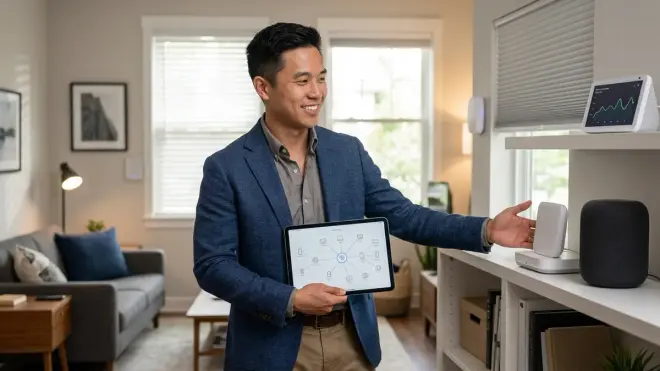
Matter promises to reduce vendor lock-in, but practical limitations remain. You need to evaluate how easy it will be to change ecosystems or add secondary controllers later.
Test whether the device pairs with multiple ecosystems simultaneously: Multi-admin is a core Matter feature, but not all devices support it fully. Some manufacturers limit devices to a single controller, forcing you to unpair from one ecosystem before pairing to another. Others support multi-admin but with restrictions—like limiting advanced features to the primary ecosystem. During your Matter 1.4 compatibility check, look for explicit multi-admin support in the device specifications. If it's not mentioned, assume single-admin only.
Verify automation portability between ecosystems: Even if a device works with multiple controllers, your automations aren't portable. If you build complex automations in Google Home and later switch to Apple Home, you'll need to recreate them manually. Matter doesn't standardize automation logic—it only standardizes device control. Before investing heavily in one ecosystem's automation engine, consider whether you're comfortable with that level of lock-in. For maximum portability, use Home Assistant or another platform that allows automation export and migration. Our guide on migrating to Matter 1.4 without breaking automations covers migration strategies.
Check for proprietary feature loss during Matter control: Some manufacturers add proprietary features to their devices that aren't part of the Matter standard. For example, a smart light might support special color effects or music sync modes through the manufacturer's app but only basic on/off/dim/color control through Matter. If you care about these features, confirm whether they're accessible through Matter or only through the manufacturer's ecosystem. I've seen homeowners disappointed when their expensive smart bulbs lose signature features after switching to Matter control.
Identify which controller supports the device type first: Matter 1.4 introduced new device types (robot vacuums, energy monitors, enhanced sensors), but controller adoption is staggered. A device might be Matter 1.4 certified, but if your preferred ecosystem hasn't updated its controller app to recognize that device type, it won't appear or will show as an "unsupported device." Before buying a cutting-edge Matter 1.4 device category, verify that at least one of your target ecosystems supports it. For example, if you're interested in Matter energy management, check our guide on Matter-compatible smart home energy monitors for ecosystem support details.
Evaluate the manufacturer's Matter certification status: The Connectivity Standards Alliance maintains a certified products database, but certification timing varies. Some manufacturers release products as "Matter-ready" with a promise of certification later. Others certify against an older Matter version and promise an update to 1.4. During a thorough Matter 1.4 compatibility check, verify the device's current certification status, not its roadmap. A "will support Matter 1.4 via firmware update" claim is risky—you're banking on the manufacturer following through, which doesn't always happen.
Final Check Before You Go
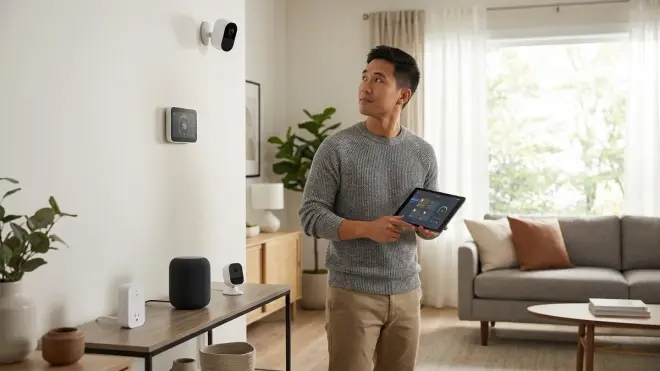
Run through this condensed Matter 1.4 compatibility check before finalizing any purchase:
- Hub firmware: Confirm your controller is running Matter 1.4.x or later
- Thread Border Router: Verify your hub supports Thread if buying Thread devices
- IPv6: Ensure IPv6 is enabled on your home network
- Device type support: Check that your controller app recognizes the specific Matter device type
- Multi-admin: Confirm whether the device supports simultaneous control from multiple ecosystems
- Local control: Verify the device works offline without cloud dependency
- Automation features: Check that required clusters/attributes (energy monitoring, illuminance, etc.) are exposed
- Cross-protocol bridging: If mixing protocols, confirm your controller bridges them properly
- Fallback behavior: Understand what happens when the controller or network fails
- Certification status: Verify current Matter 1.4 certification, not future promises
In my experience, homeowners who skip steps 5, 7, and 8 are most likely to encounter compatibility surprises after purchase.
Frequently Asked Questions
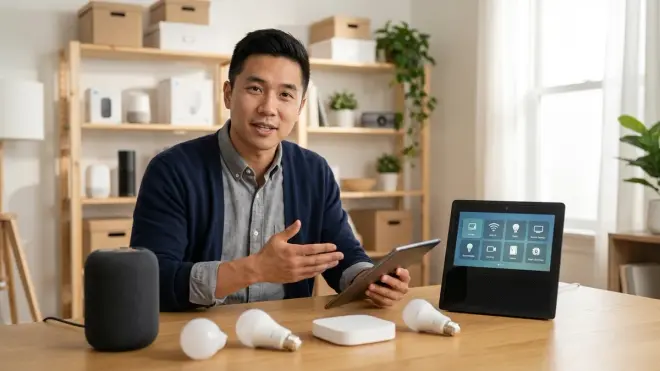
Can Matter 1.4 devices work with Matter 1.2 hubs?
Yes, Matter 1.4 devices maintain backward compatibility with Matter 1.2 and 1.0 hubs, but you'll only access features supported by the older version. The device will pair and respond to basic commands, but new device types introduced in 1.4 (like robot vacuums or energy management devices) may appear as generic devices or not pair at all. You'll need to update your hub to Matter 1.4 firmware to access the full feature set of 1.4-certified devices.
Do I need a separate hub for Matter devices if I already have a Zigbee hub?
It depends on whether your Zigbee hub also functions as a Matter controller with Thread Border Router capability. Many modern multi-protocol hubs (like SmartThings Station or Home Assistant Yellow) support Zigbee, Matter over Thread, and Matter over Wi-Fi simultaneously, so you wouldn't need a separate hub. If your Zigbee hub is an older model without Matter support, you'll need to add a Matter-compatible hub or upgrade to a multi-protocol controller. Matter devices won't communicate through Zigbee-only hubs—they require an IP-based controller.
How do I verify if a device truly supports Matter 1.4 or just an earlier version?
Check the device's certification status on the Connectivity Standards Alliance's certified products database by searching for the exact model number. The certification page will show which Matter version the device is certified against and which device types it supports. If the database shows certification for Matter 1.2 but the manufacturer's website claims 1.4 support, contact their support to confirm whether 1.4 certification is complete or pending. Don't rely solely on marketing materials—verify certification independently before purchasing.
Final Thoughts
A proper Matter 1.4 compatibility check takes fifteen minutes and saves hours of troubleshooting later. The biggest mistake I see in installations isn't buying the wrong device—it's assuming compatibility without verifying the specific protocol versions, device types, and ecosystem support beforehand. Matter has significantly improved interoperability since the early days, but you still need to confirm that your hub, network, and controller app support the features you're planning to use.
Start with your hub's firmware version and work outward from there. If you're building a new system, choosing the right Matter hub is the foundation—get that right, and device compatibility issues drop dramatically. If you're expanding an existing setup, map out your cross-protocol automations and test latency before committing to dozens of devices. Matter promises seamless smart home integration, but only if you verify compatibility at every layer of the stack.
