
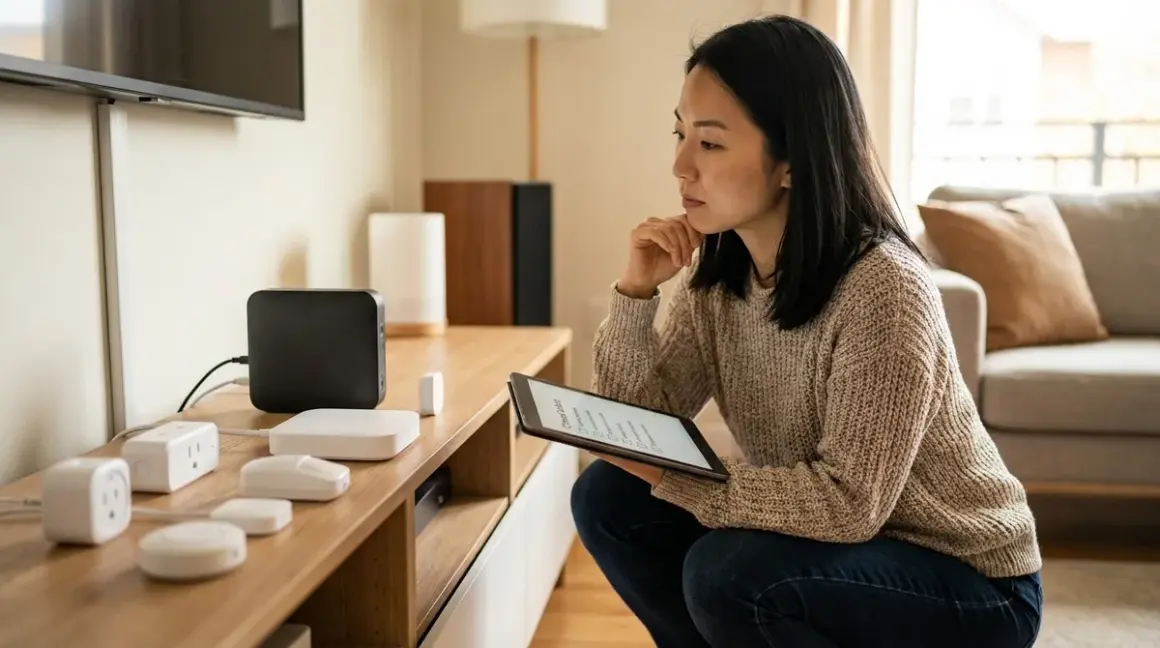

The most elegant automation is the one you never notice—until it stops working. When internet connections drop or hubs go offline, smart devices reveal their true character. Some gracefully continue with local routines; others freeze entirely, leaving you fumbling for light switches you haven't touched in months. This smart device fallback behavior checklist maps what actually happens when connectivity fails, organized by protocol and device type, so you can design spaces that maintain their rhythm even when the network doesn't.
Understanding fallback behavior isn't just technical due diligence—it's essential to creating homes where technology enhances life without introducing new anxieties. Knowing which devices revert to manual control, which maintain local automations, and which become entirely inert shapes how you layer automation into daily rituals.

Lighting and Climate Control: Essential Graceful Degradation
When the network fails, lighting and temperature control should never require troubleshooting. These foundational systems need predictable fallback states that preserve basic manual function.
Zigbee and Thread bulbs with local hub control continue responding to physical switches and hub-based automations during internet outages, as these protocols operate on local mesh networks independent of cloud services. If your hub runs locally (like Home Assistant or Hubitat), automations persist: IF motion_sensor.bedroom == "detected" THEN light.bedroom_ceiling.turn_on() executes entirely within your local mesh, typically with 80-150ms latency even when Wi-Fi is down.
Wi-Fi-only smart bulbs lose cloud-dependent features but usually maintain basic on/off control through manufacturer apps if your local Wi-Fi network remains active—though app response times often degrade from <200ms to 2-5 seconds without internet handshake verification. For spaces where hidden smart home devices maintain ambiance invisibly, this latency disrupts the seamless quality that makes automation feel natural rather than mechanical.
Matter 1.4 lighting maintains local control across ecosystems when connected through a Matter 1.4 hub, as the protocol's local control mandate ensures devices respond to physical switches and local controller commands even when cloud services are unavailable. Multi-admin functionality means a single Matter bulb controlled by both Google Home and Apple HomeKit continues responding to either ecosystem during internet outages, though cross-platform automations routing through cloud integrations will pause.
Smart thermostats typically preserve manual adjustment during connectivity loss but pause cloud-based scheduling and geofencing. Ecobee and Nest devices revert to last-set temperature targets and allow physical interface control, but automations like IF household_presence == "away" AND time > 2_hours THEN thermostat.set_eco_mode() fail when they rely on phone location services requiring internet connectivity. Z-Wave thermostats paired with local hubs maintain schedule-based automations that don't depend on external data.
In-wall smart switches using Z-Wave or Zigbee become standard switches when hubs fail—you retain manual on/off but lose dimming automation and scene triggers. This graceful degradation makes them reliable for spaces where aesthetics matter, as in-wall switches remain functionally invisible whether smart features are active or not.
Portable smart radiators and AC units on Wi-Fi often become entirely unresponsive during internet loss if they lack physical controls—a critical consideration when evaluating smart thermostats versus smart AC controllers for climate management.
Battery-backup smart switches maintain programming during power outages only if they include local capacitors or battery modules—most don't, so even Z-Wave/Zigbee switches reset to default states after power restoration and require hub reconnection before automation resumes.
Color temperature automations fail before color control during degraded connectivity, as circadian lighting routines typically require internet time servers to calculate sunset/sunrise timing. Local hubs using timezone programming maintain basic scheduling, but adaptive algorithms adjusting to weather patterns or seasonal shifts pause when external data becomes unavailable.
Security Devices: Critical Reliability Expectations
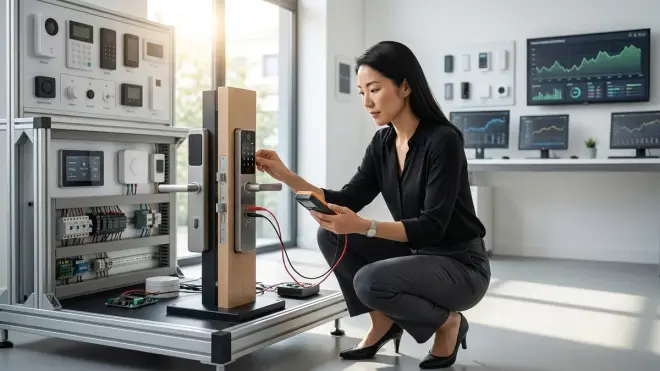
Security systems demand the highest reliability standards. Understanding what continues functioning during network failures determines whether a smart security system provides genuine protection or merely performs it.
Wi-Fi security cameras with local storage continue recording motion-triggered clips to microSD or built-in storage when internet fails, but lose remote viewing, cloud backup, and mobile notifications. The best subscription-free security cameras prioritize this local-first architecture, ensuring evidence capture even during extended outages—though you won't know an event occurred until connectivity restores.
Cloud-dependent cameras without local storage become completely non-functional during internet outages, unable to record or send alerts. This fundamental limitation makes cloud-only systems unreliable for security despite marketing claims, as demonstrated in comparisons like Arlo without subscription versus Ring without subscription—both require internet for any recording functionality.
Zigbee and Z-Wave door/window sensors paired with local hubs continue triggering automations during internet loss: IF door_sensor.front_door == "open" THEN siren.activate() AND light.entryway.turn_on() executes entirely within the local mesh network, typically with 50-120ms sensor-to-action latency. However, mobile notifications fail, leaving you unaware of events unless you're home to hear physical alerts.
Smart locks with physical keypads maintain local access codes during any connectivity failure—keypad entry, physical key override, and manual interior locking continue functioning as these are hardwired mechanical systems. Remote access, temporary codes generated via app, and integration automations like IF door_lock.front == "unlocked" AND time > 22:00 THEN send_notification() require hub and internet connectivity. Thread-enabled smart locks maintain local mesh reliability even when the border router loses internet, though remote access naturally fails.
Video doorbells partition functionality between local and cloud: button press triggers wired chimes and local storage recording even without internet, but live view, two-way audio via smartphone, and cloud-saved clips all require active internet. Some models using local hub compatibility maintain local network video streams viewable on hub-connected displays, though smartphone access remains dependent on internet routing.
Motion-sensor-triggered recording continues locally on cameras with onboard processing, but sophisticated detection algorithms—person detection, package identification, facial recognition—typically require cloud processing and fail during outages. Basic motion blob detection runs locally with high false-positive rates; AI-powered filtering needs internet connectivity for most 2026 consumer cameras.
Subscription-free security systems maintain higher local reliability precisely because they're architected without cloud dependencies, as detailed in complete checklists for no-fee systems. These systems accept trade-offs—less sophisticated AI, no remote access—in exchange for genuinely autonomous operation.
Battery-powered sensors continue reporting to hubs during Wi-Fi failure as long as Zigbee/Z-Wave/Thread mesh networks remain active, but battery-saving algorithms may increase reporting intervals from real-time to 2-5 minute windows, introducing latency that delays security automations.
Voice Assistants and Entertainment: Degraded Experience Patterns
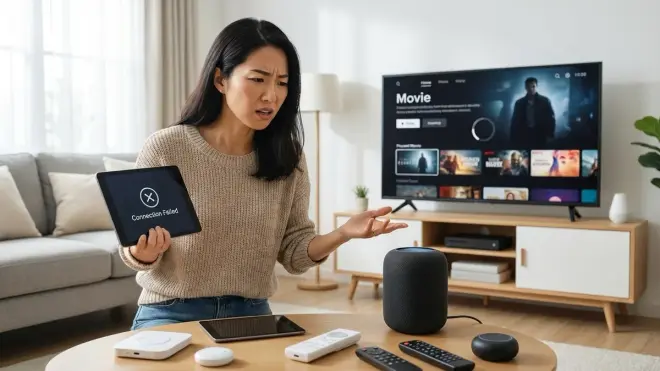
Smart speakers and entertainment devices reveal the cloud-dependency problem most obviously—nearly every function requires constant internet connectivity with minimal local fallback.
Amazon Echo devices lose almost all functionality when internet connection drops, retaining only Bluetooth speaker mode and local alarms already set before the outage. Voice commands, music streaming, smart home control, and even telling you the current time all require active cloud connectivity. Local Zigbee device control theoretically persists for devices paired directly to Echo hubs, but voice command processing happens in cloud, creating a useless loop—devices respond to hub signals, but you can't issue commands without speaking to cloud-dependent Alexa.
Google Nest speakers similarly depend on cloud processing for voice recognition, though Continued Conversation mode now caches a small subset of commands for <30 seconds local processing, allowing basic light controls and timer functions during brief connection hiccups but failing during sustained outages.
Apple HomePod maintains slightly better local functionality through on-device Siri processing for a limited command set: HomeKit device controls, timers, and music playback from locally downloaded Apple Music libraries continue working during internet loss, though streaming services and advanced queries require connectivity. Thread border router functionality persists during internet outage, maintaining mesh network for connected devices.
Smart displays running Google Home or Amazon Show lose nearly all utility during outages—no video calls, no streaming content, no visual smart home dashboards, no weather displays. They become expensive digital photo frames showing pre-cached images.
Streaming devices (Roku, Fire TV, Apple TV) obviously can't stream without internet, but Apple TV maintains local playback of purchased/downloaded content and continues functioning as a HomeKit hub for Matter devices, allowing local smart home control through the TV interface even when streaming fails.
Multi-room audio systems using proprietary protocols (Sonos, Bluesound) maintain playback of locally stored music libraries during internet outages and continue synchronized room grouping across the local network, though streaming service access naturally fails. Systems requiring cloud authentication for local playback (some earlier Sonos implementations) may pause even local libraries, though this has largely been resolved in 2026 firmware.
Smart TVs with built-in voice assistants revert to standard TV functionality with physical remote control when internet fails—you lose voice commands, streaming apps, and content recommendations, but HDMI inputs, cable/antenna tuners, and basic picture settings remain fully functional through manufacturer-specific interfaces.
Sensors, Plugs, and Energy Management: Automation Continuity
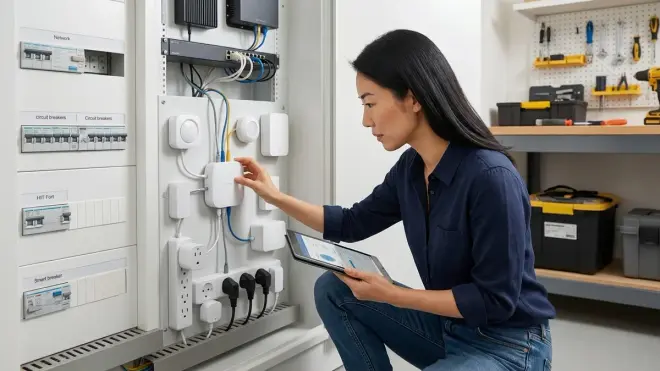
The infrastructure of automation—sensors, switches, and power management—determines whether routines persist or collapse during connectivity disruption.
Zigbee and Z-Wave motion sensors paired with local hubs maintain full automation triggering during internet outages: IF motion_sensor.hallway == "detected" AND time >= 22:00 AND time <= 06:00 THEN light.hallway.turn_on(brightness=10%) executes entirely locally with typical 80-200ms end-to-end latency. Battery-powered sensors continue reporting as long as mesh network remains stable, though some devices enter power-saving mode after extended hub disconnection, increasing reporting intervals.
Wi-Fi motion sensors typically require cloud services for automation triggers even when local Wi-Fi remains active—the sensor detects motion, uploads data to manufacturer cloud, cloud processes trigger logic and sends command back to local smart plugs or lights. This round-trip introduces 800ms-3s latency during normal operation and complete failure during internet loss unless the manufacturer implements local automation APIs.
Smart plugs with energy monitoring record usage data locally during internet outages but can't upload to cloud dashboards or trigger energy-saving automations dependent on utility pricing APIs. Local time-based rules persist: IF time == 23:00 THEN plug.water_heater.turn_off() continues executing on Z-Wave/Zigbee plugs controlled by local hubs, but dynamic rules analyzing real-time energy costs require internet connectivity.
Temperature and humidity sensors continue reporting to local hubs via mesh protocols, maintaining automations like IF sensor.bathroom_humidity > 70% THEN switch.exhaust_fan.turn_on() throughout internet outages. Wi-Fi sensors often cache readings locally but can't trigger automations without cloud processing.
Contact sensors on doors and windows maintain local automation triggering via Zigbee/Z-Wave/Thread, supporting security and energy management: IF sensor.window_any == "open" AND climate.thermostat.state == "cooling" THEN climate.set_eco_mode() executes locally, though sophisticated combinations requiring weather data or occupancy learning pause without internet.
Smart home energy monitors with local displays continue showing real-time consumption during internet outages if they include hardwired panel interfaces—whole-home monitors like Emporia Vue display data on physical screens independent of app connectivity. Cloud dashboard updates, historical analysis, and cost calculations requiring utility rate data become unavailable until connectivity restores.
Leak detection sensors with local sirens trigger audible alerts during internet loss, ensuring you're notified of water presence even without smartphone notifications. Integration automations like IF leak_sensor.basement == "wet" THEN valve.main_water.close() continue functioning on local hubs with Z-Wave/Zigbee valve controllers, though you won't receive remote alerts about the incident.
Presence detection using router-based device tracking fails entirely during internet outages as most implementations require cloud services to process which MAC addresses belong to household members. Bluetooth-based presence using local hubs maintains detection: IF bluetooth_tracker.phone_keiko == "home" THEN scene.arrival.activate() works during internet loss if the hub runs local Bluetooth scanning.
Sunrise/sunset triggers pause during internet loss for systems dependent on cloud time servers and geolocation services, causing circadian automations to maintain last-calculated times until connectivity restores—potentially leaving lights off during evening arrival if the outage spans multiple days and cached sunset time becomes inaccurate.
Final Check Before You Go
Before assuming your smart home maintains essential functions during connectivity failure, verify these critical fallback behaviors:
- Confirm protocol architecture: Zigbee, Z-Wave, Thread, and Matter 1.4 devices maintain local mesh communication during internet outages when paired with locally-processing hubs; Wi-Fi devices typically require internet for automation even when local network remains active
- Test hub processing location: Home Assistant, Hubitat, and Apple HomeKit process automations locally; SmartThings, most manufacturer apps, and cloud-dependent platforms fail during internet loss
- Verify security device local storage: Cameras without microSD or NVR recording provide zero security during internet outages regardless of power status
- Map manual override methods: Every automated light, lock, and climate control should have physical backup control—switches, keypads, or panels that function without any network
- Identify single points of failure: Power loss to your router kills Wi-Fi even if internet remains active; hub power loss stops all automations even if devices stay powered
- Document notification dependencies: Nearly all smartphone alerts require internet; local sirens, chimes, and visual indicators provide offline notification alternatives
- Check voice assistant local command sets: Most voice platforms require internet for >90% of commands; physical wall switches and app controls that cache locally provide more reliable fallback
- Test mesh network stability during internet loss: Zigbee/Z-Wave/Thread networks remain active when border routers lose internet, but some devices may enter power-saving mode after extended disconnection
Frequently Asked Questions
What happens to my smart home automations when the internet goes down but Wi-Fi stays active?
Automations split into two categories during internet-but-not-Wi-Fi outages: locally processed routines continue working perfectly while cloud-dependent automations pause entirely. If you're running a local hub like Home Assistant or Hubitat controlling Zigbee, Z-Wave, or Thread devices, automations execute without any interruption—your motion sensors still trigger lights, temperature rules still adjust climate, and presence detection using local Bluetooth continues functioning because nothing in that signal chain requires internet connectivity. However, automations requiring external data—weather-based triggers, geolocation using phone GPS, voice commands through Alexa or Google, or any manufacturer platform that processes logic in cloud rather than locally—will fail even though your Wi-Fi network appears perfectly healthy. The defining factor isn't whether devices can talk to each other but where the "brain" processing if/then logic actually lives.
Do battery-powered smart devices continue working during power outages if they're on mesh networks?
Battery-powered sensors continue functioning during power outages as long as the mesh network infrastructure remains powered—specifically, you need your hub and any mains-powered mesh repeaters to stay online for the network to persist. Zigbee, Z-Wave, and Thread networks rely on always-powered devices (plugged-in smart plugs, hardwired switches, powered hubs) to form the mesh backbone that routes messages from battery sensors to controllers; when power fails to these backbone devices, the mesh collapses even though battery sensors themselves remain powered and attempting to communicate. For true power-outage resilience, your hub needs UPS battery backup, and you need sufficient mains-powered mesh devices also on UPS—otherwise battery sensors become isolated nodes unable to report to anything. Security systems designed for offline reliability typically include backup battery modules in both sensors and base stations, maintaining the complete communication chain during power loss.
Which smart home protocols maintain the most functionality when hubs fail completely?
Wi-Fi devices maintain the most autonomous functionality when hubs fail because they connect directly to your router without requiring intermediate hub processing—though this often means less functionality overall since Wi-Fi devices depend heavily on cloud services and manufacturer servers remaining accessible. When comparing mesh protocols, devices following the Matter 1.4 standard maintain the most resilient fallback because the specification requires local control functionality independent of any specific hub, allowing manual control via physical switches even when all controllers are offline, though automations obviously cease without hub processing. Z-Wave and Zigbee devices become entirely inert when their controlling hub fails—they may remain powered, but without the hub processing commands and running automation logic, sensors can't trigger actions and switches won't respond to anything except hardwired physical toggles if they include bypass wiring. The most failure-resistant architecture uses Matter devices with physical manual controls, backed by a locally-processing hub running on UPS power—this combination maintains manual operation when hubs fail and preserves automations during internet and power disruptions.
Final Thoughts
The spaces that feel most seamlessly alive are those that degrade gracefully—where a network hiccup doesn't plunge you into darkness or lock you out. Designing with fallback behavior in mind means choosing protocols that maintain local mesh intelligence, prioritizing devices with physical override methods, and accepting that the most sophisticated cloud-powered features are also the most fragile. When automation becomes invisible by serving quietly in the background, its absence during failure should be equally unobtrusive—manual switches still work, doors still unlock, security still records. That resilience isn't just technical robustness; it's the foundation of trust that lets technology truly disappear into the rhythm of home.
