
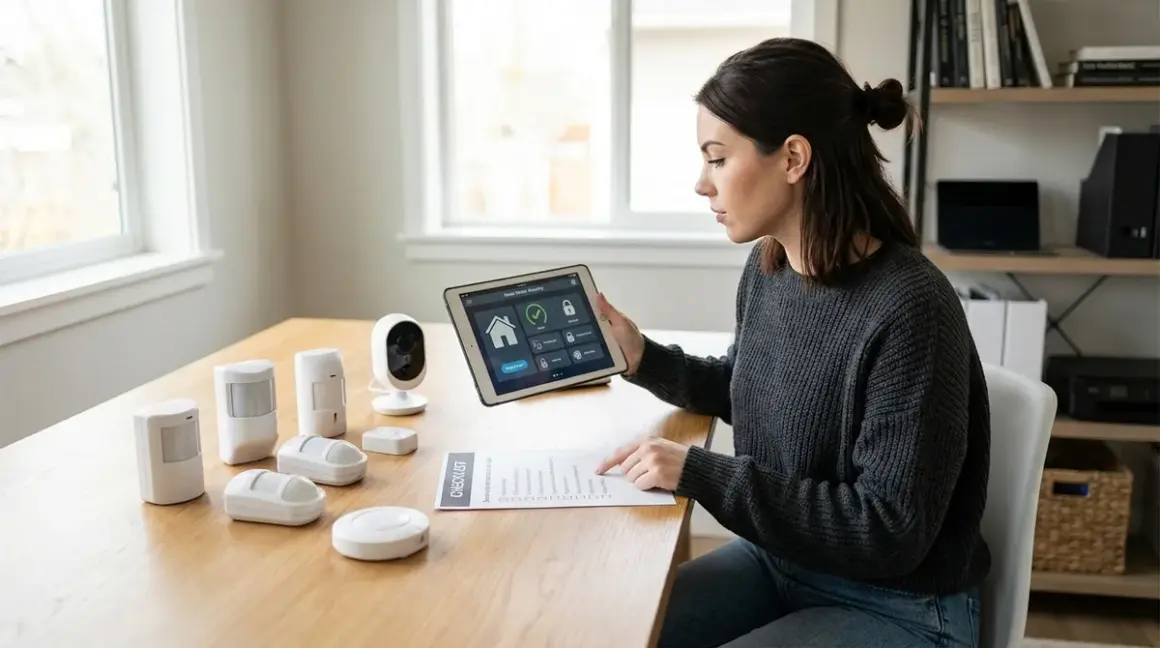

You don't need a monthly subscription to protect your home—you need a plan. This home security no monthly fee checklist walks you through every decision point when building a system that operates entirely without cloud fees, data-sharing agreements, or surveillance capitalism. Whether you're starting from scratch or migrating away from Ring's latest price hike, this guide covers protocol selection, local storage hardware, automation logic, and the privacy gotchas that manufacturers don't advertise.
I built my first no-fee system in 2020 after discovering my "smart" doorbell was uploading footage to servers I couldn't access. Since then, I've tested 40+ cameras, sensors, and hubs for true offline capability. This checklist reflects what actually works—not what marketing departments promise.

Essential Hardware Components
Before you write a single automation rule, you need devices that can function without phoning home. Not all "local storage" cameras are created equal—some still require cloud authentication to work, others lock features behind paywalls after 30 days.
Local storage security cameras with onboard recording: Look for cameras with microSD slots or internal storage that function completely without internet access. The Reolink E1 Zoom supports 24/7 recording to microSD and works entirely offline once configured, though initial setup requires temporary Wi-Fi. Cameras using RTSP protocol (Real Time Streaming Protocol) give you the most flexibility—you control the footage, not the manufacturer. For more options, see our guide to subscription-free security cameras.
Network video recorder (NVR) or network-attached storage (NAS): This is your central recording hub. An NVR stores footage from multiple cameras on a local hard drive—no cloud required. I use a Synology DS220+ with Surveillance Station, which supports 20+ camera brands and keeps 30 days of continuous footage on a 4TB drive. Latency from motion detection to recording start: typically 0.5-1.5 seconds depending on camera protocol (Wi-Fi adds 200-400ms vs wired). Make sure your NVR supports ONVIF (Open Network Video Interface Forum) for maximum camera compatibility.
Motion sensors (Zigbee or Z-Wave): These trigger recording, lights, and alarms without relying on AI cloud processing. Zigbee sensors like the Aqara P1 Motion Sensor run on a mesh network with 10-30ms latency and work through Home Assistant or Hubitat. Z-Wave sensors (like Aeotec TriSensor) offer slightly longer range but cost more. Critical point: Wi-Fi motion sensors usually require cloud accounts even if they claim "local" operation. Avoid them. For protocol comparison, read our Zigbee vs Z-Wave motion sensor guide.
Contact sensors for doors and windows: These are your perimeter defense. Zigbee contact sensors (Aqara, Sonoff, ThirdReality) cost $10-15 each and report open/closed states in under 50ms on a healthy mesh network. Z-Wave sensors (Ecolink, Aeotec) offer better wall penetration but require a Z-Wave hub. Automation logic example:
IF door_sensor.state == "open" AND alarm_mode == "armed" THEN trigger_siren() AND start_recording(all_cameras). These sensors have a 1-3 year battery life—replace them proactively to avoid false negatives.Local control hub (Home Assistant, Hubitat, or Matter-compatible controller): This is your brain. Home Assistant running on a Raspberry Pi 4 or dedicated hardware gives you complete local control over Zigbee, Z-Wave, Wi-Fi, and Matter 1.4 devices. Hubitat is plug-and-play but less flexible. Key compatibility requirement: Your hub must support the protocols your devices use—if you buy Zigbee sensors, you need a Zigbee radio (either built-in or via USB dongle like the Sonoff Zigbee 3.0 USB Dongle Plus). For setup guidance, see how to choose security systems by protocol.
Siren or alarm with local triggering: A 110dB siren wired to a smart relay (Zigbee or Z-Wave) gives you audible alerts without a monitoring service. The key is local trigger logic—your hub sends the "on" command directly to the relay, no cloud involved. Expected latency: 50-200ms from trigger event to siren activation. I use a Shelly 1 relay (Wi-Fi, but fully local via Home Assistant integration) connected to a 12V piezo siren. Fallback behavior: If the hub fails, the siren won't trigger—consider a standalone battery-powered alarm as backup.
Backup power supply (UPS for hub and NVR): Your security system is useless during a power outage unless you plan for it. A 1500VA UPS keeps a Raspberry Pi hub and NVR running for 4-6 hours. Critical: Your router and modem also need UPS power if you want remote access during outages. Test your UPS runtime annually—battery capacity degrades faster than you think.
Wired Ethernet connections where possible: Wi-Fi cameras drop packets, especially under 2.4GHz congestion. Wired connections reduce latency (typically 5-15ms vs 50-200ms for Wi-Fi) and eliminate dropout risk. If you must use Wi-Fi, dedicate a separate VLAN for security devices and disable cloud access at the router level.
Protocol and Compatibility Planning
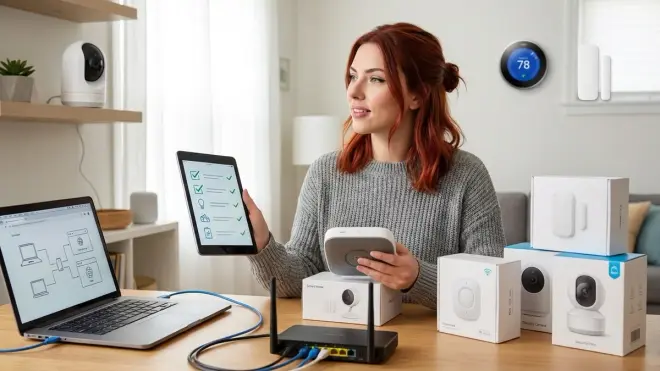
This is where most DIY systems fall apart. You buy a Zigbee sensor and a Z-Wave hub, then wonder why they won't talk to each other. Protocol incompatibility is not a bug—it's by design. Here's what you need to verify before you buy.
Confirm your hub supports every protocol your devices use: A Home Assistant hub with a Zigbee USB dongle supports Zigbee devices. Add a Z-Wave USB stick (like the Aeotec Z-Stick 7) to support Z-Wave. Matter devices require a Matter-compatible controller (Apple HomePod, Google Nest Hub, or Home Assistant with Matter 1.4 integration). You cannot mix protocols without the appropriate radio hardware.
Verify each device's "local control" claim: Manufacturers lie—constantly. A camera marketed as "local storage" may still require a cloud account for live view or push notifications. Before buying, search "[product name] + Home Assistant" or "[product name] + offline mode" to see if users have confirmed true local operation. I maintain a spreadsheet of tested devices—many "local" cameras still require initial cloud registration (looking at you, Wyze).
Check firmware lockdown policies: Some manufacturers push firmware updates that disable local features to force cloud adoption. Reolink and Amcrest historically respect local control, but Eufy (after their 2022 security breach) locked down several features. When possible, disable auto-updates and research each firmware version before installing. Yes, this is tedious. Yes, it's necessary.
Map your mesh network topology: Zigbee and Z-Wave use mesh routing—each powered device acts as a repeater. Battery-powered sensors do not repeat signals. You need at least one powered device (smart plug, light switch) within 30 feet of each sensor for reliable communication. Fallback behavior: If a sensor loses mesh connection, it stops reporting. Your automation logic should include
IF sensor_last_seen > 5 minutes THEN send_alert()to catch dead sensors before an intruder does.Understand Matter's current limitations (as of 2026): Matter 1.4 promises universal compatibility, but cameras aren't fully supported yet—only basic sensors, lights, and locks. If you're building around Matter, verify each device's specific capabilities. Matter device compatibility checking is still a manual process. Thread (Matter's preferred network layer) offers better power efficiency and lower latency than Zigbee, but device selection is limited. For comparison, see Matter vs Thread protocol differences.
Document your device MAC addresses and firmware versions: When troubleshooting, you'll need to identify which device is flooding your network or which firmware broke local control. Keep a spreadsheet. Future you will be grateful.
Plan for non-interoperable ecosystems: Ring doesn't play with Arlo. Nest doesn't play with Eufy. If you want cross-brand automation, everything must route through your local hub. Example automation that works: A Zigbee contact sensor triggers an RTSP camera to record via Home Assistant. Example that doesn't work: A Ring doorbell triggering an Arlo floodlight (both cloud-dependent ecosystems that don't communicate).
Storage and Network Configuration
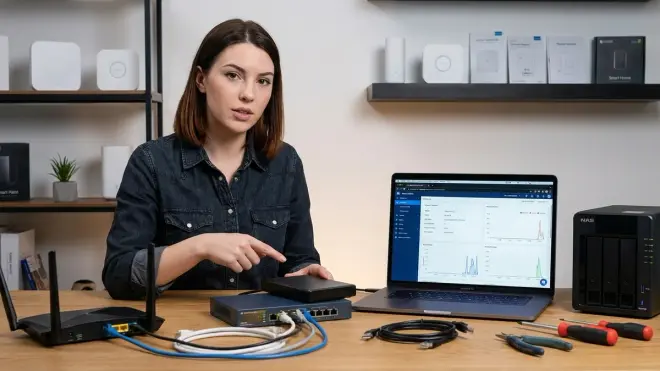
Your footage is only as secure as the network it lives on. Cloud companies want you to believe local storage is complicated—it's not. It just requires planning they don't profit from.
Calculate storage needs based on camera count and quality: A 1080p camera recording 24/7 generates approximately 60-90GB per week depending on compression (H.264 vs H.265). A 4-camera system needs roughly 1.5TB for 30 days of footage. Automation logic for space management:
IF storage_used > 80% THEN delete_oldest_footage(). Most NVR software handles this automatically, but verify it works. For more on this decision, see local vs cloud storage comparison.Isolate security devices on a separate VLAN: If a camera gets compromised (and they do—firmware vulnerabilities are common), you don't want it accessing your laptop or NAS. Create a "security" VLAN with no internet access and strict firewall rules. Your hub bridges the VLAN to trigger recordings without exposing devices. This requires a managed switch and basic networking knowledge. Worth the learning curve.
Disable UPnP and close unnecessary ports: Universal Plug and Play is a security nightmare. Manually forward only the ports you need (typically 443 for Home Assistant remote access via VPN). Never expose your NVR or cameras directly to the internet—that's how botnets are born. If you need remote access, use Tailscale or WireGuard VPN.
Implement automatic backup to a second location: Your NVR footage is worthless if someone steals the NVR. I run a nightly rsync job that copies critical footage to a hidden Raspberry Pi in the attic. Latency isn't an issue for backups—run them during low-activity hours (3-5 AM).
Test your network's bandwidth ceiling: Streaming multiple 1080p cameras simultaneously consumes bandwidth—around 4-8 Mbps per camera. If your router can't handle it, footage stutters and motion detection fails. Run a bandwidth test with all cameras recording to verify your network can handle peak load. Gigabit Ethernet between cameras and NVR eliminates this bottleneck.
Set up alert redundancy (local push notifications via Gotify or ntfy): Cloud push notifications stop working when the internet drops. Self-hosted notification services like Gotify (runs on your local network) or ntfy (can run locally or use their free server) send alerts directly to your phone via app. Automation example:
IF door_sensor.state == "open" AND alarm_armed == true THEN send_gotify_alert("Front door opened"). Latency: typically under 500ms on local network.Monitor device health and battery levels: Your home security no monthly fee checklist isn't complete until you've automated health monitoring.
IF sensor_battery < 20% THEN send_alert()is basic, but addIF sensor_last_seen > 12 hours THEN send_alert()to catch dead sensors. Zigbee/Z-Wave devices report battery levels inconsistently—verify yours do before relying on it.
Automation Rules and Trigger Logic
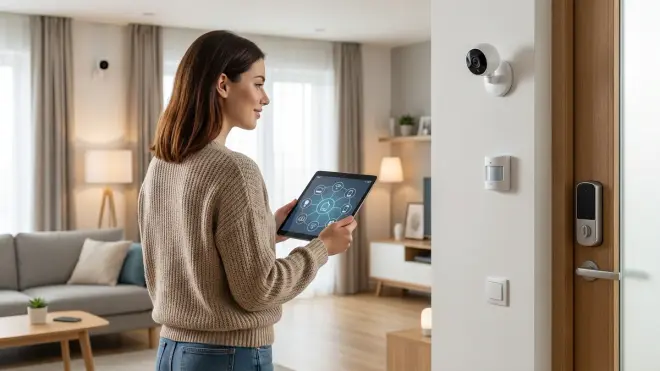
Hardware means nothing without intelligent automation. This is where you define when cameras record, when sirens sound, and what happens when something breaks.
Define armed/disarmed states with physical triggers: Use a Zigbee button or NFC tag to toggle alarm modes—cloud-dependent geofencing stops working when your phone's GPS acts up. Example logic:
IF nfc_tag_scanned == "disarm_tag" THEN set_alarm_mode("disarmed") AND silence_alerts(). Physical triggers don't fail when the internet drops.Implement progressive alert escalation: Not every motion event is an intruder. Multi-stage logic:
IF motion_detected AND alarm_armed THEN start_recording() AND wait(10 seconds) AND IF door_sensor.state == "open" THEN trigger_siren() AND send_emergency_alert(). This prevents false alarms from tree shadows while catching real break-ins. Fine-tune your wait times based on false positive rates.Create camera-specific recording rules: Constant recording eats storage and makes finding events harder. Targeted recording:
IF motion_detected AND time > sunset THEN record_camera(front_door, duration=120 seconds). Daytime motion near a busy street? Ignore it. Nighttime motion? Record for 2 minutes. Adjust thresholds based on your environment.Build fallback behaviors for device failures: What happens when your internet drops? When a sensor battery dies? When the Zigbee mesh collapses? Resilient automation:
IF hub_offline == true THEN trigger_local_siren()(requires a standalone alarm with its own PIR sensor). Test your fallbacks—power down your router and verify backup systems activate.Set up notification filtering to avoid alert fatigue: Dozens of daily notifications train you to ignore them—including the one that matters. Smart filtering:
IF motion_detected AND time > 10 PM AND alarm_armed THEN send_immediate_alert() ELSE log_event_only(). Reserve high-priority alerts for genuine threats. For detailed automation examples, see how to create smart lighting automations, which uses similar if/then logic.Implement sensor cross-verification for critical events: Single sensors can fail or false-trigger. Redundant logic:
IF motion_detected(living_room) AND contact_sensor_open(window) THEN confirm_intrusion = true THEN trigger_alarm(). This reduces false positives from pets or moving curtains while catching coordinated entry points.Schedule automatic system tests: Your security system is only as reliable as your last test. Weekly health check automation:
IF day_of_week == "Sunday" AND time == "2 PM" THEN test_siren(duration=5 seconds) AND send_report(battery_levels, last_seen_times, storage_used). Latency expectations: Zigbee/Z-Wave sensor checks complete in under 2 seconds; Wi-Fi devices take 5-10 seconds.
Privacy and Data Control Verification
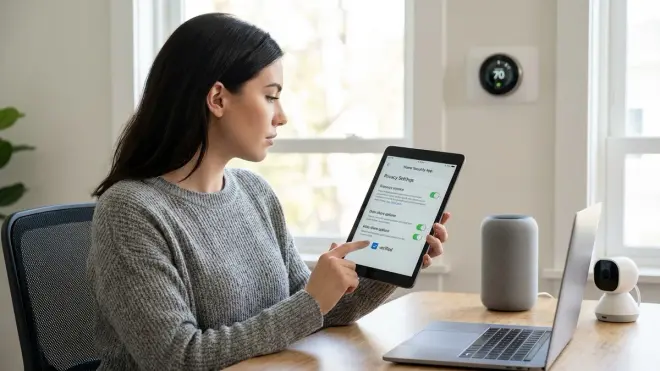
This is why you're building a no-fee system—to escape the surveillance business model. But "local storage" doesn't automatically mean "private." You need to actively block data leakage.
Audit network traffic with Wireshark or GlassWire: Power up each device and watch where it tries to connect. I caught my "offline-capable" doorbell attempting to phone home to AWS servers every 30 seconds—even with cloud features "disabled." Log traffic for 24 hours. If you see repeated connection attempts to manufacturer servers, the device isn't truly local. Return it.
Block manufacturer domains at the router level: Create firewall rules blocking your security devices from accessing the internet entirely. Whitelist only firmware update servers (and only when you choose to update). Critical exception: Some cameras require one-time cloud activation before going offline. Research this before buying—it's a deal-breaker if you're air-gapping your network. For more on local-only setups, see subscription-free security system fundamentals.
Verify encryption for local footage storage: If someone steals your NVR, can they access the footage? Enable full-disk encryption on your NAS or NVR. Home Assistant supports encrypted backups. Most consumer NVRs don't encrypt by default—you have to enable it manually. This adds negligible latency (under 5ms) to recording operations.
Disable remote access unless absolutely necessary: Remote viewing is convenient, but every open connection is an attack vector. If you need it, use a VPN tunnel (WireGuard, Tailscale) rather than exposing your system to the internet via port forwarding. Cloud-Free Viability Score impact: Remote access via manufacturer app = automatic score reduction. VPN-only access = no penalty.
Review privacy policies for every device: Yes, really. Especially the "we may share data with third parties" clauses. If the policy mentions "improving services with usage data" or "personalized experiences," they're collecting telemetry. Manufacturers often bury the opt-out process in firmware settings or require contacting support. Document which devices leak data even when "local only" mode is enabled.
Implement physical camera privacy controls: Motorized privacy shutters or removable lens covers prevent accidental (or coerced) recording. Some cameras (like Tapo C200) have physical shutter buttons. Others require smart plug cutoff. Automation example:
IF home_mode == "occupied" THEN power_off(indoor_cameras). Latency: Instant for smart plug cutoff, 2-3 seconds for motorized shutters.Test GDPR-style data deletion: Contact the manufacturer and request all data associated with your account. See what they have. If they resist or claim they "don't store user data" while clearly logging events, document it. This reveals their actual data practices vs marketing claims. I've done this with 15+ companies—only 3 provided complete data exports.
Final Check Before You Go
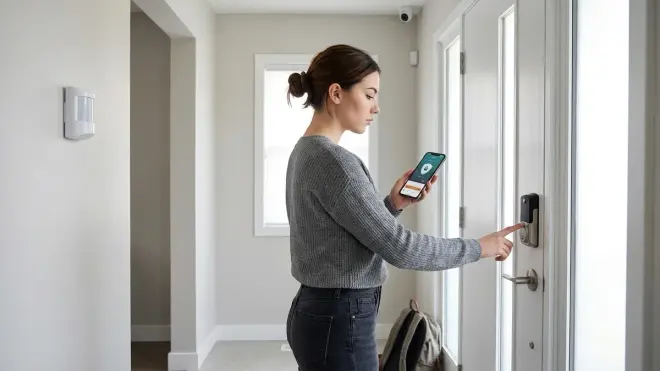
You've selected hardware, planned protocols, configured storage, written automation rules, and locked down privacy. Here's your final home security no monthly fee checklist before you call the system operational:
- ☑ Every device operates without internet access (tested by physically disconnecting router)
- ☑ All sensors report to your local hub within expected latency (Zigbee/Z-Wave under 100ms, Wi-Fi under 500ms)
- ☑ Automation rules have been tested with manual triggers (arm/disarm cycles, forced motion events)
- ☑ Storage capacity covers your minimum retention period (typically 14-30 days for 24/7 recording)
- ☑ Backup power keeps critical systems online during outages (hub, NVR, router on UPS)
- ☑ Network traffic audit confirms zero unauthorized cloud connections (24-hour Wireshark capture reviewed)
- ☑ Physical security prevents NVR/hub theft or tampering (locked closet, hidden location, backup storage offsite)
- ☑ Alert notifications reach you via non-cloud channels (local push service, SMS gateway, email via self-hosted SMTP)
- ☑ Fallback behaviors handle single-point failures (dead sensor alerts, hub offline triggers standalone alarm)
- ☑ System health monitoring checks run automatically (weekly battery/connectivity reports)
- ☑ You've documented firmware versions and rollback procedures (in case updates break local functionality)
- ☑ Remote access uses VPN tunneling, not port forwarding (zero direct internet exposure)
Missing any of these? Your system has a weak point. Address it before trusting your security to the setup.
Frequently Asked Questions
Can I build a no-fee home security system without technical experience?
Yes, but expect a learning curve steeper than cloud systems market. Basic setups using pre-configured hubs like Hubitat or a Home Assistant Blue require minimal networking knowledge—you're mostly clicking through setup wizards and following device pairing instructions. Advanced features like VLAN isolation, custom automation logic, or network traffic auditing require networking fundamentals. Start simple: one local-storage camera, one motion sensor, basic recording rules. Add complexity as you learn. The technical barrier is front-loaded—once configured, maintenance is minimal compared to subscription services that arbitrarily change features or pricing.
How reliable are no-fee security systems compared to professionally monitored services?
Hardware reliability is comparable—same cameras, same sensors. The difference is response: professional monitoring dispatches authorities automatically, while DIY systems notify you (then you call 911). For pure intrusion detection, local systems often outperform cloud-dependent alternatives because there's no internet outage point of failure. Critical limitation: No monitoring company will accept alerts from DIY systems, so if you're unconscious or away from your phone, no one's responding. Hybrid solutions exist—some companies like Noonlight offer pay-per-use monitoring without monthly contracts, bridging the gap between full DIY and traditional subscriptions. Latency is actually better on local systems: my Zigbee motion sensors trigger recording in under 100ms, while cloud-based Ring doorbells average 3-8 seconds from button press to notification.
What happens to my security system when the internet goes down?
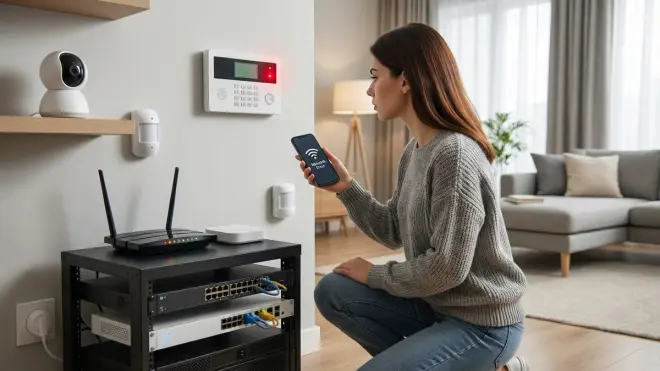
Depends entirely on your hardware choices—this is why the home security no monthly fee checklist emphasizes true local operation. Systems built on Home Assistant with Zigbee/Z-Wave devices operate completely independently of internet connectivity: sensors still trigger, cameras still record to local storage, sirens still sound, automations still run. The only functionality you lose is remote access and cloud-based notifications. Wi-Fi cameras that "support local storage" often stop functioning entirely without internet—they authenticate against cloud servers even for local viewing. Test this explicitly: unplug your router and verify every automation still executes. Your system should be internet-optional, not internet-dependent. For ongoing monitoring of device reliability when networks fail, see our smart device fallback behavior guide.
Final Thoughts
Building a home security no monthly fee checklist forces you to confront an uncomfortable truth: most "smart" security is designed to extract recurring revenue, not protect your home. The technical barriers aren't accidents—they're business model defenses.
But once you cross that initial setup threshold, you own your security. No price hikes. No feature removals. No footage sold to data brokers or law enforcement without warrants. No company shutting down servers and bricking your hardware.
I rebuilt my entire system in 2020 after discovering my Ring doorbell uploaded over 4,000 data packets daily—even with "privacy mode" enabled. The migration to Home Assistant, Zigbee sensors, and local-storage cameras took three weekends. Five years later, I've spent zero dollars on subscriptions and maintained complete control over every byte of footage.
The surveillance economy bets you'll choose convenience over autonomy. This checklist is your blueprint for refusing that trade.
Cloud-Free Viability Score for Complete No-Fee Systems: 9/10 — The only deduction is for initial setup complexity and the lack of professional monitoring integration. Everything else—recording, automation, privacy—works better without the cloud.
