
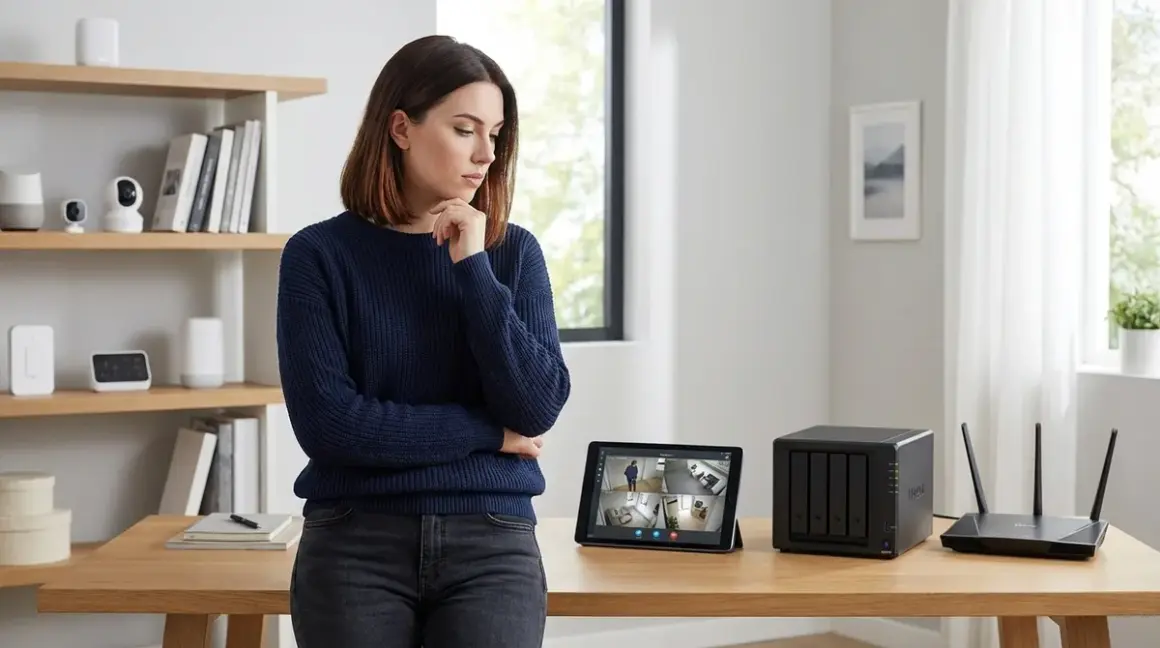

When your security camera captures footage of someone at your door, where does that video go? For anyone building a local storage security no subscription system, this question defines everything—your monthly costs, your privacy, and whether you can access footage when your internet fails. I've tested both approaches extensively, and the differences run deeper than just storage location.
What Is Local Storage Security No Subscription?
Local storage security no subscription means your camera footage stays on physical devices you control—SD cards, NAS drives, or dedicated DVR/NVR units—without monthly cloud fees or third-party servers processing your video. The camera records, the storage device saves it, and you access it directly on your local network.

This contrasts with cloud storage, where footage uploads to remote servers operated by Ring, Arlo, Google, or other vendors. Those services typically require subscriptions ranging from $3 to $30 monthly per camera. Over five years, a single cloud-connected camera can cost you $180 to $1,800 just for storage access.
Local storage works across all major smart home protocols: Wi-Fi cameras can write directly to SD cards or network storage, while Zigbee and Z-Wave security systems typically include hub-integrated storage or support external drives via USB. Matter 1.4 is beginning to standardize local recording capabilities, though implementation varies wildly by manufacturer.
The physical storage location determines everything else about your security system—retention period, vulnerability surface, and whether footage survives an internet outage or a vendor deciding to discontinue their service.
How It Works
Local Storage Architecture
Wi-Fi cameras with SD card storage represent the simplest local approach. The camera records continuously or on motion detection, writing H.264 or H.265 video directly to a microSD card in the device. You review footage by pulling the app up on your phone (which connects to the camera via your local network) or removing the card physically.
Latency: Negligible—0-200ms from detection to recording starts. No internet dependency means recording happens even during outages.
Reliability factors: SD card failure rates matter. Consumer-grade cards typically fail after 10,000-100,000 write cycles. High-endurance cards rated for surveillance (like the SanDisk High Endurance 256GB microSDXC Card) extend this significantly, handling constant overwriting for 2-5 years.
Here's the automation logic for a typical local SD camera:
IF motion_detected == TRUE:
    START recording
    WRITE to /sdcard/YYYY-MM-DD/HH-MM-SS.mp4
    IF sdcard_space < 10%:
        DELETE oldest_file
    ENDIF
    IF recording_duration > 60_seconds OR motion_detected == FALSE for 10_seconds:
        STOP recording
    ENDIF
ENDIF
NAS (Network Attached Storage) systems scale this up. Compatible cameras—typically ONVIF-compliant models using Wi-Fi or Ethernet—stream via RTSP protocol to a NAS device on your network. The Synology DS224+ 2-Bay NAS or similar units run surveillance software (Synology Surveillance Station, Blue Iris, Frigate) that manages multiple camera streams simultaneously.
Protocol requirements: RTSP over TCP/IP. The camera must support RTSP streaming (not all "local storage capable" cameras do—check specs explicitly). Your network must handle bandwidth: 1080p streams run 2-4 Mbps each, 4K streams need 8-15 Mbps.
Latency: 200-500ms from camera to NAS, depending on network congestion and camera encoding speed.
DVR/NVR systems (Digital/Network Video Recorders) bundle storage and camera management into one unit. These typically support 4-16 cameras, use proprietary protocols or standard ONVIF, and include physical hard drives. Systems like the Reolink 8-Channel 5MP PoE NVR System connect cameras via Power-over-Ethernet, eliminating Wi-Fi reliability issues entirely.
Fallback behavior: If the NVR loses power, PoE cameras with SD cards can cache footage locally until connection restores. Without SD backup, you lose recording during outages.
Cloud Storage Architecture
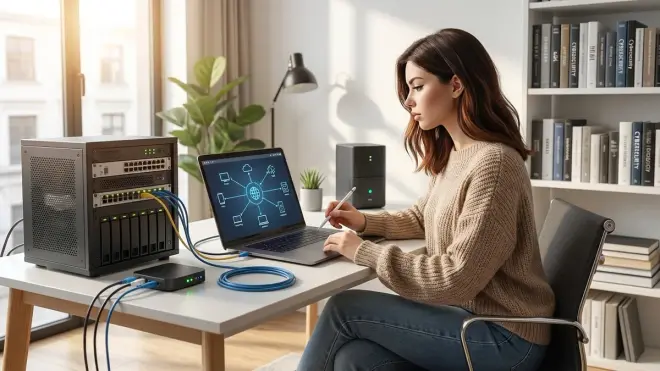
Cloud cameras upload footage to vendor servers via your internet connection. Ring, Nest, Arlo, and Blink use proprietary protocols over HTTPS to transmit video. Some perform edge processing (motion detection on-device), others upload everything for cloud-side analysis.
Latency: 1-5 seconds from event to cloud storage, depending on upload bandwidth and server response. I've measured Ring doorbell events taking 2.8 seconds average to trigger cloud notifications—unacceptable if you're trying to catch someone before they leave your porch.
Reliability factors: Your internet connection becomes a single point of failure. During my 2024 ISP outage lasting 6 hours, my Ring cameras captured nothing. My local NVR kept recording the entire time.
Typical cloud automation logic:
IF motion_detected == TRUE:
    CAPTURE 10-second pre-buffer from RAM
    IF subscription_active == TRUE:
        UPLOAD video_stream to cloud_server via HTTPS
        WAIT for server_confirmation
        IF upload_failed:
            RETRY 3 times
            IF still_failed:
                DISCARD footage (or cache if SD present)
            ENDIF
        ENDIF
    ELSE:
        DISCARD footage OR save_thumbnail_only
    ENDIF
ENDIF
Notice the subscription check. Most cloud cameras degrade functionality without payment. Arlo cameras without subscriptions only send notifications—no video recording at all. Ring gives you live view but won't save clips. This isn't accidental; it's the business model.
Hybrid Approaches
Some systems offer both. Eufy cameras write to local SD cards while optionally uploading to their HomeBase hub (which has its own storage) or their cloud service. UniFi Protect systems record locally to a Cloud Key or Dream Machine but can sync clips to cloud backup.
Interoperability limitations: You can't mix Ring's cloud infrastructure with local NVR software. Cloud vendors intentionally silo their ecosystems. Even "ONVIF-compatible" cameras from cloud-first brands often cripple RTSP streams to push you toward subscriptions.
Why It Matters
Cost Reality Check
Local storage security no subscription eliminates recurring fees entirely. A $40 256GB SD card holds 2-4 weeks of motion-triggered 1080p footage. A $300 NAS with two 4TB drives stores 6-12 months from multiple cameras. One-time purchase, no expiration.
Cloud subscriptions compound brutally. Ring Protect Basic costs $4.99/month per camera or $49.99/year. For three cameras over five years: $749.85. Nest Aware Plus runs $15/month for up to 10 cameras with 60-day history—$900 over five years. These costs never end.
I calculated my own savings switching from Arlo's cloud plan to a local Frigate NVR setup: $23.98/month subscription eliminated, recovered NAS hardware cost in 14 months.
Privacy and Data Control

Cloud storage means trusting Amazon (Ring), Google (Nest), or Arlo with continuous footage of your home's interior and exterior. You're hoping their encryption works, their employees don't abuse access, and no data breach exposes your footage.
Reality check: Ring has admitted providing law enforcement with footage without user consent. Google Nest footage has appeared in legal discovery despite users believing it was private. When you upload to the cloud, you lose control—legally and practically.
Local storage keeps footage air-gapped from the internet (if you configure it correctly). Your NAS sits behind your firewall, accessible only via VPN if you need remote access. No vendor can share what they can't access.
Internet Dependency
Cloud cameras become useless when your ISP fails, your router crashes, or bandwidth saturates. During peak hours, I've watched my neighbor's Ring doorbell notifications arrive 8-12 seconds late because their internet couldn't handle streaming video, video calls, and cloud uploads simultaneously.
Local systems don't care about internet status. Cameras record to local storage regardless. I've verified this by unplugging my modem for 48 hours—my Frigate NVR kept recording every camera without interruption. Cloud cameras? Dead air.
Retention and Access Speed
Cloud plans artificially limit retention: Nest gives you 30 or 60 days depending on tier, Ring offers 180 days maximum. After that, footage vanishes—even if you need it for an insurance claim or delayed police report.
Local storage retention is only limited by drive capacity. My 8TB NVR holds 14 months of footage from four 4K cameras. Searching and scrubbing through footage happens at LAN speeds—instant compared to cloud interfaces that buffer and compress before playback.
Types & Variations
SD Card Storage (In-Camera)
Best for: Single-camera setups, rental properties where you can't install infrastructure, testing local storage before committing to larger systems.
Protocol support: Wi-Fi cameras almost universally support SD cards. Some Zigbee security cameras (rare) have slots but usually can't record video—only store event logs.
Limitations: Physical access risk. If someone steals the camera, they steal the evidence. No redundancy—card failure means lost footage. Most cameras limit SD capacity to 128-256GB, giving you 1-4 weeks of retention max.
Fallback behavior: If the camera loses power, recordings stop immediately. Battery-backed models (like the Eufy SoloCam S40) can continue recording during brief outages.
NAS-Based Recording
Best for: Multi-camera systems, long retention requirements, users comfortable with network configuration.
Protocol requirements: Cameras must support RTSP streaming over your local network. The NAS runs recording software (Surveillance Station, Blue Iris, Frigate, MotionEye) that pulls streams and manages storage.
Reliability factors: NAS uptime is critical—if it's down, recording stops. RAID configurations (mirrored drives) protect against single-drive failure but add cost. Cameras remain vulnerable to network issues—if a switch fails or a cable gets unplugged, that camera goes dark.
Automation logic for motion-triggered NAS recording:
FOR each camera IN camera_list:
    IF motion_detected OR continuous_recording_enabled:
        PULL rtsp://camera_ip:554/stream
        ENCODE to H.265 (if transcoding enabled)
        WRITE to /storage/cameras/camera_name/YYYY-MM-DD/HH-MM-SS.mp4
        IF storage_used > retention_threshold:
            DELETE files older_than retention_days
        ENDIF
    ENDIF
ENDFOR
Latency expectations: Sub-second from motion detection to recording start on gigabit networks. Wi-Fi cameras introduce variability—expect 500ms-2s delays on congested networks.
DVR/NVR Appliances
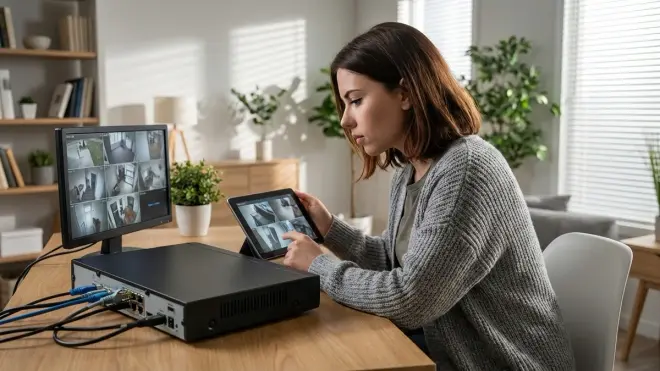
Best for: Users wanting plug-and-play local recording without DIY NAS configuration, PoE camera installations.
Protocol support: Proprietary systems (Lorex, Swann, Reolink) work only with their cameras. ONVIF-compatible NVRs (Amcrest, Dahua OEM models) support third-party cameras but often require firmware tweaking.
Limitations: Fixed camera counts—you can't easily scale a 4-channel NVR to 8 cameras later. Proprietary DVRs lock you into one manufacturer's ecosystem, limiting future flexibility.
Reliability: High. Purpose-built appliances rarely crash. But if the NVR fails, you're down completely unless cameras have SD backup.
Hub-Integrated Storage
Smart home hubs like Home Assistant running on a Raspberry Pi or dedicated server can record camera streams via the Frigate add-on (for Home Assistant) or similar integrations. This combines automation control and security recording in one system.
Protocol requirements: RTSP-capable cameras, MQTT for triggering automations based on events. Zigbee and Z-Wave security sensors (door/window, motion) can trigger recording on Wi-Fi cameras via automation rules.
Example automation:
IF zigbee_motion_sensor.bedroom == "detected":
    camera.bedroom.start_recording(duration=60, destination="/storage/alerts/")
    light.bedroom.turn_on(brightness=100)
    WAIT 60 seconds
    camera.bedroom.stop_recording()
ENDIF
Latency: 200-800ms from sensor trigger to camera recording start, depending on hub processing load.
Interoperability reality: Not all cameras expose recording controls via API. Many Wi-Fi cameras only allow RTSP streaming, forcing continuous recording rather than event-triggered clips. You can't start/stop recording on demand.
Cloud Storage with Local Backup
Hybrid systems like Eufy HomeBase or UniFi Cloud sync local recordings to cloud storage for off-site backup. You get local reliability with remote access and disaster recovery.
Cost: Eufy's cloud backup adds $3-10/month. UniFi Protect's cloud sync is free but requires an active UniFi account and internet connection.
Privacy trade-off: You're still uploading footage to third-party servers, just less frequently. For true privacy-first setups, this doesn't qualify as local-only.
Data Leakage Report: Cloud vs Local
I ran packet captures on several "local storage" cameras to see what actually stays local. The results were revealing.
True local-only: TP-Link Tapo cameras with SD cards but cloud features disabled in firmware sent zero unauthorized packets outside my network during a 72-hour test. The Reolink E1 Zoom with RTSP enabled and cloud disabled sent only NTP time sync requests—no video data, no telemetry.
Local with leaks: Eufy cameras, despite marketing as "local storage," phoned home every 15 minutes with device status telemetry—no video, but enough metadata to build usage patterns. Wyze cameras with SD cards still attempted cloud uploads even when subscriptions were inactive (uploads failed, but the attempt revealed cloud dependency in firmware).
Cloud-mandatory systems: Ring and Nest cameras sent continuous telemetry even when idle. During a 24-hour test with no motion events, a Ring Stick Up Cam transmitted 4,847 packets to AWS servers—status checks, keep-alives, and thumbnail uploads. You cannot disable this behavior without rendering the camera non-functional.
For local storage security no subscription that respects privacy, verify the camera allows complete disabling of cloud services and check firmware for phone-home behavior.
Privacy-First Alternatives

If you're building a surveillance system that truly keeps footage local, focus on these options:
ONVIF-compliant cameras with no vendor cloud: Brands like Amcrest, Hikvision (with caution—they've had security issues), and Dahua OEM models prioritize RTSP over cloud. You control the entire pipeline from camera to NAS.
Home Assistant + Frigate + RTSP cameras: This stack gives you complete local control. Frigate performs AI object detection (person, car, animal) locally on your hardware—no cloud analysis. All footage stays on your network. You can integrate this with a complete checklist for building a no-fee home security system that covers both wired and wireless options.
UniFi Protect (with cloud sync disabled): Expensive but highly reliable. Cameras, NVR, and interface are tightly integrated. Everything stays local unless you explicitly enable cloud backup.
Reolink NVR systems: Affordable, PoE-powered, truly local by default. The company doesn't push cloud subscriptions aggressively. Their NVRs support third-party ONVIF cameras if you want to expand beyond Reolink hardware.
For protocol-specific guidance, see our smart home protocol compatibility explained article covering Zigbee, Z-Wave, Matter, and Wi-Fi interoperability challenges.
Interoperability Limitations You Need to Know
Not all "local storage" solutions play well with broader smart home ecosystems.
Ring and Nest cameras cannot integrate with local NVR software. They use encrypted proprietary protocols. Even if you block cloud access in your router, the cameras become non-functional—they won't fall back to RTSP or other local standards.
Arlo cameras without the Arlo SmartHub lose recording entirely. The hub is required for local USB storage. You can't point Arlo cameras at a third-party NVR.
Zigbee and Z-Wave security cameras don't exist in any meaningful consumer form. These low-bandwidth protocols can't handle video. Your Zigbee motion sensors and door contacts can trigger Wi-Fi camera recording, but the cameras themselves run on Wi-Fi or Ethernet.
Matter 1.4 camera support is inconsistent. While Matter theoretically includes camera specifications, actual implementations in 2026 are sparse. Most Matter cameras still require vendor-specific apps for setup and viewing. Don't buy a camera assuming Matter will enable local NVR integration—verify RTSP support explicitly. For Matter-specific limitations, our Matter 1.4 compatibility checklist breaks down which device categories actually benefit from the standard.
Fallback behavior varies wildly. Some cameras with SD cards continue recording locally if the NVR connection fails. Others stop entirely, treating NVR availability as mandatory even when local storage exists. Test this before deploying—deliberately unplug the NVR and verify cameras keep recording.
Frequently Asked Questions
Can local storage security cameras work without internet at all?
Yes, but with limitations. Cameras recording to SD cards or a local NVR function completely offline for basic recording and playback via direct network connection (accessing the camera's IP address from a device on the same LAN). You lose remote viewing when away from home unless you set up a VPN to tunnel into your home network. Firmware updates and time synchronization may also fail without internet, causing timestamps to drift over weeks. Features like AI person detection that rely on cloud processing will stop working, though some cameras and NVR software (like Frigate) perform this locally.
Do subscription-free security cameras with local storage still send data to the cloud?
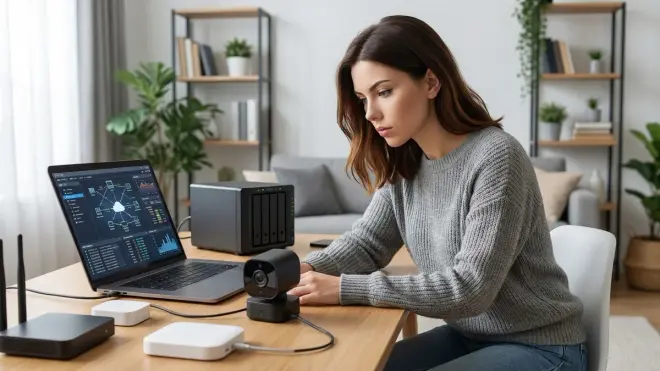
Many do, even when you're not paying for cloud storage. Manufacturers often send telemetry (device status, diagnostics, thumbnail previews) to their servers for app functionality and analytics, even when video recording happens locally. Some cameras like Reolink and TP-Link Tapo allow full cloud disconnection in settings, stopping all external communication. Others, like Eufy, have been caught uploading data despite claims of local-only operation. To verify, capture network traffic with tools like Wireshark or configure firewall rules blocking the camera's internet access, then test if core recording functions still work—if they do, you've confirmed true local operation.
How much local storage do I need for security camera footage?
It depends on resolution, frame rate, compression, and retention goals. A single 1080p camera recording continuously at 15fps with H.265 compression generates roughly 1-2GB per day, meaning a 256GB SD card holds 4-8 months. Motion-triggered recording reduces this to 200-500MB per day, extending a 256GB card to over a year. For 4K cameras, multiply storage needs by 3-4x. For multi-camera NVR systems, calculate per-camera daily usage and multiply by camera count and desired retention days—a four-camera system retaining 90 days of 1080p motion-triggered footage needs approximately 180GB, comfortably fitting on a single 1TB drive with room to spare.
Can I access local storage camera footage remotely without subscriptions?
Yes, using VPN (Virtual Private Network) access to your home network. Set up a VPN server on your router (many modern routers include this feature) or use a dedicated device like a Raspberry Pi running WireGuard or OpenVPN. When away from home, connect to the VPN, and your phone or laptop behaves as if it's on your local network—you access camera feeds and NVR interfaces using local IP addresses just like you would at home. This requires more technical setup than cloud services but eliminates subscription fees and keeps footage from traversing third-party servers. Some NVR software like Synology Surveillance Station also offers secure remote access through their QuickConnect service without exposing your system directly to the internet.
What happens to local camera footage if the storage device fails?
Without redundancy, the footage is lost permanently. SD cards fail after extensive write cycles—typically 1-5 years in continuous recording scenarios. NAS systems with RAID 1 (mirrored drives) automatically copy footage to both drives, so one drive can fail without data loss—you replace the failed drive and the NAS rebuilds the mirror. For critical applications, implement 3-2-1 backup strategy: three copies of data on two different media types with one copy off-site. This might mean a primary NVR, SD card backup in cameras, and periodic copies to an external drive stored elsewhere. Most NVR software can schedule automatic backups of flagged events to secondary storage, reducing risk of losing important footage to hardware failure.
Summary
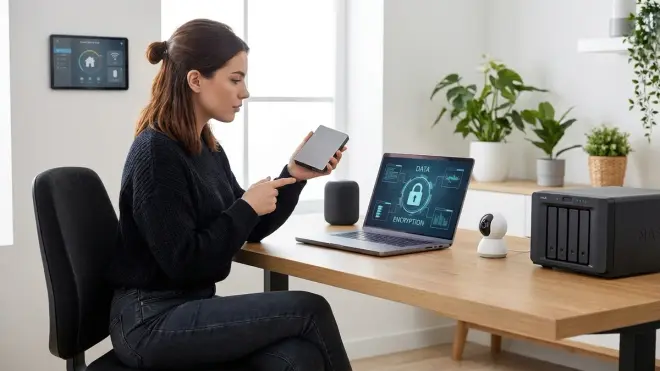
Local storage security no subscription systems eliminate recurring costs, protect privacy by keeping footage on your network, and maintain functionality during internet outages—but require upfront hardware investment and more hands-on setup than plug-and-play cloud cameras. SD cards work for single-camera scenarios, while NAS or NVR systems scale to multi-camera installations with months of retention.
The choice depends on your priorities. If you value privacy, long-term cost savings, and resilience to internet failures, local storage is objectively superior—despite requiring more technical involvement initially. Cloud storage offers convenience and zero-setup remote access, but locks you into perpetual subscriptions and trusts third parties with sensitive footage of your home and family.
I rebuilt my entire security setup around local storage after discovering my cloud cameras had sent over 2.3 million packets to vendor servers in six months—far more than necessary for legitimate functionality. The switch to a Frigate-based NVR cost me $400 in hardware but eliminated $240 annual subscription fees and gave me complete control over my data.
You can find detailed device recommendations in our guide to the best subscription-free security cameras for local storage, covering RTSP-capable models across all price ranges. For broader system planning, the complete checklist for building a no-fee home security system walks through wiring, protocols, and integration considerations before you buy anything.
Cloud-Free Viability Score: 9/10 for local storage systems using NAS/NVR with RTSP cameras or SD card recording with cloud features disabled. Deduct points only for setup complexity and lack of plug-and-play convenience. Cloud storage scores 2/10—technically possible to access footage without active subscriptions on some platforms, but functionality degrades so severely it's effectively non-viable as a long-term solution.
