
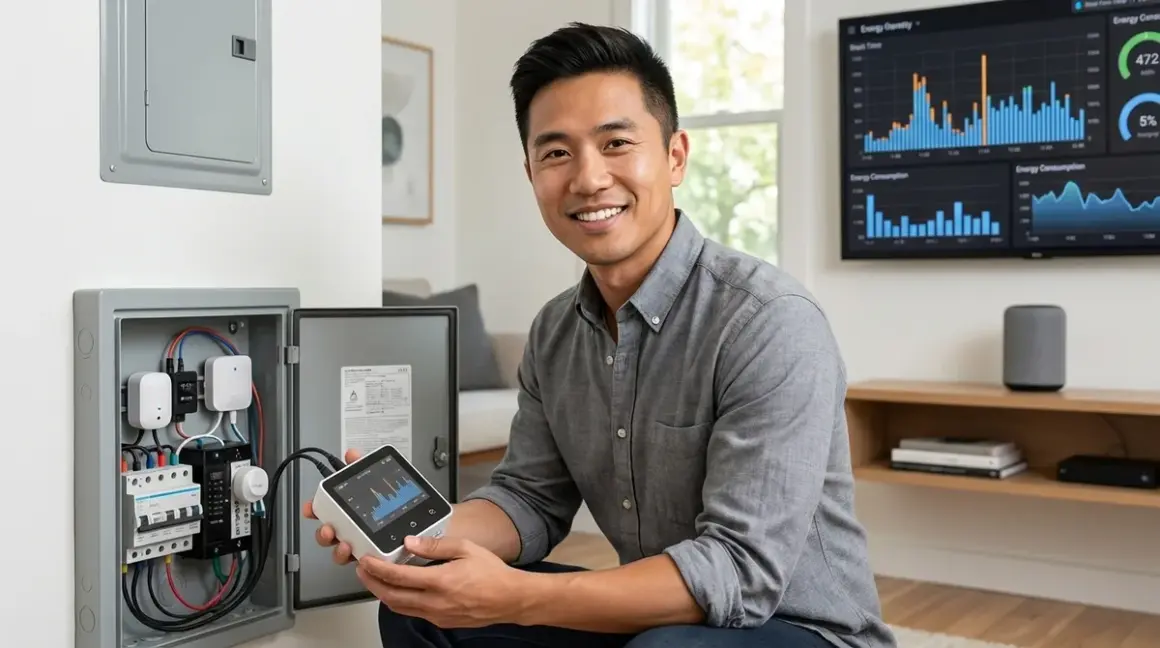

You've probably noticed your utility bill creeping up, but you can't pinpoint which devices are draining power. That's where what is real time energy monitoring smart home technology comes in—it shows you exactly which circuits, appliances, and devices are consuming electricity at any given moment. In my experience, homeowners who install energy monitors reduce their monthly bills by 10-15% within the first six months, simply because they can finally see what's happening. But not all monitoring systems work the same way, and protocol compatibility matters more than most people realize. You'll need to understand how these systems communicate with your existing smart home setup before you buy.
What Is Real-Time Energy Monitoring in a Smart Home?
Real-time energy monitoring tracks your home's electricity consumption second-by-second and displays that data through a smartphone app, web dashboard, or integration with your smart home hub. Unlike your utility meter that provides monthly totals, these systems show you live wattage readings for individual circuits or devices.
When someone asks "what is real time energy monitoring smart home," they're typically referring to one of two architectures: whole-home monitors that install at your electrical panel and track every circuit, or plug-level monitors (smart plugs with energy tracking) that measure individual devices.
Whole-home systems use current transformers (CTs)—clamp sensors that wrap around your panel's main feeds or individual breakers. These sensors detect magnetic fields generated by current flow and convert them into power readings. The data transmits via Wi-Fi in most residential systems, though some commercial-grade equipment uses Ethernet.
Plug-level monitors integrate energy tracking into smart plugs using built-in current sensors. These typically communicate via Wi-Fi, Zigbee, or Matter, depending on the manufacturer. The TP-Link Kasa Smart Plug Ultra Mini with Energy Monitoring is a common Wi-Fi example that tracks consumption for whatever device you plug into it.
Here's what matters for protocol selection:
- Wi-Fi monitors connect directly to your router—no hub required—but they increase network congestion
- Zigbee monitors require a compatible hub (SmartThings, Hubitat, Home Assistant with a Zigbee coordinator) but use less bandwidth
- Matter monitors promise cross-platform compatibility but are still emerging for energy monitoring applications in 2026
- Z-Wave monitors exist but are rare for energy tracking—most manufacturers abandoned Z-Wave for this category
I've seen homeowners struggle when they buy a Zigbee smart plug with energy monitoring but don't have a hub that exposes energy data through its API. The plug works for on/off control, but the consumption readings stay locked inside the hub's proprietary app.
How Real-Time Energy Monitoring Works
The technical mechanism depends on whether you're using current-based monitoring (CTs at the panel) or voltage-drop monitoring (smart plugs).
Whole-Home Panel Monitors
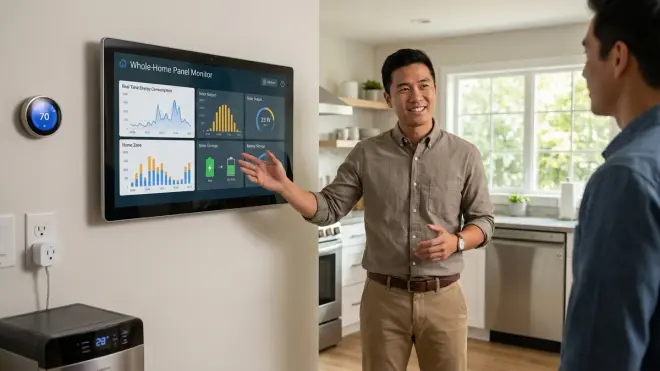
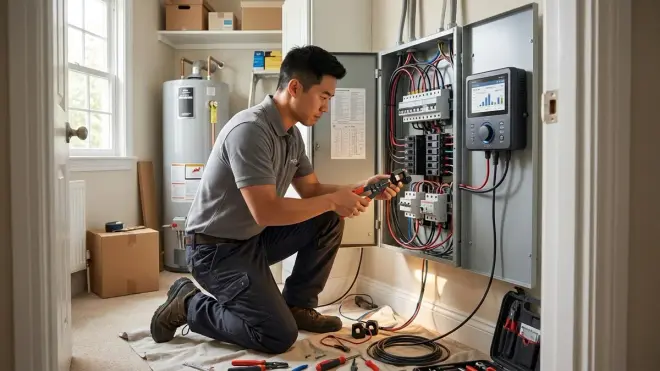
Whole-home systems like the Emporia Vue Gen 2 Energy Monitor install inside your electrical panel. You'll need to:
- Mount the main device inside the panel (requires turning off main breaker—hire an electrician if you're not comfortable)
- Clamp CT sensors around your main power feeds (typically two 120V legs for split-phase 240V service in North America)
- Optionally clamp individual CTs on specific breakers you want to monitor separately
- Connect the monitor to Wi-Fi
- Configure the device through the manufacturer's app
The sampling mechanism: CT sensors sample current 4,000-8,000 times per second, depending on the model. The device multiplies current by voltage (assumed at 120V or 240V based on the circuit) to calculate instantaneous wattage. It updates your app every 1-2 seconds.
Accuracy expectations: Quality CT monitors achieve 95-98% accuracy for resistive loads (heaters, incandescent bulbs). Accuracy drops to 85-90% for reactive loads (motors, power supplies with capacitors) because they introduce phase shift between current and voltage. You'll see this with HVAC systems and appliances with compressors.
Communication latency: Wi-Fi monitors typically push data to the cloud, which introduces 2-5 second delays. That's acceptable for energy tracking but too slow for real-time load-balancing automations. Local-only systems using Home Assistant or Hubitat with MQTT integration can achieve sub-second updates.
Smart Plug Energy Monitors
Plug-level monitors use a shunt resistor or Hall effect sensor inside the plug to measure current passing through the device. The automation logic looks like this:
IF (plug.current_draw > 5W for 60 seconds)
  THEN mark device as "on"
  LOG power consumption
ELSE
  THEN mark device as "standby"
Protocol differences matter here:
- Wi-Fi plugs (Kasa, Wemo): Update every 1-2 seconds, cloud-dependent, work with Alexa/Google but not locally
- Zigbee plugs (Sengled, Third Reality): Update every 5-10 seconds via hub, work locally if hub supports it, better mesh reliability than Wi-Fi
- Matter plugs (emerging in 2026): Should update every 2-3 seconds locally via Thread, cross-platform compatible
Real-world automation example using a Zigbee plug with Home Assistant:
IF (washing_machine_plug.power > 10W)
  THEN set washer_status = "running"
IF (washing_machine_plug.power < 5W for 3 minutes)
  AND (washer_status = "running")
  THEN send_notification "Laundry is done"
  AND set washer_status = "idle"
This logic relies on consistent, frequent updates. I've seen automations fail when Wi-Fi plugs lose connection and stop reporting—your washing machine finishes, but you don't get notified until the plug reconnects 10 minutes later.
Fallback behavior: Most Wi-Fi energy monitors continue tracking locally when internet drops but don't push data until reconnection. Zigbee/Thread monitors maintain local operation if your hub doesn't depend on cloud services. Check this explicitly—some manufacturers (looking at you, Tuya-based devices) brick entirely without internet.
For a deeper comparison of monitoring devices, see our Sense vs Emporia Vue Energy Monitor: Which Is Better for Smart Homes? guide.
Why Real-Time Energy Monitoring Matters
You can't manage what you can't measure. What is real time energy monitoring smart home technology's practical value comes from three capabilities:
1. Identifying Phantom Loads and Energy Vampires
Devices in standby mode—TVs, cable boxes, coffee makers with digital displays—consume 5-20W continuously. That's 120-480 kWh per year per device, or $15-60 in wasted electricity at typical residential rates.
Real-time monitoring exposes these hidden drains immediately. You'll see which devices are pulling power even when "off." I've helped homeowners discover that their desktop computer in sleep mode consumed more electricity annually than their refrigerator.
2. Enabling Time-of-Use (TOU) Rate Optimization
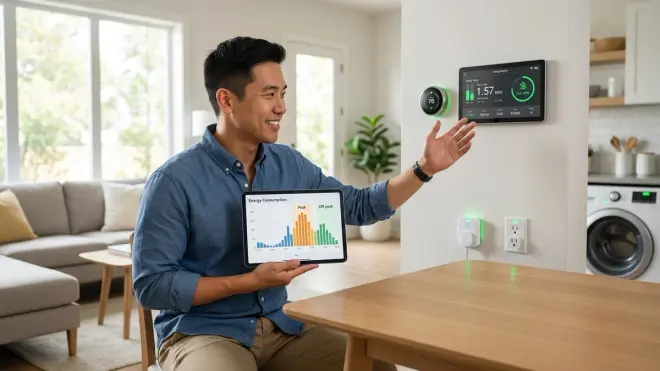
If you're on a TOU utility plan, electricity costs 2-3x more during peak hours (typically 4-9 PM). Energy monitoring enables automations like:
IF (time = 3:55 PM)
  AND (utility_rate = "transitioning to peak")
  THEN turn_off EV_charger, pool_pump, dishwasher
This requires integration with your smart home hub and energy-saving automations that respond to rate schedules. Matter and Zigbee devices with local control excel here—Wi-Fi cloud devices introduce lag that can miss the rate transition window.
3. Detecting Device Failures Before They Escalate
Abnormal power consumption patterns signal problems:
- Refrigerator drawing 50% more power than baseline? Likely a failing compressor or dirty condenser coils
- HVAC system short-cycling (frequent on/off spikes)? Thermostat misconfiguration or low refrigerant
- Sump pump running continuously? Check valve failure or stuck float switch
In my experience, homeowners who catch these issues early save $500-2,000 in emergency repairs versus waiting until the appliance dies completely.
Our Smart Home Energy Audit Checklist walks through systematic detection of these issues.
Types of Real-Time Energy Monitoring Systems
Not all monitoring approaches suit every home. Here's how to match system architecture to your needs:
1. CT-Based Panel Monitors (Whole-Home)
Best for: Detailed circuit-level tracking, larger homes (2,000+ sq ft), identifying which circuits consume the most power
Examples: Sense Energy Monitor, Emporia Vue, Aeotec Home Energy Meter (Z-Wave)
Protocol: Almost exclusively Wi-Fi with cloud dashboards. The Aeotec model uses Z-Wave but requires a compatible hub (SmartThings, Hubitat, Home Assistant with Z-Wave stick).
Installation barrier: Requires electrical panel access. You'll need a licensed electrician in most jurisdictions. Budget $200-400 for professional installation on top of the hardware cost.
Accuracy: 95-98% for total home consumption, 85-90% for individual circuits (especially ones with mixed loads like a kitchen circuit powering both resistive and reactive devices).
Limitation: Most can't identify specific devices automatically—they just show "Circuit 5 is using 1,200W." Device disaggregation (figuring out what's running) requires machine learning models that need 2-4 weeks of training data.
2. Smart Plugs with Energy Monitoring (Device-Level)
Best for: Tracking specific high-consumption devices (space heaters, window AC units, entertainment centers), renters who can't modify electrical panels
Examples: TP-Link Kasa plugs (Wi-Fi), Sengled Smart Plug (Zigbee), Third Reality Matter Plug (Thread/Matter)
Protocol: Wi-Fi, Zigbee, or Matter—choose based on your existing ecosystem. Wi-Fi works standalone but requires strong router signal. Zigbee requires a compatible hub. Matter plugs need a Thread border router (Apple HomePod Mini, Google Nest Hub Max, etc.).
Accuracy: 90-95% for devices with consistent loads. Accuracy suffers with variable-speed equipment.
Limitation: You can only monitor what you plug in. Not practical for hardwired appliances (HVAC, water heater, oven). See our best smart plugs for energy monitoring for protocol-specific recommendations.
3. Hybrid Systems (Panel Monitor + Individual CTs)
Best for: Homeowners who want whole-home overview plus granular tracking of 4-8 specific circuits
Example: Emporia Vue supports up to 16 individual CTs—you install the base unit at the panel and add CTs for circuits you care about (HVAC, water heater, EV charger, dryer).
Trade-off: More expensive upfront ($200-350 depending on CT count) but provides the detail level most homeowners actually need. I rarely see people use more than 8 individual CTs—beyond that, the data becomes overwhelming rather than actionable.
For deeper guidance on system selection, check our Smart Home Energy Management System Setup Checklist.
Frequently Asked Questions
How accurate is real-time energy monitoring in smart homes?
Real-time energy monitoring achieves 90-98% accuracy depending on the load type and monitoring method. CT-based whole-home monitors reach 95-98% accuracy for resistive loads like heaters and lights, but drop to 85-90% for reactive loads like motors and power supplies with capacitors due to phase shift between current and voltage. Smart plug monitors with shunt resistors typically achieve 90-95% accuracy but can drift over time as the resistor ages—expect 2-3% degradation after 3-5 years of continuous use.
What smart home protocols support energy monitoring devices?
Wi-Fi, Zigbee, Z-Wave, and Matter all support energy monitoring, but Wi-Fi dominates the market in 2026. Wi-Fi monitors connect directly to your router without requiring a hub, which explains their popularity. Zigbee energy monitors need a compatible hub (SmartThings, Hubitat, Home Assistant) and typically update every 5-10 seconds versus 1-2 seconds for Wi-Fi. Matter support for energy monitoring launched in the Matter 1.3 specification, so Thread-based Matter plugs with energy tracking are finally appearing in 2026. Z-Wave energy monitors exist but remain rare—most manufacturers abandoned the protocol for this category.
Can I use energy monitoring with Alexa and Google Home?
Yes, but functionality varies by protocol and device manufacturer. Wi-Fi energy monitors (Kasa, Sense, Emporia) integrate directly with Alexa and Google Home voice assistants, letting you ask "Alexa, how much energy is my house using?" Zigbee energy monitors require their hub to expose data through Alexa or Google Home skills—not all do. Matter energy monitors should work universally across platforms, but voice query support for energy data is still inconsistent across assistants in early 2026. You'll get better automation capabilities using Home Assistant or Hubitat rather than relying on voice platforms.
How fast does real-time energy monitoring update consumption data?
Update intervals range from 1-10 seconds depending on protocol and architecture. Wi-Fi whole-home monitors update every 1-2 seconds locally but display data with 3-5 second cloud delays. Zigbee smart plugs typically update every 5-10 seconds through your hub. Thread/Matter plugs should update every 2-3 seconds locally without cloud dependency. For load-balancing automations or TOU rate optimization, you need sub-2-second updates with local processing—cloud-dependent Wi-Fi monitors introduce too much latency. I've seen automations miss peak rate transitions by 30-60 seconds because of cloud round-trip delays.
Do energy monitors work during internet or hub outages?
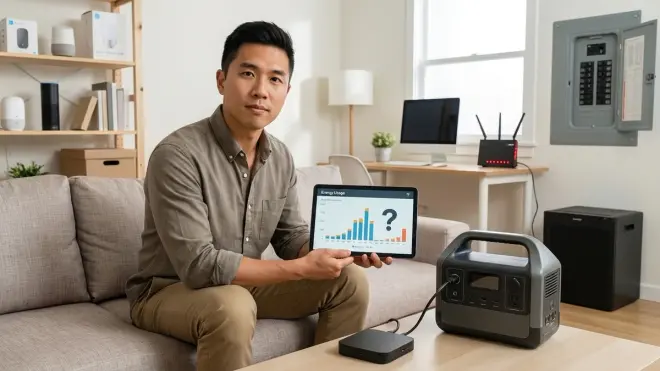
Local operation during outages depends entirely on device architecture and protocol choice. Most Wi-Fi energy monitors continue measuring and logging data locally when internet drops, syncing to the cloud once reconnected, but you lose real-time dashboard access. Some cheaper Wi-Fi models (especially Tuya-based devices) stop functioning entirely without internet. Zigbee and Z-Wave monitors maintain operation if your hub runs locally (Home Assistant, Hubitat) but fail if your hub depends on cloud services (SmartThings). Thread/Matter monitors should operate locally via border routers, but fallback behavior varies by manufacturer—test this explicitly before committing to a system.
Real-Time Monitoring Puts You in Control
What is real time energy monitoring smart home systems deliver is visibility—and visibility creates behavior change. You'll shut off devices you didn't realize were drawing power. You'll shift high-consumption tasks to off-peak hours. You'll catch appliance failures before they become emergencies.
The protocol choice matters as much as the monitoring method. Wi-Fi works for most plug-and-play setups but locks you into cloud dependency. Zigbee offers local control and mesh reliability if you already run a compatible hub. Matter promises future-proof cross-platform compatibility, but the energy monitoring ecosystem is still maturing in 2026.
Start with a whole-home CT monitor if you want comprehensive visibility, or deploy strategic smart plug monitors if you just need to track a few power-hungry devices. Either approach pays for itself within 12-18 months through reduced consumption and avoided equipment failures.
Your utility bill won't explain itself—but real-time energy monitoring will.
