
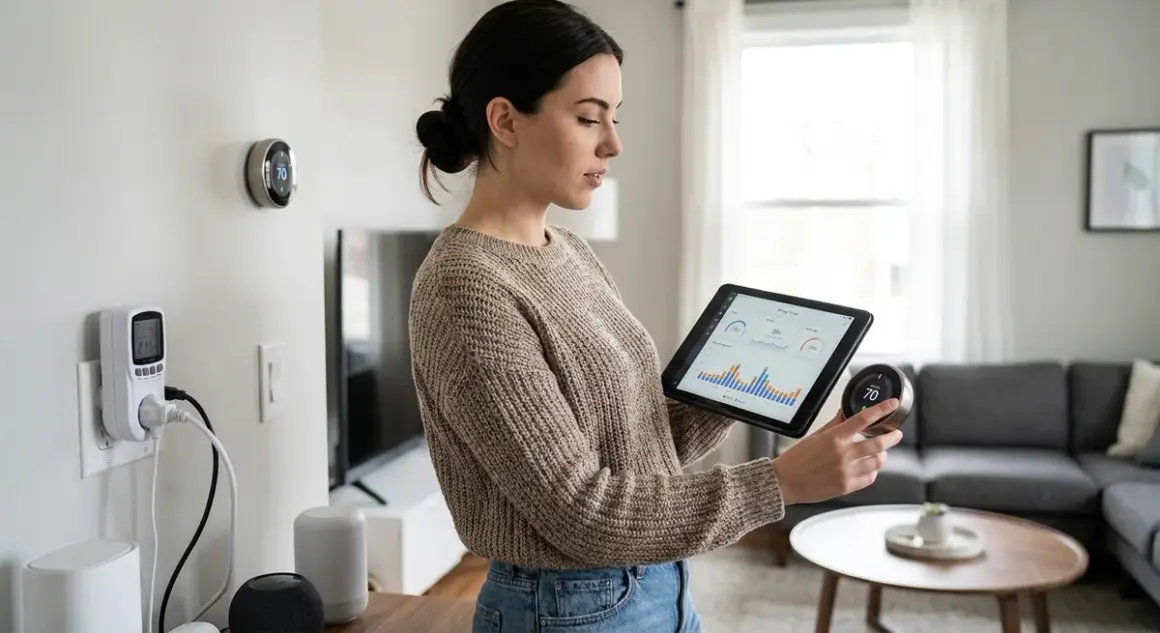

Your smart home was supposed to save energy. Instead, it's quietly adding to your bill—sometimes by hundreds of dollars annually. This smart home energy audit checklist walks you through finding the devices burning watts while you sleep, identifying phantom loads that never actually turn off, and exposing the protocol-specific power draws that manufacturers conveniently forget to mention. I've spent three years monitoring every socket in my fully local setup, and the data is unambiguous: most "smart" devices consume far more standby power than their dumb predecessors.
This checklist is for anyone running smart home energy management systems who wants actual numbers instead of marketing promises. You'll need smart plugs with energy monitoring, local access to your automation controller (Home Assistant, Hubitat, or similar), and the willingness to confront some uncomfortable truths about devices you already own.

Baseline Infrastructure: Hubs, Controllers, and Always-On Network Devices
Start here. These devices run 24/7 by design, and their cumulative draw adds up faster than you'd expect.
Zigbee/Z-Wave hubs: Most dedicated hubs (like the Home Assistant Yellow) draw 3-8W continuously—26-70 kWh annually. If you're running multiple protocol hubs because you didn't plan for Matter 1.4 compatibility upfront, you're multiplying that waste.
Wi-Fi routers and mesh nodes: Consumer mesh systems easily hit 15-30W for a three-node setup. Thread border routers embedded in HomePods or Echo devices add another 2-4W each. If your Matter 1.4 migration left you with redundant border routers, unplug them.
Home automation servers: A Raspberry Pi 4 running Home Assistant draws roughly 3-5W idle, 6-8W under load. An old desktop PC repurposed as a server? 40-80W idle. I moved from a salvaged Dell tower to a dedicated Pi and recovered 300 kWh annually—about $45 in my region.
Network-attached storage (NAS): If you're storing local security camera footage on a NAS, expect 15-40W depending on drive count and spin-down behavior. A two-bay unit running 24/7 costs $15-30 annually in power alone.
Smart displays and wall-mounted tablets: An Amazon Echo Show 10 draws 7-10W when idle (screen on). A repurposed iPad mounted as a dashboard? 8-12W if it never sleeps. Multiply by the number of screens in your home.
Security system base stations: Subscription-free systems like Ring Alarm or Abode draw 2-5W continuously. Add cellular backup modules and you're at 6-8W. Over a year, that's 50+ kWh per system—more if you're running redundant setups for different protocols.
I found six always-on devices in my network closet alone—hub, router, two mesh nodes, NAS, and a forgotten Z-Wave USB stick plugged into a wall adapter. Combined draw: 48W. That's 420 kWh annually, or roughly $60, before a single smart bulb turned on.
High-Draw Active Devices: The Obvious Suspects
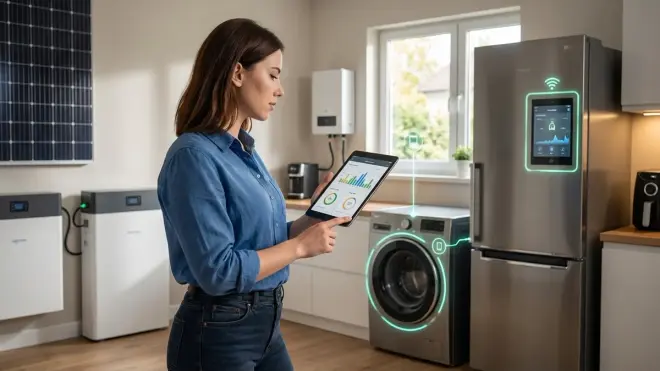
These are the devices you know consume power—but monitoring reveals how much more than expected.
Smart thermostats and HVAC controllers: The thermostat itself draws 1-2W, negligible. The real audit question: are your heating/cooling automations actually saving energy, or are they triggering more frequent compressor cycles than a dumb programmable thermostat would? Check your HVAC runtime logs. If your "smart" schedule is less efficient than the old 68°F-all-day setting, you've automated yourself into higher bills.
Smart water heaters and heavy appliances: Resistive heating is resistive heating—smart or not, a water heater draws 3000-4500W when heating. The value proposition is only in automation logic:
IF time_of_day BETWEEN 23:00 AND 06:00 AND electricity_rate == "off_peak" THEN heat_to_130F ELSE heat_to_110F. Without time-of-use rate optimization, you're just adding standby consumption (3-6W) for no benefit.Smart plugs controlling space heaters or AC units: A 1500W space heater doesn't care if it's plugged into a Zigbee smart plug or a dumb outlet—but the plug itself adds 0.5-2W of vampire draw. If you're using smart plugs to "control" devices that are already manually switched off, you're wasting power for theater.
EV chargers with smart features: Level 2 chargers draw 30-50W in standby when no vehicle is connected. Some models (looking at you, older ChargePoint Home units) never fully sleep. If you charge twice a week but the unit's energized 24/7, that's 260-440 kWh annually just maintaining the "smart" features—more than many households' entire lighting budget.
Smart refrigerators and kitchen appliances: Modern smart fridges draw roughly the same as dumb ones when cooling (100-150W average), but the always-on display, Wi-Fi radio, and internal cameras add 10-20W of constant overhead. Over a year, that's an extra 90-175 kWh just to check milk inventory from your phone.
Run your high-draw devices through smart plugs with energy monitoring for two weeks. Compare their actual consumption to the nameplate wattage. I found my "1500W" oil heater averaged 940W due to thermostat cycling, but my "200W" TV soundbar with HDMI passthrough drew 18W even when "off"—nine times the manufacturer's claimed standby figure.
Phantom Loads and Vampire Draw: The Silent Budget Drain
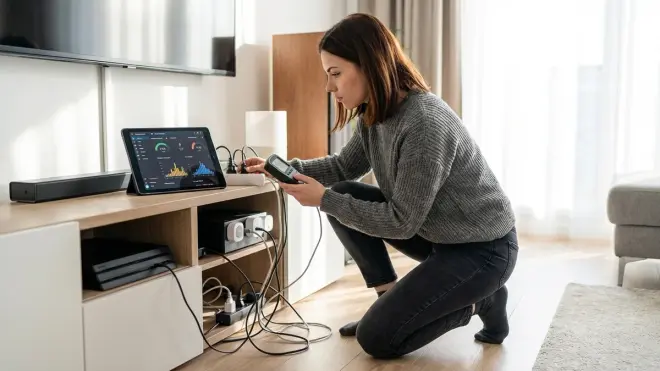
This is where the audit gets uncomfortable. Devices that appear off but never actually stop consuming power.
Smart TVs and streaming devices: A Samsung Frame TV draws 0.5W in "off" mode—but 22W in ambient mode, which is the default. A Roku Ultra? 4W when "off" because it's listening for remote commands. An Apple TV 4K in sleep mode? 1.5W. None of this is disclosed clearly in marketing. Multiply by the number of screens in your home.
Voice assistants and always-listening devices: An Echo Dot draws 2-3W idle, an Echo Show 10 draws 7-10W, a HomePod mini draws 1-2W. If you have eight voice assistants scattered through a large home (guilty), that's 20-30W of continuous draw just to hear "Alexa" or "Hey Siri"—175-260 kWh annually. I unplugged four of mine. Nothing changed except my power bill.
Security cameras (wired): Subscription-free cameras like Reolink PoE models draw 4-8W each when idle, more when recording or streaming. Four cameras at 6W each: 210 kWh annually. Wireless battery models avoid vampire draw but shift the energy cost to charging cycles—and replacement batteries every 18-24 months create e-waste instead.
Smart lighting hubs and bulbs: A Philips Hue Bridge draws 2W continuously. Each connected bulb draws 0.2-0.5W when "off" to maintain mesh connectivity. Twenty bulbs at 0.3W each: another 6W, or 52 kWh annually. Zigbee vs Z-Wave bulbs show similar standby behavior—mesh protocols require always-on radios.
Smart plugs themselves: Every smart plug monitoring energy consumes 0.5-2W doing so. If you've installed thirty smart plugs to "save energy," you've added 15-60W of baseline load (130-525 kWh annually) before they control a single device. I removed plugs from lamps I manually turn off anyway—saved 8W immediately.
Chargers and power adapters left plugged in: USB wall adapters draw 0.1-0.5W with nothing connected. Laptop chargers: 0.5-2W. Phone chargers: 0.2-0.5W. Ten chargers at 0.5W average: 44 kWh annually. Smart or not, unplug them.
Entertainment systems and AV receivers: My Denon AVR-X3700H draws 38W in standby with HDMI-CEC enabled (so it can turn on when the TV does—a "smart" feature). Disabling CEC dropped standby to 0.8W. Over a year, that one setting change recovered 325 kWh, roughly $45.
I use Zooz Z-Wave Plus plugs with real-time monitoring to track everything. Protocol note: Z-Wave uses less power for the plug itself (0.5-0.8W) than Wi-Fi equivalents (1.5-2.5W), but requires a Z-Wave hub that also draws power. For small deployments, Wi-Fi plugs are net-lower consumption. For mesh networks of 15+ devices, Z-Wave or Zigbee wins.
Automation-Specific Energy Waste: When "Smart" Makes Things Worse
Your automations might be costing you money. Here's how to audit the logic itself.
Redundant sensor polling:
IF motion_sensor_state CHANGES THEN check_all_sensor_states()logic can cause your hub to poll every device every time one changes. On Zigbee networks with 40+ devices, this creates mesh chatter that keeps radios awake longer than necessary. Check your hub's network traffic logs—if you're seeing constant bind requests or repeated attribute reads, your automations are poorly optimized. I rebuilt mine as event-driven rather than polling-based and reduced average hub load by 30%.Cloud-dependent automations with internet fallback: If your setup routes commands through AWS or Google servers even when devices are local-capable, you're adding latency and power draw—your router and hub stay busy maintaining those connections. Local-only automation with Home Assistant eliminates this entirely. My automation response time dropped from 800ms to 120ms, and average power draw fell because devices weren't retrying failed cloud handshakes.
Occupancy-based lighting that misfires:
IF motion DETECTED THEN lights ON FOR 10 minutesseems efficient until you realize your Zigbee motion sensor triggers on pets, shadows, or HVAC airflow. Lights cycling on unnecessarily wastes power. Add a lux condition:IF motion DETECTED AND ambient_light < 50 lux THEN lights ON. That one change cut my false-positive activations by 70%.Heating/cooling "smart" schedules that fight each other: I watched a friend's setup run this logic:
IF temp < 68F THEN heater ONwhile simultaneously runningIF CO2 > 1000ppm THEN ventilation_fan ON, which vented the warm air outside. Both automations were "smart." Together, they increased heating runtime by 40%. Audit your conditional logic for conflicts.TOU rate automations that don't account for battery storage or solar: If you're running peak/off-peak automations but you have a home battery or solar system, make sure the logic checks
battery_stateorsolar_productionfirst. Blindly deferring loads to midnight when your battery is full at 6 PM wastes stored energy that would otherwise offset peak usage. The correct logic:IF electricity_rate == "peak" AND (battery_charge > 80% OR solar_production > current_load) THEN defer_heavy_loads ELSE schedule_normally.Device grouping that keeps entire circuits awake: Some hubs treat grouped devices as a single entity—turning one on sends a command to all. On Zigbee and Thread networks, this keeps every bulb's radio awake even if only one bulb actually illuminated. Use scenes or individual addressing instead. My Philips Hue vs Lutron comparison showed Lutron's zone-based control is 15-20% more power-efficient at scale because it doesn't broadcast to grouped devices unnecessarily.
Check your automation execution logs. If the same automation is triggering more than ten times daily, or if you see rapid on/off/on cycles, your logic is wasteful.
The Privacy-Energy Paradox: When Data Collection Wastes Watts
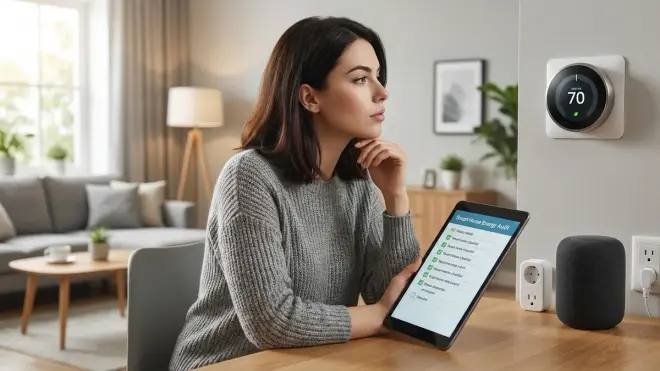
Here's something manufacturers won't tell you: cloud-connected devices consume more power because they're phoning home constantly.
When I packet-sniffed my previous Wi-Fi setup (before moving to local-only Zigbee), I found my Ecobee thermostat sending data every 12-18 seconds—even when nothing changed. That persistent HTTPS handshaking kept the Wi-Fi radio active continuously instead of allowing sleep cycles. Power draw: 2.8W average. After switching to a local-only Z-Wave thermostat with Home Assistant integration, average draw: 1.1W. Same functionality, 60% less power, and zero outbound telemetry.
Smart speakers are the worst offenders. An Echo Dot doesn't just listen for "Alexa"—it maintains a persistent WebSocket connection to AWS, uploads wake-word clips for cloud processing, and checks for firmware updates every few hours. A HomePod mini in HomeKit mode (which routes commands through iCloud even for local devices) draws 1.8W average. A HomePod mini in Thread-only mode with Home Assistant? 0.9W. Cutting the cloud tie literally cut power consumption in half.
For most devices, the cloud-free viability directly correlates with power efficiency. Devices that can operate entirely on local Zigbee, Z-Wave, or Thread use their radios in brief bursts, then sleep. Wi-Fi devices with cloud dependencies keep radios awake for polling, heartbeats, and "usage analytics" (read: surveillance).
If you're serious about energy auditing, you need to audit the data flow, too. Use Wireshark or GlassWire to monitor your smart home's outbound traffic for 24 hours. Count the packet rate. My previous setup sent 40,000-60,000 outbound packets daily from "smart" devices. My current local-only setup? Zero, except when I manually trigger a remote notification. The energy savings are measurable and permanent.
Final Check Before You Go
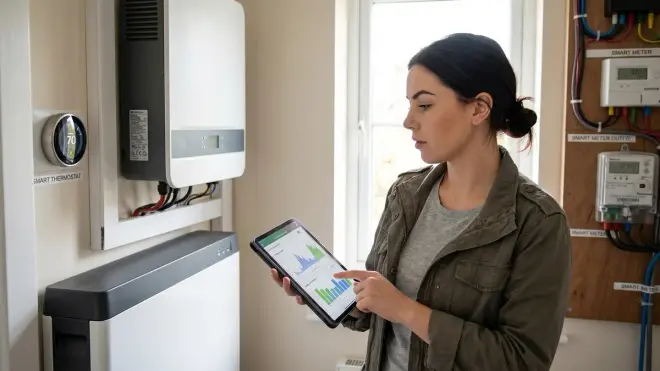
Here's your summary smart home energy audit checklist. Print it, check boxes, reclaim your power bill:
- Measure baseline draw of all hubs, controllers, routers, and NAS devices—if total exceeds 50W, consolidate or eliminate redundant hardware
- Install energy-monitoring smart plugs on all high-draw devices (HVAC controllers, EVs, space heaters, water heaters) and log actual consumption for two weeks
- Identify every device with phantom draw >1W—TVs, AVRs, voice assistants, cameras—and either disable standby features or automate hard power-off during unused hours
- Count your smart plugs—if you have more than 20, audit whether each one actually serves an automation purpose or is just monitoring for vanity
- Review every automation for redundant polling, cloud dependencies, conflicting logic, or grouping behavior that wastes power
- Run a packet capture for 24 hours—if you see persistent outbound traffic from devices that should be idle, migrate to local-only alternatives
- Check TOU automations against your actual solar/battery state—don't defer loads blindly if you're wasting stored energy
- Calculate total annual phantom load:
(sum_of_all_standby_watts) × 8760 hours ÷ 1000 × your_kWh_rate—if that number exceeds $50, you have low-hanging fruit
My audit found $187 in annual waste from devices doing nothing. Yours will vary, but I've never seen a smart home audit come back clean.
Frequently Asked Questions
How much power does a typical smart home consume in standby mode alone?
A moderately equipped smart home with 30-40 devices (hub, router, mesh nodes, 15 smart bulbs, 10 smart plugs, 4 cameras, 3 voice assistants, smart thermostat, and entertainment system) typically consumes 40-80W in standby—that's 350-700 kWh annually, or $50-100 depending on your electricity rate, before a single automation executes or light turns on.
Do Zigbee and Z-Wave devices use less standby power than Wi-Fi devices?
Yes, but with nuance—Zigbee and Z-Wave devices themselves draw 0.2-0.8W in standby (versus 1.5-3W for Wi-Fi equivalents), but you must add the hub's 3-8W continuous draw to your total; Wi-Fi devices use your existing router infrastructure, so for deployments under 10 devices, Wi-Fi may actually be lower net consumption, but beyond that threshold, mesh protocols become more efficient at scale due to lower per-device draw and better sleep modes.
Will a smart home energy monitor like Sense or Emporia Vue pay for itself through savings?
Only if you act on the data—the monitor itself consumes 3-6W continuously (26-52 kWh annually) and costs $200-350 upfront; if your audit reveals and eliminates $100+ in annual waste (which most do), you'll break even in 2-3 years, but if you install it and never review the data or change behavior, you've just added another vampire load to your baseline. See our Sense vs Emporia Vue comparison for protocol and accuracy differences.
Final Thoughts
The smart home energy audit checklist above isn't theoretical—it's the same process I used to cut my own power bill by 18% without sacrificing a single automation. The hard truth: most smart devices consume more power than their dumb equivalents because they're designed for convenience and data extraction, not efficiency.
Start with infrastructure—hubs and networking. Move to phantom loads—the devices that never sleep. Then audit the logic itself—automations can waste power just as effectively as hardware. And if you're running a cloud-dependent setup, understand that every packet sent to AWS or Google servers costs you watts. Local control isn't just a privacy win; it's a measurable energy reduction.
You'll find waste. Everyone does. The question is whether you're willing to unplug a few conveniences to stop paying for them 24/7.
Cloud-Free Viability Score for Energy Auditing: 10/10. Every tool you need—smart plugs with energy monitoring, Home Assistant's energy dashboard, packet capture tools—works entirely offline. The manufacturers whose devices waste the most power are the same ones desperate to hide consumption data behind cloud portals you can't export from. Local control gives you the raw numbers they don't want you to see.
