
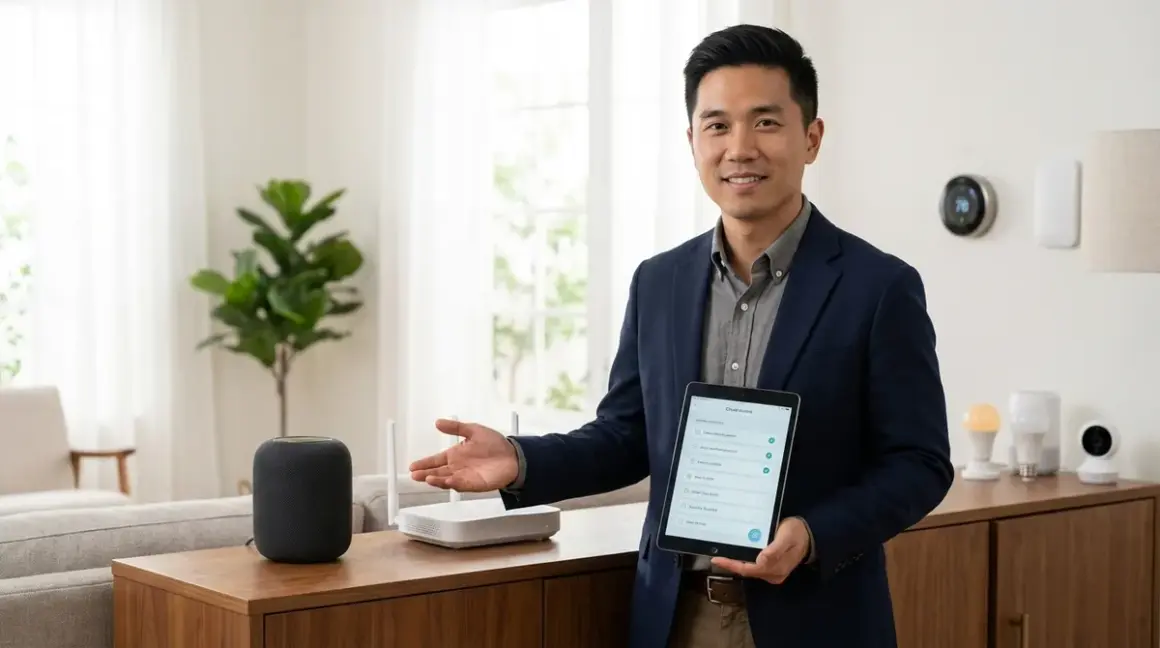

Building a smart home should feel effortless, but I've watched too many homeowners end up with devices that can't talk to each other. This smart home compatibility checklist walks you through the critical compatibility factors you need to verify before buying any smart home device. You'll learn how to check protocol support, hub requirements, automation capabilities, and fallback behaviors—the foundation of a reliable smart home that actually works together instead of fighting itself.
Protocol and Hub Compatibility: Does Everything Actually Connect?
Before you buy a single device, you need to map out which protocols your ecosystem supports and which hubs you'll need. This is where most compatibility issues start—and where they're easiest to prevent.

What protocol does each device use?
Zigbee, Z-Wave, Thread, Matter, or Wi-Fi—you need to know the exact protocol for every device. A Zigbee motion sensor won't connect to a Z-Wave hub, and a Thread device needs a Thread border router. Check the product specifications page, not just the marketing copy. In my experience, manufacturers often bury protocol details in footnotes, and that single line determines whether your $200 smart lock will work with your existing setup. If you're comparing different protocols, I've covered the technical differences in Smart Home Protocol Compatibility Explained: Zigbee, Z-Wave, Thread, Matter, and Wi-Fi.
Does your hub support that protocol natively?
Not all hubs are universal—the Amazon Echo Hub supports Zigbee and Matter but not Z-Wave, while the Samsung SmartThings Hub handles Zigbee, Z-Wave, and Matter. If your hub doesn't support a protocol natively, you'll need a bridge or secondary hub. I've seen homeowners buy a dozen Z-Wave devices only to discover their Google Home can't control them without adding another $100 hub. For a detailed breakdown of what each hub actually supports, check out Understanding Hub Requirements: Which Smart Devices Need a Bridge in 2026.
Are you locked into a single ecosystem?
Apple HomeKit, Google Home, Amazon Alexa, and Samsung SmartThings don't play equally nice with all protocols. HomeKit requires Thread or Matter for most devices (older devices use Wi-Fi with HomeKit certification). Google Home works with Zigbee, Matter, and Wi-Fi. Alexa supports Zigbee and Matter. SmartThings is the most flexible with Zigbee, Z-Wave, and Matter support. If you want to switch ecosystems later, Matter devices give you that flexibility—proprietary protocol devices keep you locked in.
Do you need multiple hubs for different protocols?
A mixed-protocol home requires multiple hubs unless you're using Matter. If you have Zigbee lights, Z-Wave locks, and Thread sensors, you'll need a hub that supports all three protocols or separate hubs bridged through a central controller like Home Assistant. I've installed systems with three hubs running simultaneously—it works, but each hub adds latency and another potential failure point. The cleanest setups stick to one or two protocols maximum.
Does the device require a manufacturer-specific bridge?
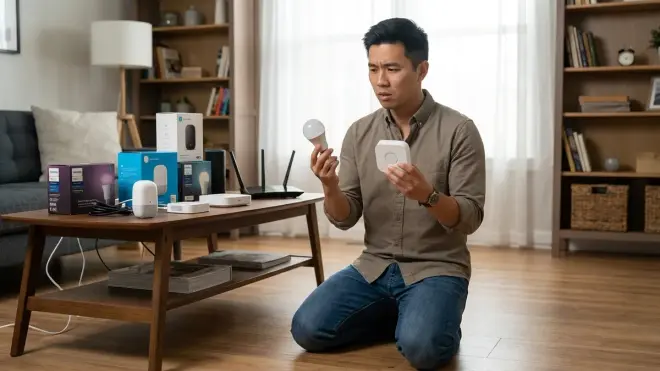
Philips Hue, Lutron Caseta, and other brands require their own proprietary bridges even if they use open protocols like Zigbee. The Philips Hue Bridge is mandatory for Hue bulbs, even though they're Zigbee devices that technically could connect to any Zigbee hub. These bridges add cost ($50-80 each), take up network ports, and create dependency on manufacturer cloud services. Before buying into a bridge-dependent ecosystem, check whether those devices can function if the manufacturer shuts down their cloud service.
What happens when Matter 1.4 updates roll out?
Not all Matter devices automatically support new Matter features—you need firmware updates, and not all manufacturers commit to long-term support. Matter 1.4 added enhanced energy reporting and better multi-admin support, but older Matter 1.2 devices may never receive those capabilities. Check the manufacturer's update policy before buying. I've worked with devices that never received a single firmware update after launch, leaving them frozen with day-one bugs. If you're planning a Matter migration, How to Migrate Your Smart Home to Matter 1.4 Without Breaking Automations covers the update process in detail.
Is there a mandatory cloud dependency?
Some devices require constant internet access to function, even for local automation. Wi-Fi smart plugs from certain manufacturers won't respond to commands if your internet drops, even though your local network is fine. Zigbee and Z-Wave devices typically operate locally through the hub, making them more reliable during outages. Matter devices should work locally, but implementation varies by manufacturer. Test this before you buy dozens of devices—disconnect your router and see if your existing smart home still responds.
Can you verify compatibility before the return window closes?
You have 14-30 days to test real-world compatibility—use that time to stress-test device interactions, not just basic functionality. Connect the new device, create automations with your existing devices, and watch for failed commands, delays, or conflicts. I've seen Zigbee devices that technically paired but created interference that knocked other devices offline. Don't assume compatibility works just because pairing succeeded.
Automation Logic and Cross-Device Triggers: Will Your Rules Actually Work?
Protocol compatibility isn't enough—you need to verify that devices can trigger each other and that your automation platform supports the logic you need. This is where theoretical compatibility meets practical usability.
What automation platform will you use?
Native ecosystem apps (Google Home, Alexa, Apple Home) offer simple automations but limited logic, while Home Assistant and Hubitat provide complex conditional triggers. Google Home supports basic if/then rules like:
IF motion_sensor.hallway == "detected"
THEN light.hallway.turn_on(brightness=100%)
But it struggles with complex conditions like:
IF motion_sensor.hallway == "detected"
AND sun.sun.below_horizon == true
AND light.bedroom.state == "off"
AND time.between(22:00, 06:00)
THEN light.hallway.turn_on(brightness=20%)
That second example requires Home Assistant or a similar platform. Before buying devices, confirm your automation platform supports the logic you need. I've helped homeowners migrate to Home Assistant after hitting Google Home's automation ceiling—that migration took 20+ hours of rebuilding rules.
Can devices directly trigger each other?
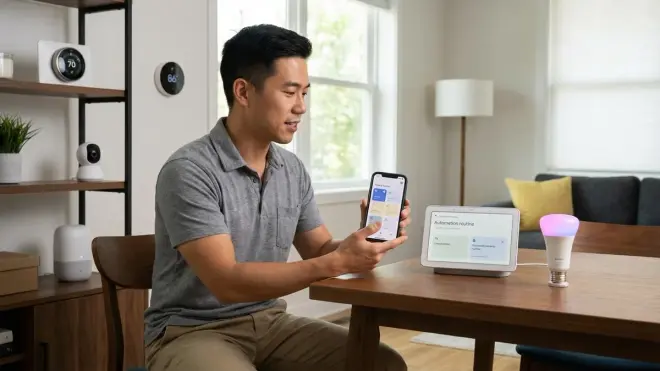
Some protocols support direct device-to-device communication without hub involvement, reducing latency. Zigbee allows direct binding where a button can control a bulb with 50-100ms response time, even if the hub crashes. Z-Wave supports associations for similar functionality. Wi-Fi devices always route through the hub or cloud, adding 200-500ms latency. If you want instant response for critical triggers like motion-activated lights, direct binding is essential. Not all devices support this—check for "Zigbee binding" or "Z-Wave association" in specifications.
What's the expected latency for your automation chain?
Local automations typically execute in 100-300ms, cloud automations take 500-2000ms, and cross-protocol automations add 200-500ms per protocol translation. A simple automation:
IF zigbee_motion_sensor.detected
THEN zigbee_light.turn_on
Executes in about 150ms if both devices are on the same Zigbee network with direct binding. But this automation:
IF wifi_camera.person_detected
THEN cloud_api_call_to_manufacturer
THEN hub_receives_trigger
THEN zwave_lock.lock
Takes 1500-3000ms because it routes through cloud services and crosses protocol boundaries. Map out your automation chains and calculate total latency—security automations over 1000ms feel sluggish and unreliable. For detailed latency testing methods, check out How to Test Smart Device Response Times and Latency Across Protocols.
Are there automation count limits?
Most ecosystems limit how many automations you can create. Google Home caps you at around 100 routines, Alexa allows more but slows down with complex rule sets, and Apple Home starts struggling around 150 automations. Home Assistant and Hubitat have no hard limits but performance degrades with poorly optimized rules. Before committing to a platform, check community forums for reports of automation limits—I've helped clients who hit Google's cap and had to delete essential automations to add new ones.
Can you create conditional logic with multiple triggers?
AND/OR logic support varies dramatically across platforms. Google Home supports basic AND conditions but struggles with OR logic. Alexa handles simple OR conditions but nested conditionals require workarounds. Home Assistant supports full boolean logic:
IF (motion_sensor_1 OR motion_sensor_2)
AND time.between(sunset, sunrise)
AND climate.temperature < 18°C
THEN turn_on_heater
If you need complex logic, verify your platform supports it before buying sensors and devices specifically for that automation. I've watched homeowners try to build presence detection with multiple motion sensors only to discover their platform can't handle "trigger if ANY sensor detects motion."
What fallback behavior happens when automations fail?
Devices should default to safe states when communication fails—lights should stay in their last state (not turn off during an outage), locks should remain locked, and thermostats should maintain reasonable temperatures. Test this explicitly: unplug your hub or router and observe what happens. Some cheap Wi-Fi devices completely freeze without cloud access, requiring manual intervention. Zigbee and Z-Wave devices typically continue working based on their last command, which is safer. For a comprehensive guide to failure modes, I've written Smart Device Fallback Behavior Checklist: What Happens When Wi-Fi or Hubs Fail.
Can you export and back up your automation rules?

Proprietary platforms often make it impossible to export your automation logic—if you switch ecosystems, you'll rebuild everything from scratch. Home Assistant stores rules in YAML files you can back up and version control. Hubitat allows rule export. Google Home, Alexa, and Apple Home keep your automations locked in their cloud with no export option. After 500 installations, I've learned that this is one of the most painful hidden costs—clients who spent months refining automations lose everything when switching platforms.
Device-to-Device Interference and Network Congestion: Will They Fight Each Other?
Even perfectly compatible devices can interfere with each other when sharing limited wireless spectrum or network bandwidth. These issues show up weeks after installation when you've added enough devices to saturate your network.
How many devices can your hub handle simultaneously?
Zigbee and Z-Wave hubs typically support 50-200 devices, but practical limits are lower. The Aqara M3 Hub officially supports 128 Zigbee devices, but performance degrades after 60-80 active devices. Each device generates status updates, consumes mesh bandwidth, and requires processing time. If you're planning a large installation (30+ devices), buy a hub rated for at least double your target device count. I've had to split oversized networks across multiple hubs when response times stretched past 2 seconds.
What Zigbee or Z-Wave channel are you using?
Zigbee channels 11, 15, 20, and 25 minimize interference with Wi-Fi, while Z-Wave operates on different frequencies entirely. Most Zigbee hubs auto-select a channel during setup, but they don't re-scan for cleaner channels as your network environment changes. Use a Wi-Fi analyzer app to check your Wi-Fi router's channel, then manually set your Zigbee hub to a non-overlapping channel. Channel 11 overlaps with Wi-Fi channels 1-6, channel 15 sits between Wi-Fi channels, and channels 20-25 overlap with Wi-Fi channels 11-13. For homes with heavy Wi-Fi traffic, Z-Wave avoids this entirely by using 908.42 MHz in the US (different from both Zigbee's 2.4 GHz and Wi-Fi).
How many Wi-Fi devices can your router handle?
Consumer routers struggle with 30+ simultaneous Wi-Fi devices, and smart home devices generate constant background traffic. Each Wi-Fi smart plug, camera, or bulb maintains a persistent connection and polls for updates. If you're building a Wi-Fi-heavy smart home (not recommended, but common), upgrade to a mesh router system rated for 100+ devices or expect random disconnections. I've seen networks where adding a tenth Wi-Fi bulb caused all the bulbs to become unreliable because the router's connection table filled up.
Are you creating mesh network dead zones?
Zigbee and Z-Wave rely on mesh networking where each powered device acts as a signal repeater. Battery-powered sensors don't repeat signals, so you need powered devices (plugs, lights, switches) distributed throughout your home to create reliable mesh coverage. One common mistake: installing all your smart plugs in a single room, leaving distant rooms with weak mesh signal. Place at least one powered device every 30-40 feet to maintain mesh integrity. If you're troubleshooting range issues, Device Mesh Network Reliability Explained: Zigbee vs Z-Wave vs Thread covers mesh topology in depth.
Do any devices generate excessive network traffic?
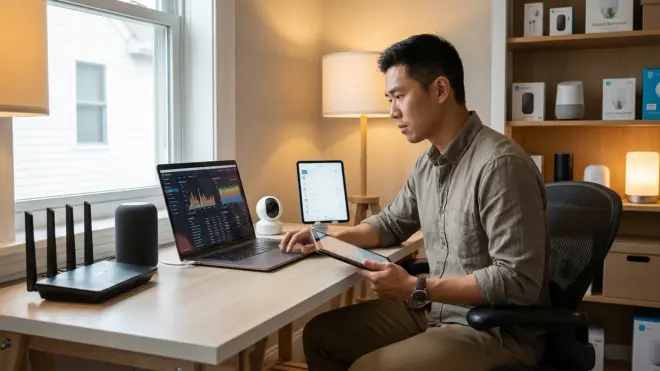
Wi-Fi security cameras are bandwidth hogs, consuming 2-8 Mbps continuously while streaming. Add four cameras and you're using 32 Mbps upload bandwidth—enough to saturate many home internet connections. Check your internet plan's upload speed (not just download) and calculate total camera bandwidth requirements. For a detailed comparison of local vs cloud storage impact, see Local Storage vs Cloud Storage for No-Subscription Security: Complete Breakdown. Zigbee and Z-Wave devices generate minimal traffic (periodic status updates measured in kilobytes), making them more network-friendly for high device counts.
Are you mixing multiple Zigbee networks?
Some devices create their own Zigbee networks that can interfere with each other. The Philips Hue Bridge runs a Zigbee network. Your SmartThings hub runs another. If both are active and nearby, they may compete for the same channels, causing packet collisions and dropped commands. Ideally, consolidate onto a single Zigbee network using a hub that supports all your devices natively. If you must run multiple networks, physically separate the hubs by at least 15 feet and manually set them to different channels (e.g., channel 11 for Hue, channel 25 for SmartThings).
What happens during peak usage times?
Cloud-dependent devices slow down when many users access manufacturer servers simultaneously—evenings and weekends are peak times for smart home traffic. Wi-Fi devices controlled through manufacturer apps often experience 1-3 second delays during peak hours. Local protocols (Zigbee, Z-Wave, Thread) avoid this entirely because they don't route through external servers. Test your devices during evening hours when you'll actually use them—a device that responds instantly at 2 PM might lag at 8 PM.
Ecosystem Lock-In and Future-Proofing: Can You Escape Later?
Compatibility isn't just about today's devices—it's about whether you can expand, migrate, or replace parts of your system without starting over. These factors determine whether you're building a flexible system or painting yourself into a proprietary corner.
Can you control devices without the manufacturer's app?
Matter devices support multi-admin, allowing control through multiple ecosystems simultaneously. A Eve Energy Matter Smart Plug can be controlled through Google Home, Apple Home, and Alexa at the same time—you're not locked into Eve's app. Non-Matter devices typically lock you into a single ecosystem. Philips Hue requires the Hue app unless you use the bridge to connect to another platform (and even then, some advanced features only work in the Hue app). Before buying, check whether advanced features require the manufacturer's app or work through standard protocols.
What happens if the manufacturer discontinues the product line?
Cloud-dependent devices can become e-waste overnight when manufacturers shut down servers. Insteon famously went bankrupt in 2022, bricking thousands of smart home devices. Revolv's hub was remotely disabled by Nest in 2016. Wink required a mandatory subscription in 2020 or devices stopped working. Choose devices that function locally (Zigbee, Z-Wave, Thread) or support open standards (Matter) that will survive manufacturer exits. I've helped homeowners replace entire systems after manufacturer cloud shutdowns—it's a $2,000+ mistake that proper protocol selection avoids.
Are firmware updates mandatory or optional?
Some manufacturers force firmware updates that change device behavior or add cloud requirements. Sonos famously pushed an update that made older devices incompatible with newer ones. Some smart lock manufacturers have pushed updates that increased latency or changed automation behavior. Choose devices that allow you to decline updates or manufacturers with a track record of stability. Check community forums for update complaints before buying—consistent complaints about broken updates are a red flag.
Can you integrate devices with Home Assistant or Hubitat?
These open platforms provide an escape hatch from proprietary ecosystems. Even if a device is officially locked to one ecosystem, Home Assistant often supports it through community integrations. This gives you future flexibility—if you grow frustrated with Google Home, you can migrate to Home Assistant without replacing devices. Check the Home Assistant device compatibility list before buying to confirm integration exists. I recommend this especially for expensive devices like thermostats and locks where replacement costs hurt.
Does the protocol have long-term industry support?
Matter has backing from Apple, Google, Amazon, Samsung, and hundreds of manufacturers—it's the safest bet for long-term compatibility. Zigbee has been around since 2003 and isn't going anywhere. Z-Wave has strong smart home adoption and continues receiving updates (Z-Wave Long Range launched in 2023). Proprietary Wi-Fi protocols from small manufacturers are risky—if the company folds, you're stuck. Thread is newer but has strong industry support as the foundation for Matter. For a comparison of protocol longevity and industry support, see Matter 1.4 vs Thread: Which Smart Home Protocol Is Better?.
Can you access raw device data and logs?
Troubleshooting requires visibility into device communication. Home Assistant and Hubitat provide detailed logs showing every command, response, and error. Consumer ecosystems like Google Home hide this information, making diagnosis impossible when devices misbehave. If you're building a complex system, choose platforms that expose device logs. I've solved countless mysterious automation failures by reading logs—without them, you're guessing blindly.
What's your total investment in the ecosystem?
Switching ecosystems gets exponentially more painful as device counts grow. If you've invested $500 in proprietary devices, switching is annoying but doable. At $3,000 invested with 40+ devices, you're effectively locked in. Calculate your total ecosystem investment annually—if it's growing rapidly, make sure you're comfortable with that ecosystem long-term. I've met homeowners with $8,000 tied up in Insteon devices who faced full replacement costs when the company folded.
Final Check Before You Go
Run through this condensed smart home compatibility checklist before buying any new device:
Protocol and Hub:
- Confirm the exact protocol (Zigbee, Z-Wave, Thread, Matter, Wi-Fi)
- Verify your hub supports that protocol natively
- Check if you need a manufacturer-specific bridge
- Confirm the device works locally (not cloud-only)
- Test whether the device functions during internet outages
Automation and Logic:
- Verify your platform supports the automation logic you need
- Calculate expected latency for the automation chain
- Confirm device-to-device triggers work as expected
- Test fallback behavior when connections fail
- Document your automation rules for backup
Network and Interference:
- Check your hub's device limit and your current count
- Verify Zigbee/Z-Wave channels don't conflict with Wi-Fi
- Confirm your router can handle additional Wi-Fi devices
- Ensure adequate mesh coverage with powered devices
- Test during evening peak usage hours
Future-Proofing:
- Verify multi-ecosystem support (Matter is best)
- Check manufacturer's track record and longevity
- Confirm Home Assistant or Hubitat integration exists
- Review firmware update policy and history
- Calculate your total ecosystem investment
This checklist prevents 90% of the compatibility issues I see during installations. Print it, save it to your phone, or keep it bookmarked—you'll reference it every time you add a device.
Frequently Asked Questions {.faq-section}

Can I mix Zigbee and Z-Wave devices in the same smart home?
Yes, you can mix Zigbee and Z-Wave devices in the same smart home, but you'll need a hub that supports both protocols simultaneously, such as the Samsung SmartThings Hub or Hubitat Elevation. The devices can't communicate directly with each other—they route through your hub, which translates commands between protocols. This adds 200-500ms latency compared to same-protocol automations. I've installed hundreds of mixed-protocol systems, and they work reliably as long as you don't expect instant cross-protocol triggers. For comparison of motion sensor performance across protocols, see Zigbee Motion Sensors vs Z-Wave Motion Sensors: Latency and Reliability Compared.
Do Matter devices work with my existing Zigbee and Z-Wave devices?
Matter devices don't directly communicate with Zigbee or Z-Wave devices—they use different protocols. However, a Matter-compatible hub like Samsung SmartThings or Home Assistant can control all three protocol types, creating automations that link Matter, Zigbee, and Z-Wave devices through the hub's automation engine. The hub acts as a translator, so a Matter motion sensor can trigger a Zigbee light if your hub supports both protocols and you create the automation. You won't replace your existing devices just to adopt Matter—you'll add Matter devices alongside them and let the hub orchestrate everything. For specific Matter device compatibility verification steps, check out Matter 1.4 Compatibility Checklist: Verify Device Support Across Ecosystems.
What's the most reliable smart home protocol for avoiding compatibility issues?
Matter is currently the most reliable protocol for avoiding ecosystem lock-in and long-term compatibility issues because it's an open standard with multi-admin support from every major smart home platform. However, Zigbee has the longest track record (since 2003) and the largest device selection, making it the most practical choice for building large, stable systems today. Z-Wave offers excellent reliability with less interference than Zigbee because it uses a different radio frequency. The worst choice for compatibility is proprietary Wi-Fi devices that require manufacturer cloud services—you're completely dependent on that single company's survival and policies. If you're starting fresh in 2026, I recommend focusing on Matter-compatible devices while filling gaps with Zigbee devices from established manufacturers. For a comprehensive protocol comparison including reliability factors, reference How to Compare Smart Home Device Protocols Before Buying.
Final Thoughts
Your smart home compatibility checklist is the difference between a system that expands effortlessly and one that fights you at every step. I've seen both outcomes hundreds of times—homeowners who checked protocol compatibility and hub requirements before buying build reliable systems that last years. Those who bought devices impulsively based on individual features end up with incompatible collections that never work together properly.
The fifteen minutes you spend verifying compatibility before each purchase saves hours of troubleshooting later. Check the protocol, confirm hub support, verify your automation platform can handle the logic you need, and consider long-term ecosystem lock-in. That simple checklist prevents the majority of smart home frustration I encounter in the field.
Your smart home should work for you, not the other way around. Take the time to verify compatibility up front, and you'll build a system that just works.
