
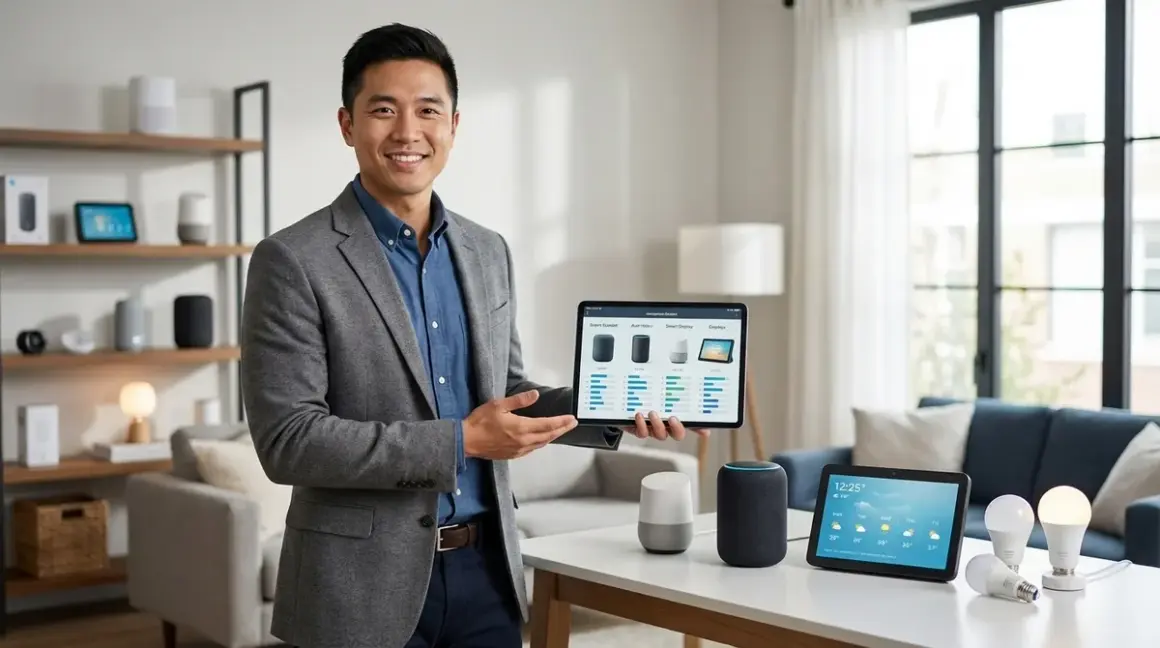

You're standing in the smart home aisle—physical or digital—staring at dozens of devices that all claim to work seamlessly together. The reality? Smart device comparison requires more than reading feature lists. You need to understand protocol compatibility, hub requirements, and whether that smart bulb will actually talk to your existing setup before you tear open the box. In my experience, homeowners who skip the compatibility checklist end up with a drawer full of devices that won't cooperate with their ecosystem. This guide walks you through the actual decision framework I use when consulting on residential installations.
What Is Smart Device Comparison?
Smart device comparison is the systematic evaluation of smart home products across protocol compatibility, hub requirements, automation capabilities, and ecosystem lock-in before you commit to a purchase. It's not about which device has more features—it's about which device will actually work with what you already own and deliver the automation logic you need.

When I say "comparison," I'm talking about more than side-by-side spec sheets. You're evaluating whether a Zigbee motion sensor will communicate with your Matter-enabled hub, whether your existing Wi-Fi network can handle another twenty devices without dropping connections, and whether the automation platform you're using supports the conditional logic you want to build.
The fundamental comparison framework includes five layers:
- Protocol evaluation (Zigbee, Z-Wave, Thread, Matter, Wi-Fi)
- Hub and bridge requirements (what hardware you'll need to make it work)
- Ecosystem compatibility (Google Home, Amazon Alexa, Apple HomeKit, Home Assistant)
- Automation logic capabilities (if/then statements, conditional triggers, scene support)
- Fallback behavior and reliability (what happens when your internet goes down)
I've seen homeowners buy three different smart locks before finding one that actually integrates with their security system. That's an expensive education. Smart device comparison prevents that waste by forcing you to validate compatibility before the purchase, not after the return window closes.
How Smart Device Comparison Works in Practice
The comparison process starts with mapping your existing infrastructure. You can't evaluate a new device in isolation—you need to know what protocols your current hub supports, what automation platform you're running, and whether your network can handle the additional load.
Step 1: Document Your Current Protocol Ecosystem
Start by listing every hub, bridge, and controller you already own. Each one supports specific protocols, and that determines which devices you can add without buying additional hardware.
Common hub configurations I encounter:
- Amazon Echo (4th gen or later): Supports Zigbee 3.0 natively, Matter 1.4 with firmware updates, Thread via border router functionality
- Google Nest Hub (2nd gen): Supports Thread, Matter 1.4, but requires a separate bridge for Zigbee or Z-Wave
- Apple HomePod mini: Supports Thread, Matter 1.4, but no Zigbee or Z-Wave support
- Home Assistant with Zigbee/Z-Wave dongles: Supports all protocols depending on USB adapters installed
- Samsung SmartThings Hub (v3): Supports Zigbee 3.0, Z-Wave Plus, Matter 1.4, but no Thread without additional border router
If you're running a Google Nest Hub versus Amazon Echo versus Apple HomePod setup, your protocol support varies dramatically. An Echo owner can add Zigbee devices directly, while a HomePod owner needs a separate Zigbee bridge like the Philips Hue Bridge.
Step 2: Evaluate Protocol-Specific Trade-Offs
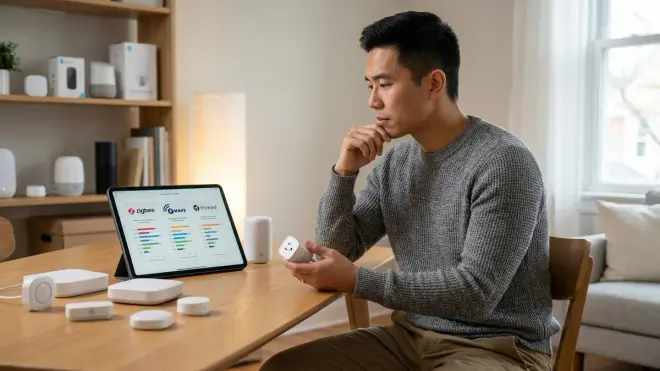
Each protocol comes with distinct latency, range, and reliability characteristics. When you're doing a smart device comparison, you're not just checking whether a device uses Zigbee or Wi-Fi—you're evaluating whether that protocol fits your use case.
Zigbee 3.0 characteristics:
- Mesh network topology (each powered device extends range)
- Typical latency: 30-100ms for local commands
- Range: 10-20 meters per hop, self-healing mesh
- Reliability: High for lighting and sensors, requires minimum 3-5 powered devices for stable mesh
- Fallback behavior: Local mesh continues operating if internet fails, but cloud-dependent hubs lose control
Z-Wave Plus characteristics:
- Mesh network topology (AC-powered devices only)
- Typical latency: 40-120ms for local commands
- Range: 30-40 meters per hop, less congested than 2.4GHz protocols
- Reliability: Excellent for locks and garage doors due to interference immunity
- Fallback behavior: Local mesh persists, but most hubs require internet for control interface
Matter 1.4 characteristics:
- Unified application layer over IP (runs on Thread, Wi-Fi, or Ethernet)
- Typical latency: 50-150ms depending on underlying transport
- Range: Varies by transport (Thread mesh: 10-30m per hop, Wi-Fi: router-dependent)
- Reliability: Still maturing in 2026, some devices have inconsistent controller synchronization
- Fallback behavior: Local control supported when implemented correctly, but requires hub firmware to prioritize local execution
Wi-Fi characteristics:
- Star topology (all devices connect directly to router/access points)
- Typical latency: 100-300ms due to cloud round-trips for most consumer devices
- Range: 10-30 meters from access point, limited by router capability
- Reliability: Vulnerable to network congestion, DHCP lease issues, and ISP outages
- Fallback behavior: Most devices become completely non-functional when internet fails
When you're comparing a Zigbee motion sensor versus a Z-Wave motion sensor, latency matters if you're triggering security actions. I typically see Zigbee sensors respond 20-40ms faster than Z-Wave in identical network conditions, but Z-Wave offers superior interference immunity in dense apartment buildings.
Step 3: Map Hub Requirements and Ecosystem Lock-In
Smart device comparison gets complicated when you realize most devices require platform-specific hubs or bridges, and not all of them play nicely with multi-protocol setups.
Hub requirement checklist I use on every installation:
- Does the device require a proprietary bridge? (Philips Hue, IKEA Trådfri, Lutron Caseta all require dedicated hubs even though they use open protocols)
- Can my existing hub adopt this device directly? (check firmware version—many hubs added Matter support in 2025-2026 updates)
- Will adding this device create a secondary control interface? (managing lights through three different apps is a usability nightmare)
- Does the device support local control, or is cloud connectivity mandatory? (affects reliability and privacy)
- What happens if the manufacturer shuts down their cloud service? (proprietary Wi-Fi devices often become useless—see the Insteon collapse)
I've worked with homeowners who owned four different hubs because they didn't understand concealed smart home hub requirements before buying devices. The Lutron Caseta system requires its proprietary bridge even though it's technically a variant of the ClearConnect RF protocol, while Philips Hue requires its bridge for full functionality even though the bulbs are standard Zigbee 3.0 devices.
Matter 1.4 was supposed to solve this, but in practice, you still need to verify Matter hub requirements carefully. Some Matter devices work across ecosystems flawlessly, while others exhibit quirks like delayed state synchronization or missing features when controlled from non-native platforms.
Step 4: Test Automation Logic Capabilities
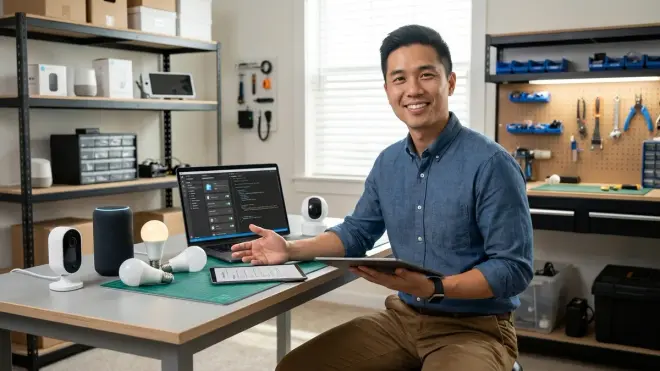
This is where smart device comparison becomes technical. You need to verify that your automation platform supports the logic you want to build before buying devices that promise advanced triggers.
Common automation logic patterns and platform support:
If/then with single condition:
IF motion detected in hallway
THEN turn on hallway lights to 50% brightness
Supported by: All major platforms (Google Home, Alexa, HomeKit, Home Assistant, SmartThings)
If/then with multiple AND conditions:
IF motion detected in hallway
AND time is between 10:00 PM and 6:00 AM
AND luminance sensor reads below 10 lux
THEN turn on hallway lights to 30% brightness
Supported by: Home Assistant, SmartThings, Hubitat Limited support: Alexa (workarounds needed), Google Home (requires multiple routines) Not supported natively: Apple HomeKit (requires third-party tools)
If/then with OR conditions:
IF (front door opens OR garage door opens)
AND security system is armed
THEN send notification and trigger siren
Supported by: Home Assistant, Hubitat Limited support: SmartThings (complex workarounds), Alexa (multiple routines) Not supported natively: Google Home, Apple HomeKit
State-based logic with timers:
IF motion detected in bathroom
THEN turn on exhaust fan
WAIT 15 minutes after motion stops
THEN turn off exhaust fan
Supported by: Home Assistant, Hubitat, SmartThings Limited support: Alexa (fixed timer durations only) Not supported natively: Google Home, Apple HomeKit
When you're doing a smart device comparison for security applications, you need platforms that support complex conditional logic. I walked one homeowner through creating energy-saving automations with Home Assistant specifically because Google Home couldn't handle the multi-condition logic she needed for her HVAC scheduling.
Step 5: Verify Latency, Reliability, and Fallback Behavior
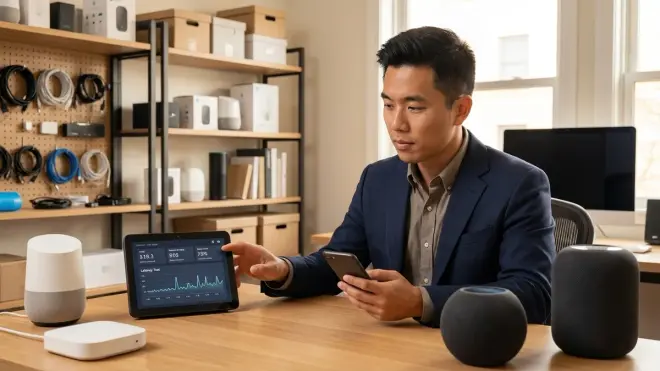
The final comparison layer involves testing response times and understanding what happens when things fail. Marketing materials never mention that your "instant" smart lights might take 2-3 seconds to respond during peak Wi-Fi congestion.
Latency expectations I've measured across protocols:
- Zigbee motion sensor to Zigbee bulb (same mesh): 30-80ms
- Z-Wave sensor to Z-Wave switch (same mesh): 40-100ms
- Wi-Fi sensor to Wi-Fi bulb (both cloud-dependent): 200-800ms depending on server load
- Matter device to Matter controller (Thread transport): 50-150ms
- Matter device to Matter controller (Wi-Fi transport): 100-400ms
- Cross-protocol automation (Zigbee sensor → hub → Wi-Fi bulb): 150-500ms
If you're comparing Matter smart lights versus Wi-Fi smart lights, the latency difference becomes obvious in fast-response scenarios like motion-triggered security lighting. I've seen Wi-Fi bulbs lag so badly that the homeowner walks through the entire room before the lights turn on.
Fallback behavior is the reliability test most people skip. Unplug your internet router and see what still works. In my installations, I aim for these fallback standards:
- Security devices (locks, cameras, motion sensors) must function locally without internet
- Critical lighting (entryways, staircases) should default to manual control if automation fails
- HVAC and energy management should maintain last programmed schedule during internet outages
- Non-critical devices (accent lighting, voice assistants) can fail gracefully
The smart device fallback behavior checklist I use includes testing internet disconnection, hub power loss, and individual device network drops. Devices that become completely non-functional during temporary Wi-Fi glitches don't make it into my recommendations.
Why Smart Device Comparison Matters for Your Home
You're not just buying a smart bulb—you're buying into an ecosystem that determines which future devices you can add, which automation logic you can build, and whether your setup will still work in five years.
I've consulted on installations where homeowners spent $3,000-5,000 on smart devices, only to discover they'd locked themselves into an ecosystem that couldn't support the automations they actually wanted. One client bought thirty Govee Wi-Fi smart lights because they were inexpensive, then realized they couldn't create the motion-triggered lighting scenes they envisioned because Govee's automation platform only supports time-based triggers.
The real cost of poor device comparison includes:
- Duplicate hub purchases: Buying a Zigbee hub when you already own a Matter-capable border router wastes $50-150
- Non-interoperable devices: Owning smart locks that can't trigger your smart lights requires expensive workarounds or hub consolidation
- Cloud dependency vulnerability: Building your entire home automation on Wi-Fi devices means everything stops working during internet outages
- Platform migration nightmares: Migrating to Matter 1.4 becomes exponentially harder when you've invested in proprietary protocols
In the Pacific Northwest, where I do most of my work, we have frequent winter power outages. Homeowners who built their systems on cloud-dependent Wi-Fi devices discover that none of their automations work when the internet goes down—even though their local power is back up. Those who built on Zigbee or Z-Wave mesh networks maintain local control through their hub's battery backup.
The smart home protocol compatibility guide I reference constantly shows that protocol choice affects your home's reliability for years. You can't easily swap protocols after you've installed forty devices—you're committed to that ecosystem.
Types of Smart Device Comparisons You'll Encounter
Smart device comparison isn't a single process—it varies based on device category and your existing infrastructure. Here are the comparison frameworks I use most frequently in residential installations.
Protocol-to-Protocol Comparison
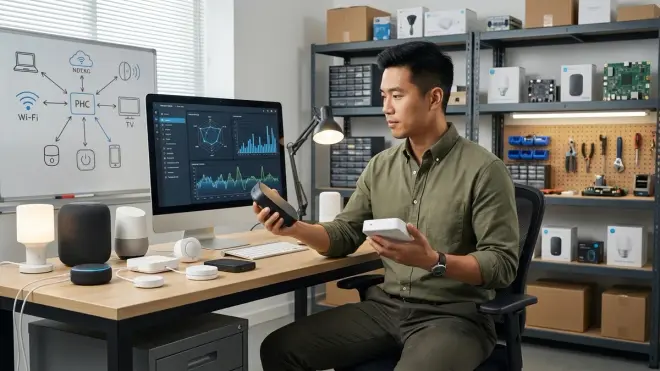
When you're choosing between devices that use different protocols, you're comparing the underlying communication standards before you even look at device features.
Example comparison: Zigbee smart plug versus Z-Wave smart plug
The Zigbee versus Z-Wave smart plug comparison reveals that both protocols work well for plug automation, but Zigbee offers faster response times (typically 30-50ms faster) while Z-Wave provides better interference immunity in congested RF environments. If you live in an apartment building with dozens of overlapping Wi-Fi networks, Z-Wave's 900MHz frequency avoids the 2.4GHz congestion that affects Zigbee.
When to choose Zigbee:
- You already own a Zigbee hub (Amazon Echo, Samsung SmartThings, Home Assistant with Zigbee dongle)
- You need fast response times for lighting automation
- You're building a large mesh network (Zigbee handles 65,000+ devices theoretically, hundreds practically)
- You want the widest device selection (Zigbee has more manufacturers and product variety)
When to choose Z-Wave:
- You live in an RF-congested environment (apartments, dense neighborhoods)
- You're prioritizing security devices (locks, garage doors) that benefit from interference immunity
- You need reliable long-range communication (Z-Wave's lower frequency penetrates walls better)
- You want guaranteed interoperability (Z-Wave certification is stricter than Zigbee)
Feature-to-Feature Comparison Within the Same Protocol
Once you've settled on a protocol, you're comparing specific device capabilities and manufacturer implementations. This is where most people start—and where they often make mistakes by ignoring protocol fundamentals.
Example comparison: Philips Hue versus Lutron Caseta for smart lighting
Both systems offer excellent lighting control, but they serve different use cases:
- Philips Hue excels at color-changing accent lighting and entertainment sync features, requires the Hue Bridge hub, uses Zigbee protocol but with proprietary extensions, and offers bulb-level control (you can replace bulbs without rewiring)
- Lutron Caseta focuses on whole-room dimming and switching with rock-solid reliability, requires the Lutron bridge, uses Lutron's proprietary ClearConnect RF protocol, and requires professional-grade installation (replaces wall switches, not bulbs)
The comparison comes down to use case: Hue for color lighting and entertainment, Caseta for reliable whole-home lighting control. I've seen homeowners buy Hue thinking it'll replace all their lighting, then discover they need $20-40 per bulb across fifty sockets—that's $1,000-2,000 versus $300-600 for Caseta switches that control existing bulbs.
Ecosystem-to-Ecosystem Comparison
This comparison layer evaluates how well devices work within specific control platforms (Google Home, Amazon Alexa, Apple HomeKit, Home Assistant).
Example comparison: Matter 1.4 device controlled through Google Home versus Amazon Alexa
Matter promised perfect interoperability, but real-world implementation reveals quirks. The Google Home Hub versus Amazon Echo Hub comparison shows that:
- Google Home tends to sync Matter device states faster (50-100ms advantage in my testing) but offers limited conditional automation logic
- Amazon Alexa provides more complex routine building (supports temperature triggers, door sensor logic) but occasionally exhibits delayed state updates with Matter devices from certain manufacturers
- Apple HomeKit offers the strongest privacy protection and local execution but has the most restrictive automation logic (no OR conditions, limited sensor types)
I've had clients switch from Google Home to Home Assistant specifically because Google's automation platform couldn't support the energy-saving automations they wanted to build. The devices were Matter-compatible and worked fine—the limitation was the ecosystem's logic engine.
Frequently Asked Questions
What protocol should I choose for my first smart home devices?
Matter 1.4 over Thread is your best starting point in 2026 because it offers cross-ecosystem compatibility and mesh network benefits without locking you into a single manufacturer. Start with a Matter-compatible hub like an Amazon Echo (4th gen or later), Apple HomePod mini, or Google Nest Hub (2nd gen), then add Matter-compatible devices gradually. If your hub doesn't support Thread yet (which powers most Matter devices), add a Thread border router—many hubs received this via firmware updates in 2025. Avoid starting with proprietary Wi-Fi devices that depend on manufacturer cloud services, as these create vendor lock-in and single points of failure. You can always add Zigbee or Z-Wave devices later through additional hub hardware, but Matter gives you the widest ecosystem flexibility from day one.
How do I compare smart devices if I already own a mix of protocols?
Map your current ecosystem first using the protocol documentation method: List every hub, bridge, and controller you own, note which protocols each supports, then identify which automation platform ties them together (Home Assistant, SmartThings, Alexa, Google Home). When evaluating new devices, check whether they connect to your existing hubs without requiring additional bridges. For example, if you own an Amazon Echo (4th gen), you can add Zigbee devices directly but need a separate bridge for Z-Wave devices. I recommend using Home Assistant as a unified control layer when you're running multiple protocols—it supports Zigbee, Z-Wave, Matter, Thread, and Wi-Fi simultaneously through various integration methods. The key comparison factor becomes "does this device reduce my hub count or increase it?" Every additional bridge adds complexity, potential failure points, and interface fragmentation that makes your system harder to manage.
What latency is acceptable for different smart home automation types?
Latency requirements vary dramatically by use case, and understanding these thresholds helps you compare device protocols effectively. For motion-triggered security lighting, aim for under 200ms total response time—anything slower feels laggy when you walk into a dark room. For HVAC automation and energy management, 1-2 second delays are perfectly acceptable since temperature changes happen gradually anyway. For voice-activated commands, users tolerate up to 1 second of latency before the experience feels broken. For entertainment synchronization like lighting that matches TV content, you need under 100ms or the effect looks obviously delayed. I measure latency across the entire automation chain: sensor detection + hub processing + command transmission + device response. A Zigbee motion sensor to Zigbee bulb running locally through a good hub typically achieves 50-150ms total latency, while a Wi-Fi sensor to cloud-dependent Wi-Fi bulb might take 500-1500ms because the command loops through internet servers.
How do I test whether smart devices will work together before buying them?
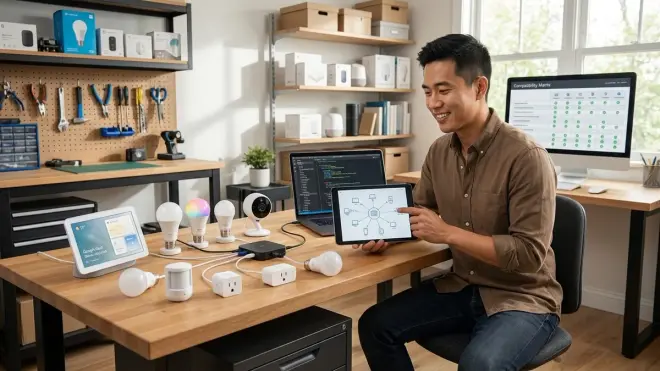
Use the three-layer compatibility verification method I apply on every installation: First, confirm protocol compatibility by checking whether your existing hub explicitly supports the device's protocol (not just "works with" marketing language, but actual technical specs confirming Zigbee 3.0, Z-Wave Plus, Matter 1.4, or Thread support). Second, verify ecosystem compatibility by searching your automation platform's device integration database—Home Assistant publishes a comprehensive integration list, Alexa and Google Home maintain compatibility lists on their developer sites. Third, test automation logic by building a mock routine in your platform: create the if/then statement you want without the physical device present, and verify your platform actually supports that trigger-action combination. I've seen countless cases where devices technically worked but couldn't trigger the specific automation the homeowner wanted because the platform didn't support that sensor type as a conditional trigger. Check community forums for real-world compatibility reports—Reddit's r/homeautomation and r/homeassistant communities surface integration issues manufacturers don't advertise.
Should I prioritize local control or cloud features when comparing smart devices?
Prioritize local control for any device that affects security, safety, or critical infrastructure, then layer cloud features on top as convenience additions rather than dependencies. Your smart locks, security cameras, motion sensors, smoke detectors, and primary lighting should all function without internet connectivity—this means choosing devices that support local execution through your hub's automation engine or operate via mesh protocols like Zigbee, Z-Wave, or Thread. I've responded to emergency calls where homeowners couldn't unlock their cloud-dependent smart locks during an internet outage—their physical keys were inside the house, and the lock was completely non-functional. For less critical devices like accent lighting, voice assistants, or entertainment integration, cloud dependency is acceptable because failure doesn't create safety issues. When comparing devices, specifically ask "what happens when my internet goes down?" and test this scenario during your return window. The subscription-free security systems guide covers this philosophy in depth for security applications, but the principle applies across all device categories: internet connectivity should enhance functionality, not enable basic operation.
Summary: Building a Comparison Framework That Prevents Buyer's Remorse
Smart device comparison requires you to evaluate protocol compatibility, hub requirements, automation logic support, and reliability characteristics before you commit to a purchase. You're not comparing feature lists—you're validating whether the device will actually integrate with your existing infrastructure and deliver the automation behavior you expect.
The comparison framework I use on residential installations starts with protocol evaluation (Zigbee, Z-Wave, Thread, Matter, Wi-Fi), maps hub requirements to prevent unnecessary bridge purchases, verifies ecosystem compatibility with your automation platform, tests the specific automation logic you want to build, and measures latency and fallback behavior in real-world scenarios.
Every device you add shapes your ecosystem's future expandability. Choose protocols that support mesh networking for reliability, prioritize local control for critical functions, and verify that your automation platform can actually process the conditional logic you're envisioning. The device comparison checklist I reference most often forces you to answer twelve questions before adding to cart—it's saved clients thousands of dollars in incompatible device returns.
Test during your return window. Build the automations you actually want. Unplug your internet and verify fallback behavior. That's how you validate compatibility before you're stuck with devices that don't deliver the integration you expected.
